
 Instant Delivery to Your Email
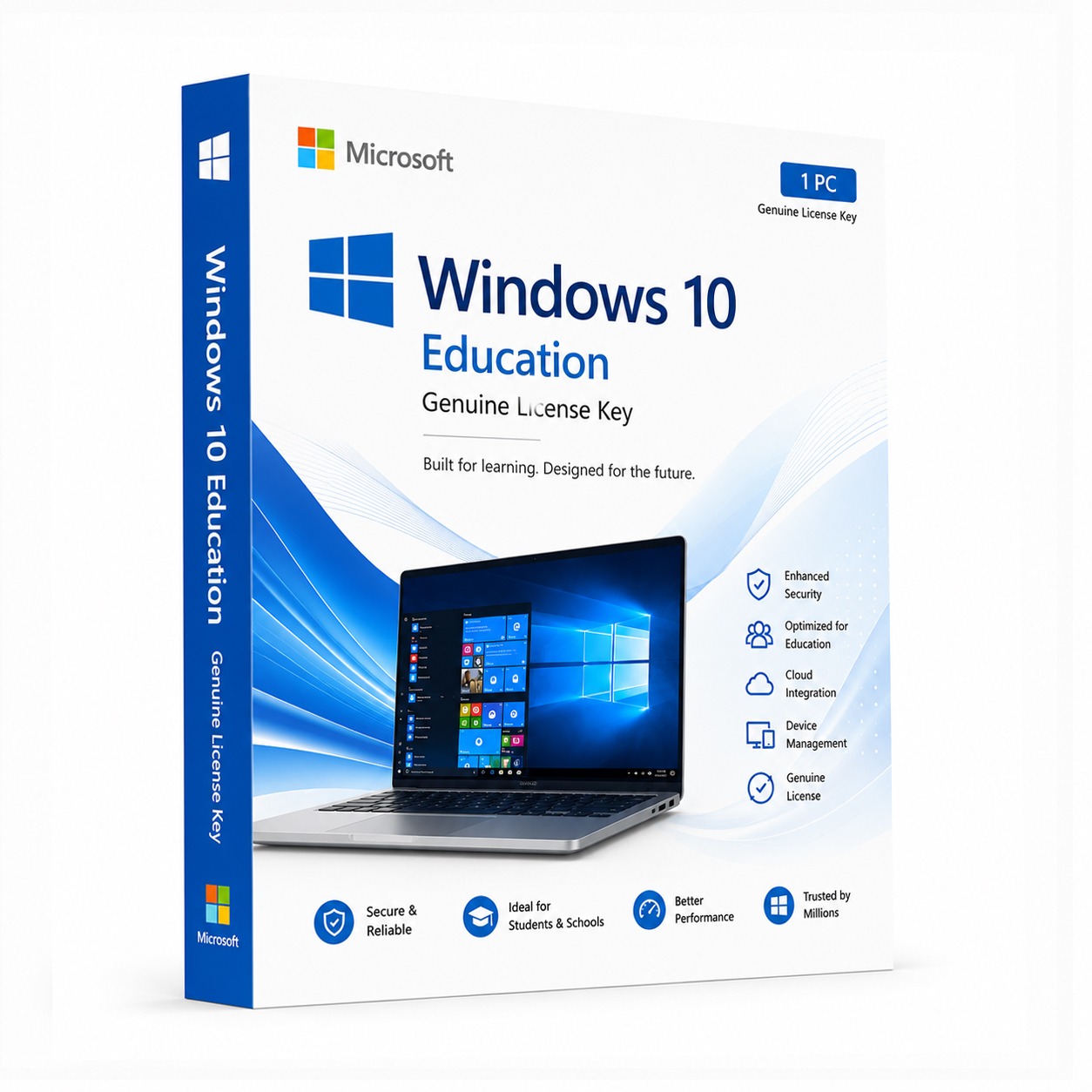
Microsoft Windows 10 Education – Genuine License Key
If you’re a student, educator, or academic institution looking for a fully legitimate Windows 10 Education license without navigating complicated institutional procurement processes, you’ve come to the right place. At QuickProductKey, every key we sell is sourced legitimately — no grey-market workarounds, no recycled activations, no risk. Just a clean, verified license delivered straight to your inbox, ready to activate the moment you need it.
So, What Exactly Is Windows 10 Education?
Windows 10 Education is Microsoft’s dedicated edition built specifically for academic environments — students, teachers, schools, universities, and training institutions. It sits at the top tier of the Windows 10 lineup, offering a feature set comparable to Windows 10 Enterprise, tailored for the demands of modern education.
This isn’t a stripped-down or limited version of Windows. Quite the opposite. Windows 10 Education includes everything in the Pro edition and adds enterprise-grade tools on top of it — making it one of the most capable versions of Windows 10 available. Whether you’re a student running resource-heavy software for engineering or design, a teacher managing a classroom of devices, or an institution deploying Windows across hundreds of machines, this edition was built with those exact needs in mind.
For individual students and educators purchasing outside of an institutional agreement, a genuine Education license gives you access to all of those features without the enterprise price tag or complex volume licensing paperwork.
What You Actually Get With Windows 10 Education
BitLocker Drive Encryption – Full-disk encryption that protects your data even if your laptop is lost or stolen. Essential for students and educators carrying sensitive work, research, or personal files on the go.
Remote Desktop – Access your PC from anywhere — your dorm room, the library, a coffee shop, or across the world. Perfect for students working across multiple locations or educators who need to access their work machine from home.
Hyper-V Virtualization – Run virtual machines directly on your PC without paying for additional software. Computer science students, IT trainees, and developers will find this particularly valuable for running test environments and lab setups.
Windows Sandbox – Open a completely isolated, temporary environment to test software or explore unfamiliar programs safely. When you close it, everything inside disappears — your main system stays clean and untouched.
Group Policy Management – Institutions and IT administrators can fine-tune system behaviour across every device on the network. Control what users can access, enforce configurations, and keep classroom machines consistent without third-party management tools.
Domain Join & Azure AD Join – Connect seamlessly to school or university networks, shared drives, and institutional resources. Both traditional Active Directory and modern cloud-based Azure Active Directory are fully supported.
AppLocker – Control exactly which applications are allowed to run on the machine. Useful for institutions managing shared devices and ensuring students only access approved software during exams or supervised sessions.
Credential Guard & Device Guard – Advanced security features that protect login credentials and lock down the system against malware and unauthorised software at a hardware level. Enterprise-grade protection built right into the OS.
Windows Update for Business – Manage when and how updates are applied. No more disruptive automatic restarts mid-assignment or during a lecture. Updates roll out on your schedule, not Microsoft’s.
Assigned Access & Kiosk Mode – Lock a shared machine down to a single application when needed. Ideal for exam terminals, library computers, or shared lab machines that should only run specific software.
Windows Hello – Sign in with face recognition or fingerprint authentication on supported hardware. Faster and more secure than passwords, and particularly convenient when you’re logging in and out of shared machines throughout the day.
Snap Layouts & Virtual Desktops – Built-in multitasking tools that genuinely help when you’re juggling multiple subjects, research tabs, writing tools, and communication apps at the same time.
DirectX 12 – Stronger graphics performance out of the box, relevant for design students, architects, engineers, and anyone running visualisation or creative software that demands GPU performance.
TPM + Secure Boot – Hardware-level security that activates before Windows even loads, protecting against low-level threats and firmware tampering — important for shared devices and machines storing sensitive academic data.
Everything Included With Your Purchase
✔ One genuine Windows 10 Education license key
✔ Delivered to your email address immediately after payment is confirmed
✔ Clear, step-by-step activation instructions included
✔ Direct link to Microsoft’s official Windows 10 download page
✔ Lifetime activation — pay once, use permanently
✔ Works on both 32-bit and 64-bit systems
Minimum System Requirements
| Component | What You Need |
|---|---|
| Processor | 1 GHz or faster, 32-bit or 64-bit |
| RAM | 1 GB (32-bit) / 2 GB (64-bit) |
| Storage | 32 GB free space |
| Graphics | DirectX 9 or later with WDDM 1.0 driver |
| Display | 800 x 600 or higher |
| Internet | Required for activation |
Before purchasing, check that your machine meets these requirements. Microsoft’s PC Health Check tool can confirm compatibility quickly and easily.
How Activation Works — Step by Step
- Place your order — your key arrives by email within minutes
- Head to Microsoft’s official site to download the Windows 10 Education ISO: https://quickproductkey.com/software-downloads/
- Run the installer — both fresh installs and in-place upgrades are supported
- Open Settings → Update & Security → Activation
- Click “Change product key” and enter your key
- Hit Activate — that’s it, you’re done
Stuck at any point? Our support team is available around the clock: https://quickproductkey.com/contact/
Windows 10 Home vs Pro vs Education — How They Compare
| Feature | Home | Pro | Education |
|---|---|---|---|
| BitLocker Encryption | ✗ | ✔ | ✔ |
| Remote Desktop | ✗ | ✔ | ✔ |
| Hyper-V | ✗ | ✔ | ✔ |
| Group Policy | ✗ | ✔ | ✔ |
| Windows Sandbox | ✗ | ✔ | ✔ |
| Domain & Azure AD Join | ✗ | ✔ | ✔ |
| AppLocker | ✗ | ✗ | ✔ |
| Credential Guard | ✗ | ✗ | ✔ |
| Device Guard | ✗ | ✗ | ✔ |
| Windows Update for Business | ✗ | ✔ | ✔ |
| Standard Features | ✔ | ✔ | ✔ |
Windows 10 Education sits above Pro in the feature hierarchy. If you need everything Pro offers plus advanced security tools like AppLocker, Credential Guard, and Device Guard — features normally reserved for Enterprise editions — Education is the version to get.
Who Should Choose Windows 10 Education?
Students – Whether you’re studying computer science, engineering, design, medicine, or the arts, Windows 10 Education gives you a professional-grade OS that handles everything your course demands. Heavy software, virtual machines, creative tools, research databases — this edition handles it all without compromise.
Teachers & Lecturers – Manage your classroom devices, access your work PC remotely, run presentations without interruption, and keep your own machine properly secured. Education gives you the tools to run a professional teaching environment smoothly.
Schools & Universities – IT departments managing large numbers of devices will appreciate the Group Policy tools, AppLocker controls, domain support, and enterprise-grade security features that make Windows 10 Education the natural choice for institutional deployment.
IT Trainees & Certification Students – If you’re studying for Microsoft certifications or IT qualifications, working on a genuine Windows 10 Education installation gives you hands-on experience with enterprise features that Home and even Pro don’t fully expose.
Academic Researchers – Security features like BitLocker and Credential Guard protect sensitive research data, while Hyper-V and Windows Sandbox give researchers the flexibility to run isolated environments for testing and analysis.
Why Customers Choose QuickProductKey
We’re not the cheapest option on the internet — and we don’t try to be. What we offer is reliability. Every key we sell is verified before it goes out. If for any reason activation fails, you get a full refund. No arguing, no runaround.
✔ Keys are genuine — not cracked, not reused
✔ Email delivery in minutes, not hours
✔ One-time payment, lifetime activation
✔ Money-back guarantee if it doesn’t work
✔ 24/7 support from people who actually know the product
✔ Secure checkout via PayPal, Visa, and Stripe
Full refund policy here: https://quickproductkey.com/refund-and-returns-policy/
This is a digital product. Nothing will be posted to you. Your license key is delivered by email as soon as your payment is confirmed.
Be the first to review “Microsoft Windows 10 Education – Genuine License Key”
You must be logged in to post a review.
Related products
Reviews
There are no reviews yet.