
 Instant Delivery to Your Email
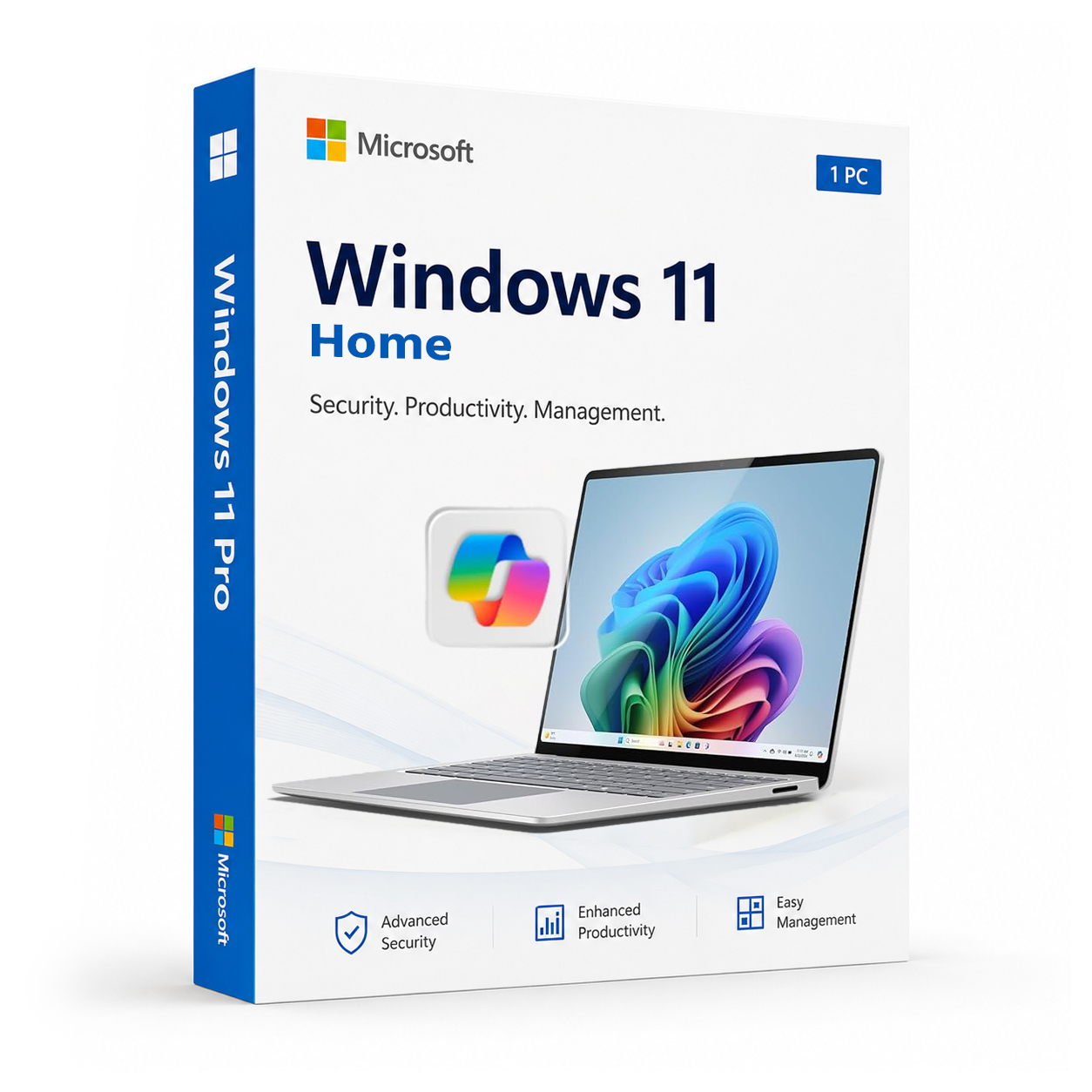
Microsoft Windows 11 Home – Original Activation Key
If you’re building a new PC, replacing a failed license, or simply ready to move on from Windows 10, Windows 11 Home is the cleanest, most straightforward way to get Microsoft’s latest operating system running on your personal machine. It’s fast, it’s polished, and after several years of updates and refinements, it’s genuinely the best version of Windows Home edition Microsoft has ever shipped. At QuickProductKey, every key we sell is sourced legitimately — no grey-market shortcuts, no recycled activations, no risk. Just a clean, verified license delivered straight to your inbox, ready to activate the moment you receive it.
So, What Exactly Is Windows 11 Home?
Windows 11 Home is Microsoft’s mainstream consumer edition — the version that ships pre-installed on the vast majority of new laptops and desktops sold today. It’s designed for everyday personal computing, and in 2026, it covers an enormous amount of ground. Gaming, content creation, remote learning, video calls, productivity, creative work — Windows 11 Home handles all of it with a level of polish and performance that earlier Windows editions simply didn’t offer.
Since its initial release, Windows 11 has gone through multiple significant updates that have addressed early criticisms, expanded features, and steadily improved performance across a wide range of hardware. What you’re getting today is a mature, well-refined operating system — not a first-generation release with rough edges still to be smoothed out.
For personal use, home offices, students, creatives, and anyone who wants a fast and reliable everyday computing environment without the complexity of enterprise features, Windows 11 Home is exactly the right choice.
What You Actually Get With Windows 11 Home
Redesigned Start Menu & Taskbar – Windows 11’s centred Start Menu and clean taskbar design represent the most significant visual overhaul Windows has seen in years. After multiple rounds of refinement based on user feedback, the layout is intuitive, uncluttered, and genuinely faster to navigate than Windows 10’s equivalent.
Snap Layouts & Snap Groups – One of the most practically useful features in Windows 11, Snap Layouts lets you organise open windows into custom arrangements with a single hover. Snap Groups remembers which apps you had grouped together, so switching between tasks doesn’t mean rebuilding your workspace from scratch every time.
Virtual Desktops – Create separate desktop environments for different areas of your life — one for work, one for personal use, one for creative projects. Switch between them instantly without closing anything. It’s a simple feature that makes a noticeable difference to how organised your computing feels day to day.
Windows Hello – Sign in with face recognition or fingerprint authentication on supported hardware. It’s faster than typing a password, significantly more secure, and once you’ve used it for a week, going back to manual login feels like a step backwards.
Microsoft Store – Completely rebuilt for Windows 11, the Microsoft Store now hosts a far wider range of applications than previous versions, including Android apps through the Amazon Appstore integration. Finding, installing, and updating software is considerably cleaner than it used to be.
Android App Support – Run Android applications directly on your Windows 11 desktop. The integration has matured considerably since launch and in 2026 covers a broad library of apps, making it genuinely useful for anyone who moves between mobile and desktop workflows throughout the day.
DirectX 12 Ultimate – The highest tier of DirectX support, delivering better gaming performance, more realistic graphics, and improved performance in creative and visualisation software. On compatible hardware, the difference in gaming and GPU-accelerated workloads is tangible.
Auto HDR – Automatically enhances the visual quality of games that weren’t originally built for HDR displays, bringing improved colour depth and contrast to a much wider library of titles without any manual configuration.
DirectStorage – Dramatically reduces game load times on NVMe SSDs by allowing the GPU to load assets directly from storage without bottlenecking through the CPU. On supported hardware, the difference in loading speed is immediately noticeable.
Widget Panel – A personalised, at-a-glance information panel for news, weather, calendar events, sports scores, and more. Accessible with a single click or gesture, it keeps relevant information within reach without cluttering your desktop.
Microsoft Teams Integration – Teams is built directly into the taskbar, making video calls and messaging accessible without opening a separate application. For anyone who regularly communicates with family, friends, or colleagues over video, having it one click away is a genuine convenience.
OneDrive Integration – Seamless cloud storage built into the OS. Files sync automatically across your devices, so your documents, photos, and work are accessible from any machine without manual transfers or worrying about local backups.
Windows Security – Microsoft Defender Antivirus, Firewall, and the full Windows Security suite are built in and active from the moment you boot up. No third-party antivirus subscription required — Windows 11 Home ships with serious, continuously updated protection out of the box.
Smart App Control – Uses AI-based analysis to identify and block untrusted or potentially harmful applications before they can execute. A meaningful security addition that works quietly in the background without requiring configuration or manual intervention.
TPM 2.0 + Secure Boot – Hardware-level security that validates the integrity of your system before the OS loads. On modern hardware, these features work together to create a security foundation that’s significantly harder to compromise than older approaches.
Improved Touchscreen & Pen Support – Windows 11 Home is considerably better optimised for touchscreen devices than Windows 10 was. Gestures, on-screen keyboard behaviour, pen input, and touch-friendly UI adjustments make it the natural choice for 2-in-1 laptops and tablet-mode devices.
Voice Typing – Press Win + H anywhere in Windows and start dictating. The voice recognition has improved substantially over successive updates and handles natural speech accurately across a wide range of accents and speaking styles.
Accessibility Features – Windows 11 Home includes a comprehensive suite of accessibility tools — Narrator, Magnifier, Colour Filters, Live Captions, and more — all significantly improved over their Windows 10 equivalents.
Everything Included With Your Purchase
✔ One genuine Windows 11 Home license key
✔ Delivered to your email address immediately after payment is confirmed
✔ Clear, step-by-step activation instructions included
✔ Direct link to Microsoft’s official Windows 11 download page
✔ Lifetime activation — pay once, use permanently
✔ Works on 64-bit systems
Minimum System Requirements
| Component | What You Need |
|---|---|
| Processor | 1 GHz or faster, at least 2 cores, 64-bit or ARM |
| RAM | 4 GB |
| Storage | 64 GB free space |
| Firmware | UEFI with Secure Boot enabled |
| TPM | Version 2.0 |
| Display | 720p or higher, 9 inches or larger |
| Internet | Required for activation and initial setup |
Windows 11 has stricter hardware requirements than Windows 10 — TPM 2.0 in particular is worth verifying before you purchase. Microsoft’s PC Health Check tool confirms compatibility on your machine in seconds.
Full system requirements: https://support.microsoft.com/en-us/windows/windows-11-system-requirements
How Activation Works — Step by Step
- Place your order — your key arrives by email within minutes
- Head to Microsoft’s official site to download the Windows 11 Home ISO: https://quickproductkey.com/software-downloads/
- Run the installer — fresh installs and in-place upgrades from Windows 10 are both fully supported
- Open Settings → System → Activation
- Click “Change product key” and enter your key
- Hit Activate — you’re done
Stuck at any point? Our support team is available around the clock: https://quickproductkey.com/contact/
Windows 11 Home vs Pro — Quick Honest Comparison
| Feature | Home | Pro |
|---|---|---|
| BitLocker Encryption | ✗ | ✔ |
| Remote Desktop | ✗ | ✔ |
| Hyper-V Virtualization | ✗ | ✔ |
| Group Policy Management | ✗ | ✔ |
| Windows Sandbox | ✗ | ✔ |
| Domain & Azure AD Join | ✗ | ✔ |
| Windows Update for Business | ✗ | ✔ |
| Windows Hello | ✔ | ✔ |
| Smart App Control | ✔ | ✔ |
| Android App Support | ✔ | ✔ |
| DirectX 12 Ultimate | ✔ | ✔ |
| Snap Layouts & Groups | ✔ | ✔ |
| OneDrive Integration | ✔ | ✔ |
For personal use, everyday computing, gaming, content creation, and home office work — Windows 11 Home covers everything you need without paying for features designed for business environments. If you need BitLocker, Remote Desktop, Hyper-V, or Group Policy, the Pro edition is worth the step up. But for the majority of personal users, Home is the right call.
Who Should Choose Windows 11 Home?
Everyday Personal Users – Browsing, streaming, communication, Microsoft 365, creative apps, and everything in between. Windows 11 Home handles all of it smoothly on compatible hardware, with a cleaner and more responsive experience than Windows 10 ever delivered.
Gamers – DirectX 12 Ultimate, Auto HDR, DirectStorage, and Xbox integration make Windows 11 Home the best gaming platform Microsoft has ever shipped. If your primary use case includes gaming, this is where Windows 11 Home genuinely shines.
Students – A clean, fast environment for research, writing, video calls, and productivity tools. Android app support means your mobile study apps work on your desktop too, and OneDrive keeps your work backed up and accessible across devices automatically.
Content Creators – Video editing, photo editing, music production, and graphic design all benefit from the improved performance and DirectX 12 Ultimate support in Windows 11 Home. On capable hardware, the difference in GPU-accelerated creative workloads is real and measurable.
Home Office Workers – Teams integration, OneDrive sync, a well-designed virtual desktop system, and Snap Layouts make Windows 11 Home a genuinely productive environment for working from home. You don’t need Pro edition features to run a smooth, organised home office setup.
Touchscreen & 2-in-1 Device Owners – If you’re running Windows 11 Home on a Surface, a convertible laptop, or any touchscreen device, the improved touch and pen support in Windows 11 makes a noticeable difference to how natural and responsive the experience feels compared to Windows 10.
Anyone Upgrading From Windows 10 – Windows 10 reaches end of support in October 2025, meaning security updates stop. If you’re still running Windows 10, upgrading to Windows 11 Home with a genuine license is the straightforward, sensible path forward — and the upgrade process from Windows 10 is smooth and well-supported.
Why Customers Choose QuickProductKey
We’re not the cheapest option on the internet — and we don’t try to be. What we offer is reliability. Every key we sell is verified before it goes out. If for any reason activation fails, you get a full refund. No arguing, no runaround.
✔ Keys are genuine — not cracked, not reused
✔ Email delivery in minutes, not hours
✔ One-time payment, lifetime activation
✔ Money-back guarantee if it doesn’t work
✔ 24/7 support from people who actually know the product
✔ Secure checkout via PayPal, Visa, and Stripe
Full refund policy here: https://quickproductkey.com/refund-and-returns-policy/
This is a digital product. Nothing will be posted to you. Your license key is delivered by email as soon as your payment is confirmed.
Be the first to review “Microsoft Windows 11 Home – Original Activation Key”
You must be logged in to post a review.
Related products
Reviews
There are no reviews yet.