

 Instant Delivery to Your Email
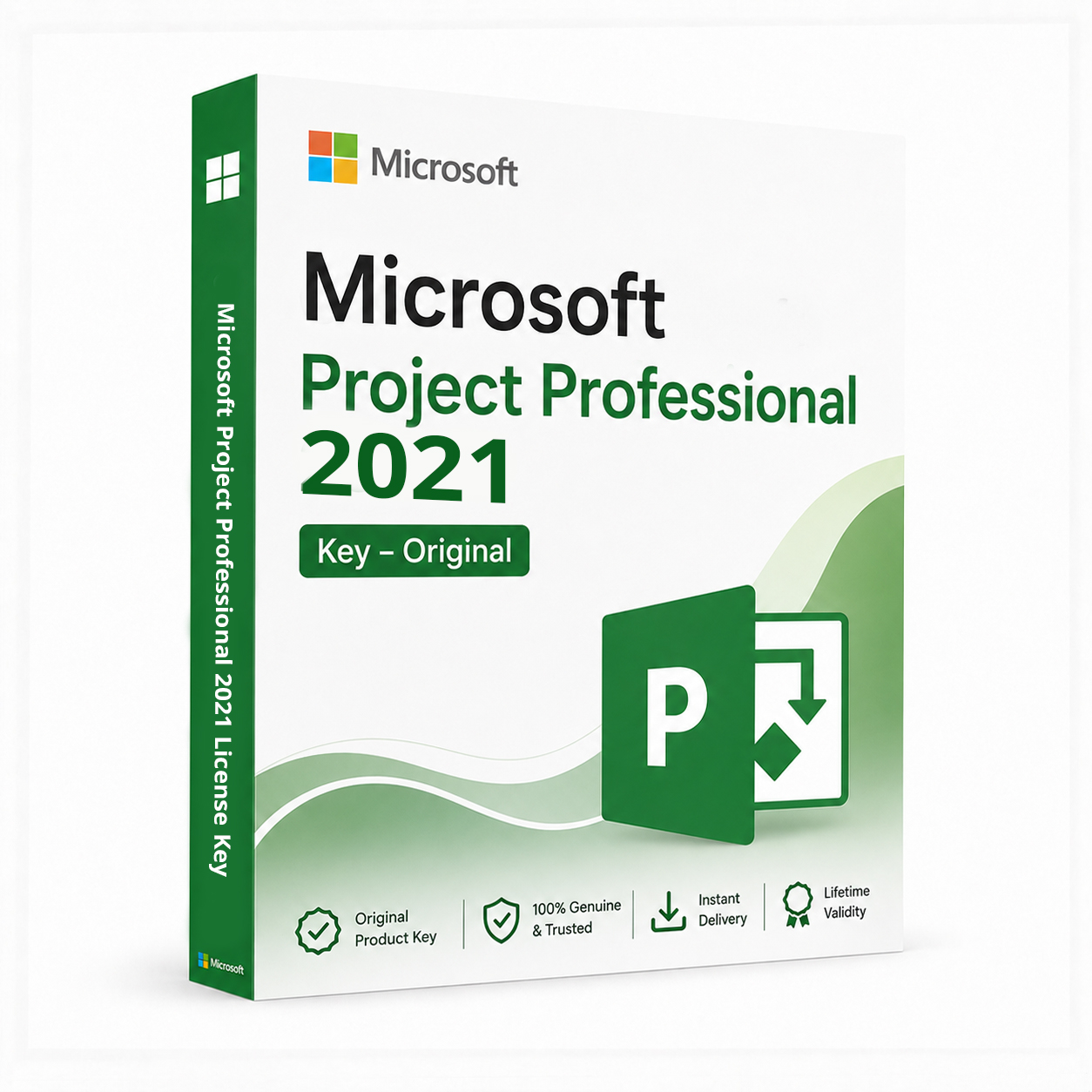
Microsoft Project Professional 2021 – Genuine License Key
Enterprise-grade project management. One purchase. Licensed for life.
Microsoft Project Professional 2021 is the industry-standard tool for planning, scheduling, and managing projects of any scale — from small team initiatives to complex, multi-resource enterprise programmes. This genuine license key delivers a permanent, fully activated installation on one PC, with no subscription attached. One payment, one key, lifetime access to the most widely used project management software in business today.
Why Project Professional 2021 — And Who It’s Built For
Project management software ranges from simple task trackers to genuinely powerful planning engines — and Microsoft Project Professional sits firmly at the powerful end. It’s the tool project managers, programme leads, and operations teams turn to when spreadsheets stop being adequate and proper scheduling, resource allocation, and dependency management become necessary.
The “Professional” edition is the version that matters for serious use. Where Project Standard covers basic scheduling for individual planners, Professional adds the collaborative and resource management features that turn Project from a personal planning tool into something a team or organisation can actually run on. Server connectivity, team collaboration, and enterprise resource pooling are all part of the Professional tier — capabilities Standard simply doesn’t include.
Project 2021 also represents a meaningful refinement over the 2019 release — improved performance on modern hardware, a cleaner interface consistent with the rest of the Office 2021 family, and continued compatibility with current Windows versions. And as a 2021 perpetual license, this is a one-time purchase. No recurring subscription, no dependency on continued payments to keep your project files accessible. You own the license permanently.
What You Get With Project Professional 2021
Gantt Chart Scheduling
Build detailed project timelines with task dependencies, milestones, and critical path analysis. The Gantt chart remains the backbone of project visualisation — Project 2021 refines it further with smoother rendering and more intuitive manual adjustment.
Resource Management & Allocation
Assign team members to tasks, track availability, identify over-allocation before it becomes a problem, and balance workloads across your entire project. Resource levelling tools redistribute work automatically when conflicts arise.
Task Dependencies & Critical Path Analysis
Map how tasks relate to one another, automatically recalculate timelines when dependencies shift, and identify the critical path — the sequence of tasks that directly determines your project’s earliest possible completion date.
Cost & Budget Tracking
Track planned versus actual costs at the task, resource, and project level. Earned value analysis tools help measure project performance against budget and schedule baselines simultaneously.
Multiple Project Views
Switch between Gantt charts, network diagrams, resource sheets, calendars, and task usage views — each suited to a different aspect of project planning and reporting, all working from the same underlying project data.
Team Collaboration via Project Server/Online
Professional edition connects to Project Server or Project Online for team-based collaboration — task updates from team members flow back into the master schedule, keeping the plan current without manual chasing.
Enterprise Resource Pool
Manage resources across multiple projects simultaneously, with visibility into how a single team member’s time is allocated across every active initiative — a capability exclusive to the Professional tier.
Custom Fields & Reporting
Build custom fields to track project-specific data points, then generate visual reports and dashboards that communicate progress to stakeholders without manual report-building from scratch.
What-If Scenario Planning
Test multiple scheduling scenarios before committing to a plan — adjust timelines, resources, or dependencies and see the downstream impact instantly before locking in your final schedule.
Baseline Tracking
Set a project baseline at kickoff, then track variance as the project progresses — a fundamental capability for any project manager who needs to report on schedule and budget performance accurately.
Full Office 2021 Integration
Import and export data between Project and Excel, embed Project files in PowerPoint presentations, and share schedules through Outlook — built to work seamlessly alongside the rest of the Office 2021 suite.
Improved Performance on Modern Hardware
Project 2021 runs more efficiently on current-generation processors compared to the 2019 release, with faster file loading and smoother handling of larger, more complex project schedules.
Everything Included With Your Purchase
✔ One genuine Microsoft Project Professional 2021 license key
✔ Delivered to your inbox immediately after payment is confirmed
✔ Step-by-step activation instructions included
✔ Direct link to Microsoft’s official download page
✔ Lifetime activation — one-time purchase, permanently licensed
✔ Licensed for one PC
✔ Compatible with both 32-bit and 64-bit systems
System Requirements
| Component | Requirement |
|---|---|
| Operating System | Windows 10 or Windows 11 |
| Processor | 1.6 GHz+, 2 cores minimum |
| RAM | 4 GB (64-bit), 2 GB (32-bit) |
| Storage | 4 GB free space |
| Display | 1280 × 768 resolution or higher |
| Internet | Required for activation |
| Microsoft Account | Required for activation |
Full compatibility details available on Microsoft’s official support page.
Project 2021 System Requirements
How Activation Works — Step by Step
- Complete your purchase — your license key arrives by email within minutes
- Download Project Professional 2021 from Microsoft’s official site: Download Here
- Run the installer and follow the on-screen setup process
- Open Project
- Click File → Account → Activate Product
- Sign in with your Microsoft account when prompted
- Enter your license key in the activation window
- Click Activate — permanently licensed on your PC
Need help at any step? Support is available around the clock: Contact Support
Project Standard vs Project Professional — Key Differences
| Feature | Standard | Professional |
|---|---|---|
| Gantt Chart Scheduling | ✔ | ✔ |
| Task Dependencies | ✔ | ✔ |
| Resource Management | ✔ | ✔ |
| Cost & Budget Tracking | ✔ | ✔ |
| Critical Path Analysis | ✔ | ✔ |
| Project Server/Online Connectivity | ✗ | ✔ |
| Team Collaboration Tools | ✗ | ✔ |
| Enterprise Resource Pool | ✗ | ✔ |
| Co-Authoring with Project Online | ✗ | ✔ |
| Multi-Project Resource Visibility | ✗ | ✔ |
For individual planners managing a single project in isolation, Standard is sufficient. The moment a team needs to collaborate, resources need to be shared across multiple projects, or visibility needs to extend beyond one planner’s desktop, Professional becomes the only edition that covers the requirement.
Project Professional 2021 vs Project 2019 — What’s Different?
| Aspect | Project 2021 | Project 2019 |
|---|---|---|
| Core Scheduling Features | ✔ | ✔ |
| Resource Management | ✔ | ✔ |
| Performance on Modern Hardware | Improved | Standard |
| Interface Consistency with Office 2021 | ✔ | Partial |
| Security Update Support Window | Longer | Shorter |
| Compatibility with Windows 11 | Fully optimised | Compatible |
Project 2021 is the better long-term choice for anyone purchasing today — same core capabilities, longer support runway, and better alignment with current Windows and Office versions.
Project Professional 2021 vs Project Online — Honest Comparison
| Aspect | Project Pro 2021 | Project Online (Microsoft 365) |
|---|---|---|
| Payment Model | One-time purchase | Monthly/annual subscription |
| License Duration | Permanent | Active while subscribed |
| Cloud Collaboration | Requires Project Server | Native cloud-based |
| Offline Use | Full functionality | Limited |
| Feature Updates | Security updates only | Ongoing new features |
| Multi-User Access | Single license, single PC | Per-user cloud licensing |
| Price Over Time | Pay once | Recurring cost |
For users who want a permanent, desktop-based project management tool without ongoing subscription costs — and who don’t require native cloud-based team collaboration — Project Professional 2021 is the practical, cost-effective choice.
Who Is This For?
- Project managers running formal, structured project schedules with dependencies and resources
- Programme leads overseeing multiple projects that share a common resource pool
- Construction, engineering, and IT professionals who need detailed scheduling and critical path analysis
- Operations teams tracking budgets, timelines, and resource allocation across initiatives
- Consultants delivering project plans and schedules as client deliverables
- Organisations standardising on Microsoft Project for consistency across departments
- Anyone upgrading from Project 2016, 2019, or an older version to a current, fully supported release
Why Customers Choose QuickProductKey
We’re not the cheapest option on the internet — and we don’t try to be. What we offer is reliability. Every key is verified before it goes out. If activation fails for any reason, you get a full refund — no questions, no delays.
✔ All keys are genuine — not cracked, not reused
✔ Email delivery in minutes, not hours
✔ One-time payment, lifetime activation
✔ Money-back guarantee if the key doesn’t work
✔ 24/7 support from people who actually know the product
✔ Secure checkout via PayPal, Visa, and Stripe
Full refund policy: Refund & Returns Policy
This is a digital product. Nothing will be posted to you. Your license key is delivered by email the moment your payment is confirmed.
Be the first to review “Microsoft Project Professional 2021 License Key”
You must be logged in to post a review.




Reviews
There are no reviews yet.