

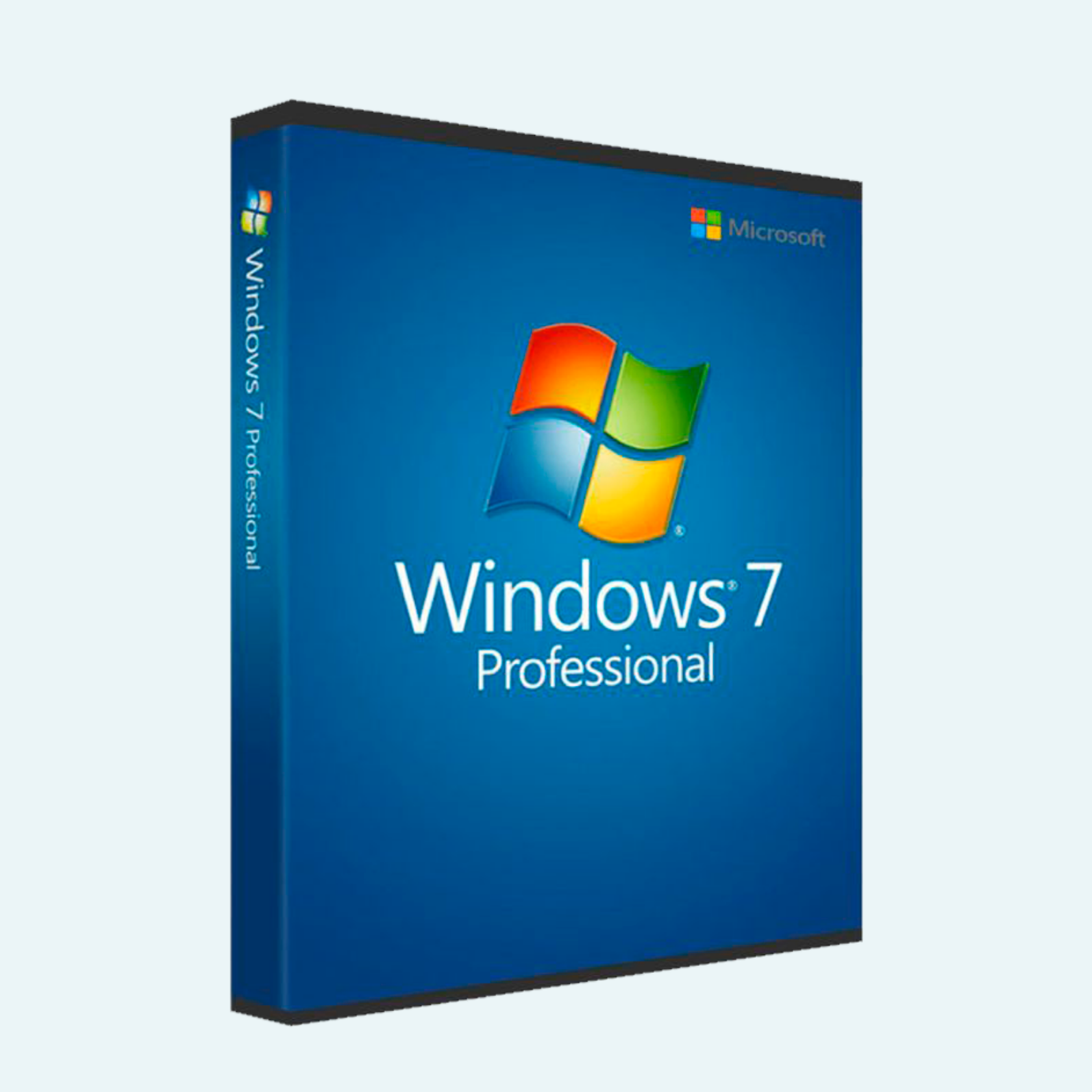
Revive Your Classic Computing Experience with Genuine Windows 7 Professional
Unlock the timeless reliability and familiarity of Windows 7 Professional with this original license key. Designed for professionals, small businesses, and power users who value stability and productivity, this authentic Microsoft license ensures seamless access to a robust operating system that’s still trusted by millions for legacy applications, specialized workflows, and everyday computing. Whether you’re upgrading an older PC, setting up a virtual machine, or maintaining a reliable workhorse, this key provides legitimate activation without the hassle of counterfeit risks.
Key Features
- Enhanced Security & Management: Built-in BitLocker encryption, Windows Defender antivirus, and advanced domain joining for enterprise-level security and network management.
- Aero Desktop & Multitasking: Stunning visual effects with Aero Glass, snap-to-window resizing, and libraries for effortless file organization across multiple drives.
- Professional Tools: Remote Desktop hosting, XP Mode for legacy app compatibility, and integrated backup solutions to safeguard your data.
- Performance Optimized: Lightweight footprint ideal for mid-range hardware, with quick boot times and efficient resource usage for smooth operation.
- Genuine Microsoft Authenticity: Instant online validation to guarantee legitimacy, updates, and support eligibility where available.
System Requirements
- Processor: 1 GHz or faster 32-bit (x86) or 64-bit (x64) processor
- RAM: 1 GB (32-bit) or 2 GB (64-bit)
- Hard Disk Space: 16 GB (32-bit) or 20 GB (64-bit) available space
- Graphics Card: DirectX 9 graphics device with WDDM 1.0 or higher driver
- Other: DVD drive (for installation media), internet connection for activation and updates, and a compatible Microsoft Windows 7 installation disc or ISO (not included)
Note: Windows 7 reached end-of-support on January 14, 2020. This license is for reactivation or installation on eligible hardware only. Microsoft recommends upgrading to a supported OS for optimal security.
Download, Install, and Activation Guide
This product provides a digital license key only—no installation media is included. You’ll need a valid Windows 7 Professional ISO or DVD (downloadable from official Microsoft archives or your existing media).
- Download Installation Media (if needed):
- Visit the official Microsoft website or use the Media Creation Tool for Windows 7 (availability may vary by region).
- Download the Windows 7 Professional ISO file matching your architecture (32-bit or 64-bit).
- Install Windows 7 Professional:
- Create bootable media: Burn the ISO to a DVD or use a tool like Rufus to create a USB boot drive.
- Boot from the media: Restart your PC, enter BIOS/UEFI settings (usually F2, F10, or Del key), and set the DVD/USB as the first boot device.
- Follow the on-screen setup wizard: Select language, enter your product key when prompted (or skip and activate later), choose custom installation, and complete the process. Your system will restart several times.
- Activate the Product:
- Via File Menu: After installation, open the Start menu > right-click Computer > select Properties. Under “Activation,” click “Activate Windows now.” Enter the provided license key and follow the prompts.
- Via Account/Settings: Go to Start > Control Panel > System and Security > System > “Activate Windows.” If online, choose automatic activation; otherwise, select “Show me other ways to activate” for phone or internet methods.
- Troubleshooting: Ensure internet connectivity for online activation. If issues arise, use the built-in SLMGR tool (run as admin: slmgr /ato) or contact Microsoft support with your key for manual validation.
Your key will activate immediately upon successful verification, displaying “Windows is activated” in System properties. Enjoy unrestricted access to all Pro features!
Ready to Purchase? Add to cart now for instant email delivery of your unique license key. Questions? Our support team is here to help.
Be the first to review “Windows 7 Professional | Original License Key”
Related products
Microsoft Windows
Microsoft Windows
Microsoft Windows
Microsoft Windows
Microsoft Windows
Microsoft Windows
Microsoft Windows 11 Professional 32/64 Bit License Key – 1PC Lifetime
Microsoft Windows
Reviews
There are no reviews yet.