

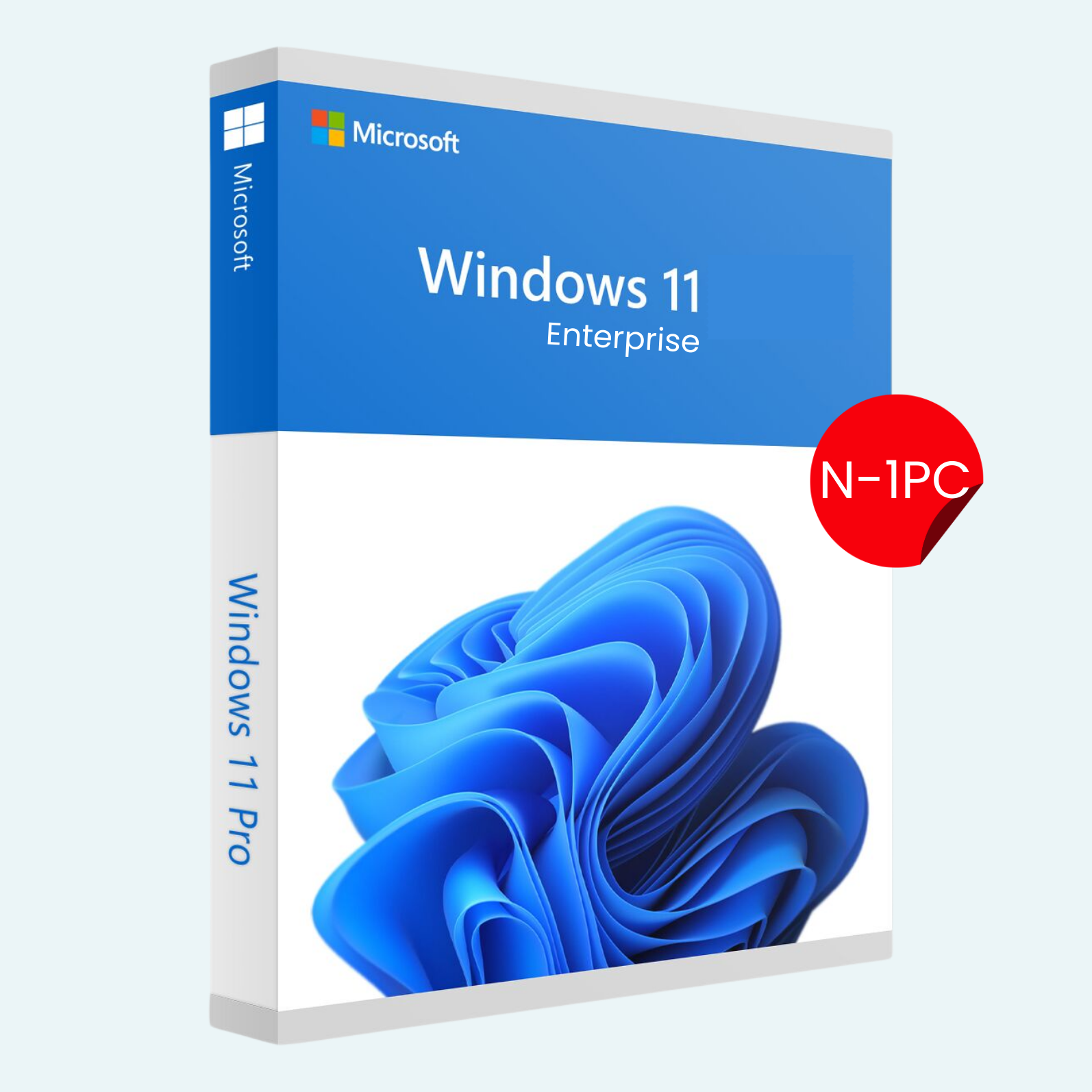
Unlock the full potential of Microsoft’s premier operating system tailored for business and advanced users. The Windows 11 Enterprise N edition delivers robust security, seamless collaboration tools, and enterprise-grade management features—all without bundled media apps like Windows Media Player for a leaner, customizable experience. This lifetime 1-PC license key provides permanent activation for a single device, ensuring reliable performance and compliance with your organization’s needs. Ideal for professionals, IT admins, and small teams seeking a secure, efficient Windows environment.
Key Features
- Advanced Security: BitLocker encryption, Windows Hello biometric authentication, and Windows Defender Antivirus with real-time threat protection safeguard your data and devices.
- Enterprise Management: Integration with Microsoft Intune and Azure Active Directory for centralized device management, policy enforcement, and remote access.
- Productivity Enhancements: Snap Layouts, virtual desktops, and AI-powered tools like Copilot (where available) streamline multitasking and workflow efficiency.
- N Edition Benefits: Excludes media-related features for a streamlined install, allowing you to add only what you need—perfect for compliance-focused environments.
- Long-Term Support: Enjoy ongoing security updates and feature improvements through Microsoft’s Enterprise servicing channels.
- 1-PC Lifetime License: Activate once and use indefinitely on one designated Windows-compatible PC—no subscriptions or renewals required.
System Requirements
Before purchasing, ensure your device meets these minimum specifications for optimal performance:
- Processor: 1 GHz or faster with 2+ cores on a compatible 64-bit processor (e.g., Intel 8th Gen or newer, AMD Ryzen 2000 series or newer).
- RAM: 4 GB or more.
- Storage: 64 GB or larger storage device.
- Graphics Card: DirectX 12 compatible with WDDM 2.0 driver.
- TPM: Version 2.0 (Trusted Platform Module).
- Display: High-definition (720p) display greater than 9″ diagonally, 8 bits per color channel.
- Internet Connection: Required for download, setup, and some features (including initial activation).
- Microsoft Account: Needed for activation and certain cloud features.
- Other: UEFI firmware with Secure Boot capability; compatible hardware list available on Microsoft’s website.
Note: This is a digital license key for Windows 11 Enterprise N (64-bit only). It is intended for new installations or upgrades from qualifying Windows editions. Not compatible with ARM-based devices or as a retail upgrade from Home/Pro without eligibility.
How to Download, Install, and Activate
Follow these simple steps to get up and running in minutes:
- Download Windows 11:
- Visit the official Microsoft website

- Select “Download Windows 11 Disk Image (ISO)” and choose the Enterprise N edition (or use the Media Creation Tool for a bootable USB).
- Save the ISO file to your device.
- Visit the official Microsoft website
- Install Windows 11:
- Create installation media: Burn the ISO to a DVD or use Rufus (free tool) to make a bootable USB drive.
- Boot from the media: Restart your PC, enter BIOS/UEFI (usually F2/Del key), set the USB/DVD as first boot device, and save changes.
- Follow the on-screen setup wizard: Select language, edition (Enterprise N), and custom installation if needed. Enter your product key when prompted (or skip and activate later).
- Complete the installation, which typically takes 20-60 minutes depending on hardware.
- Activate the Product:
- After installation, go to Settings > System > Activation.
- Click “Change product key” and enter the license key provided upon purchase (format: XXXXX-XXXXX-XXXXX-XXXXX-XXXXX).
- If online, activation happens automatically. If offline or issues arise, select “Troubleshoot” or use the Activation Troubleshooter.
- For enterprise setups: Link to your Microsoft Account or Azure AD for domain-joined activation.
- Verify status: It should show “Windows is activated with a digital license.”
Support: Instant digital delivery via email upon purchase. If activation fails, contact Microsoft Support (support.microsoft.com) with your key. This license is non-transferable and for genuine use only—violations may result in deactivation.
Ready to Transform Your PC? Add to cart now and experience the future of Windows!
Be the first to review “Windows 11 Enterprise N 1-PC License Key”
Related products
Microsoft Windows
Microsoft Windows
Microsoft Windows
Microsoft Windows
Microsoft Windows
Microsoft Windows
Microsoft Windows
Reviews
There are no reviews yet.