

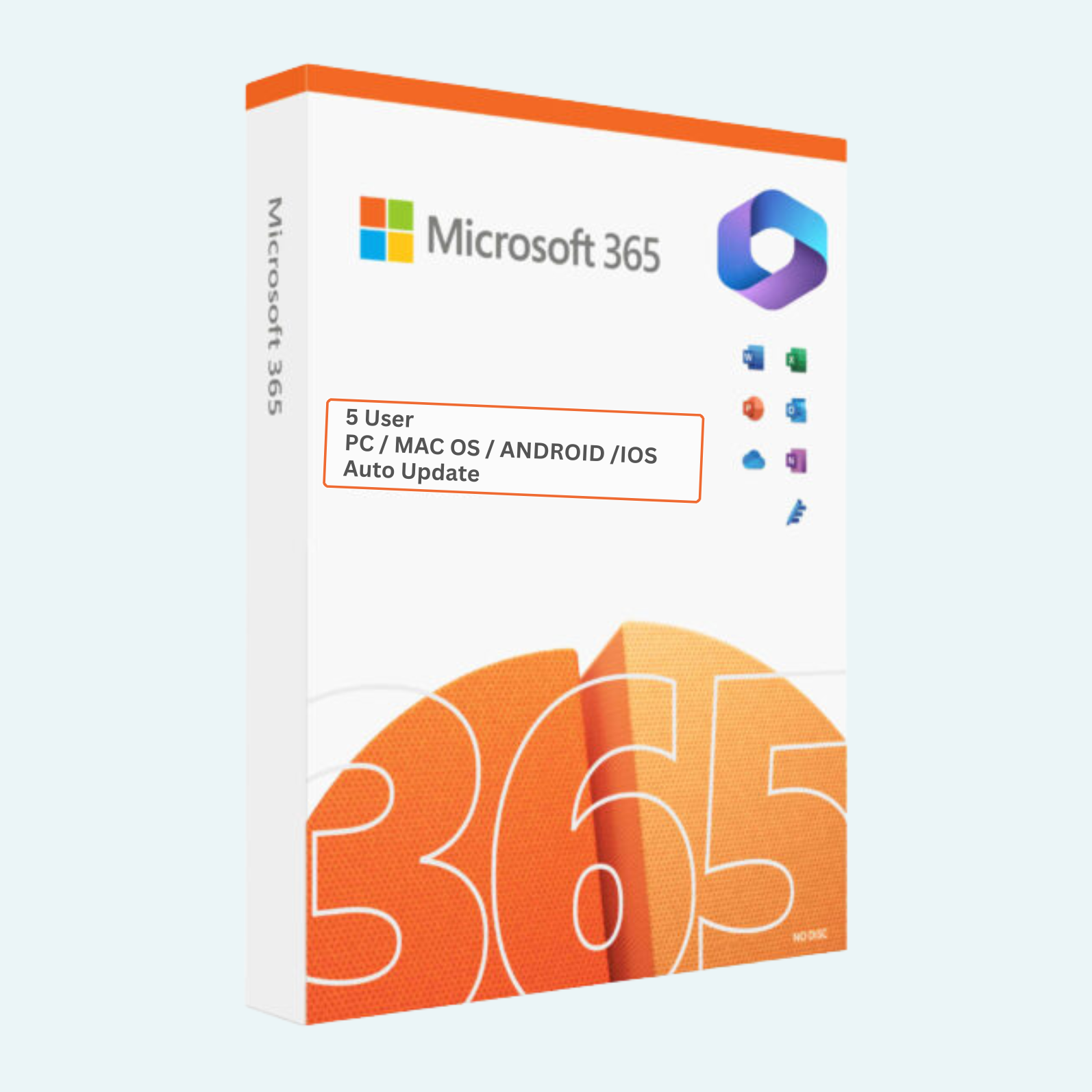
Unlock Productivity Anywhere with Microsoft Office 365 Professional Plus
Elevate your work and collaboration with a full year of access to the world’s most trusted productivity suite. This Office 365 Professional Plus account provides seamless, cloud-powered tools for creating, editing, and sharing documents on up to 5 devices simultaneously. Perfect for professionals, students, and teams who need reliable access to Word, Excel, PowerPoint, Outlook, OneNote, Publisher, Access, and more—plus advanced features like 1TB of OneDrive cloud storage per user, real-time co-authoring, and built-in AI enhancements. Say goodbye to version hassles and hello to always-updated software that keeps you productive on Windows, Mac, web, or mobile.
Key Features
- Full Suite Access: Includes desktop, web, and mobile versions of Word, Excel, PowerPoint, Outlook, OneNote, Publisher, and Access for comprehensive document creation and management.
- Multi-Device Flexibility: Install and activate on up to 5 PCs, Macs, tablets, or smartphones—switch seamlessly between devices without losing progress.
- Cloud Integration: 1TB OneDrive storage for secure file backups, sharing, and collaboration; edit files in real-time with others via Microsoft Teams or browser.
- Advanced Tools: Harness AI-powered insights in Excel (e.g., Ideas for data analysis), Designer in PowerPoint for stunning visuals, and premium Outlook features like focused inbox and email scheduling.
- Security & Updates: Enterprise-grade protection with ransomware detection, data loss prevention, and automatic security updates—no manual patches required.
- 1-Year Subscription: Continuous access with auto-renewal options; includes 24/7 Microsoft support for troubleshooting.
System Requirements
To ensure optimal performance, your devices should meet these minimum specs:
- Operating System: Windows 10/11 (64-bit recommended), macOS 11 or later, or supported mobile OS (iOS 13+, Android 8.0+). Web versions work on any modern browser (Edge, Chrome, Firefox, Safari).
- Processor: 1.6 GHz or faster (2 GHz+ for multi-core recommended).
- RAM: 4 GB (8 GB+ recommended for multitasking).
- Storage: 4 GB free space for desktop apps; additional for files.
- Display: 1024 x 768 resolution or higher.
- Internet: Broadband connection required for download, activation, and cloud features.
- Microsoft Account: Required for setup and access (free to create).
How to Get Started: Download, Install, and Activate
Getting up and running is quick and straightforward—follow these steps to activate your account and start using Office 365 Professional Plus on your devices:
- Download the Apps:
- Visit office.com and sign in with the Microsoft account credentials provided in your purchase (email and password).
- Navigate to Install Office > Office 365 apps and select Install to download the latest version for your device (Windows/Mac installer or app store links for mobile).
- Install on Your Devices:
- Run the downloaded installer (.exe for Windows or .pkg for Mac) and follow the on-screen prompts.
- Choose Personal or Work/School mode (use Personal for this subscription).
- Install on up to 5 devices—Office will detect and sync across them automatically. For mobile, search “Microsoft Office” in the App Store or Google Play and sign in.
- Account Sign-In and Activation:
- Open any Office app (e.g., Word) and select Sign in with the provided Microsoft account email and password.
- If prompted, go to File > Account (or Help > Manage Account on Mac).
- Under Product Information, click Activate Product or Sign in to activate. Enter your account details to link the 1-year subscription.
- Verify activation: You’ll see “Product Activated” with your subscription details, including expiration date.
File > Account > Activate Product Tips:
- In desktop apps: Click File tab > Account section > Change Product Key or Activate Product if needed (though sign-in usually auto-activates).
- Troubleshoot: If activation fails, ensure you’re online, clear browser cache, or visit support.microsoft.com for activation help. Your subscription activates instantly upon first sign-in.
Ready to boost your efficiency? Purchase now and transform how you work—your 1-year adventure in productivity awaits! If you have questions, our support team is here to help.
Be the first to review “OFFICE 365 Professional Plus ACCOUNT (1 YEAR) – 5 DEVICES”
Related products
Microsoft Office
Microsoft Office
Microsoft Office
Microsoft Office
Microsoft Office
Microsoft Office For MAC
Microsoft Office 2021 Home & Business for Mac – Genuine License Key
Reviews
There are no reviews yet.