

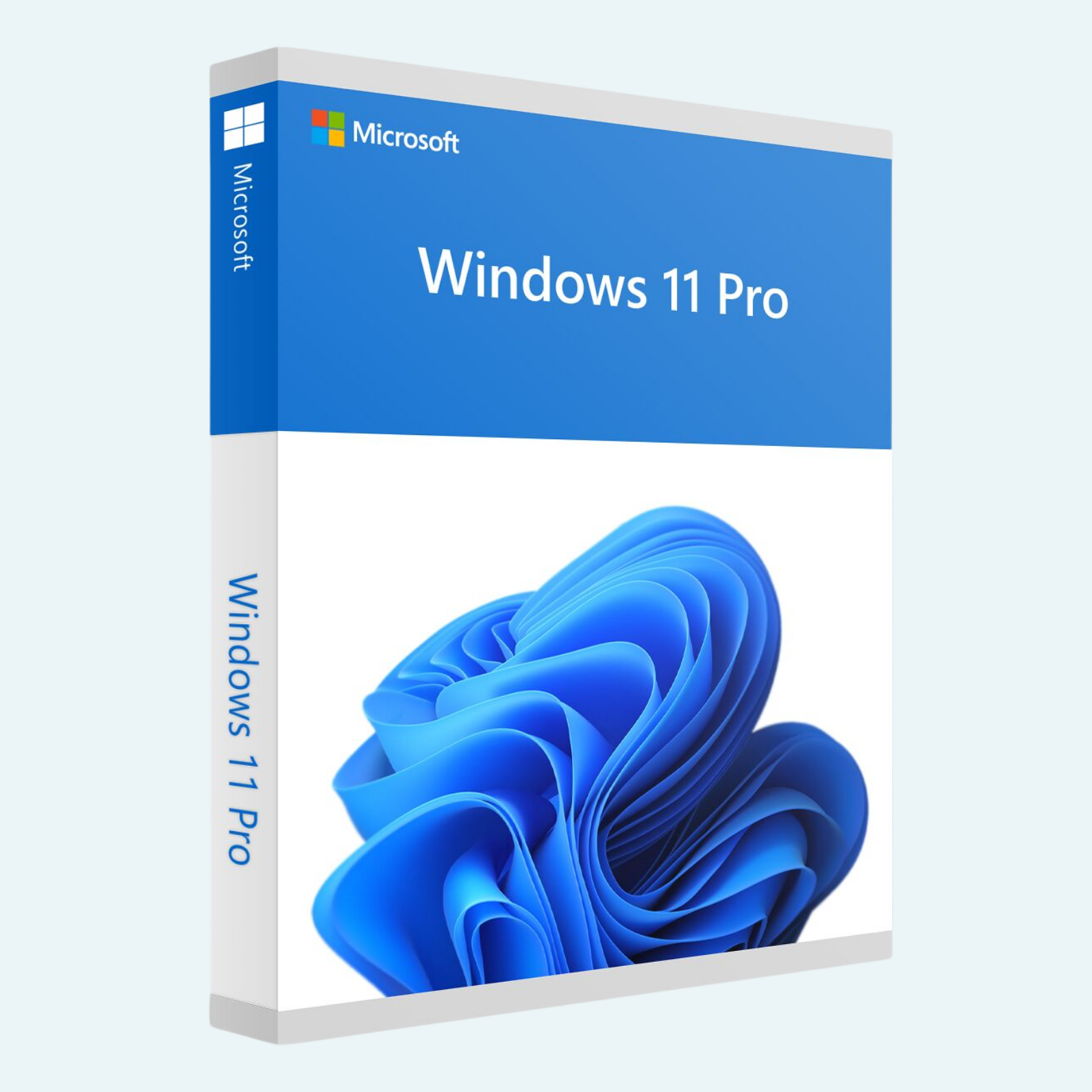
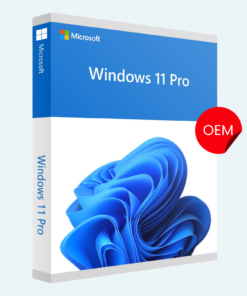
Elevate your computing experience with Microsoft Windows 11 Professional, the latest evolution in operating systems designed for professionals, creators, and power users. This lifetime license key activates Windows 11 Pro on a single PC, supporting both 32-bit and 64-bit architectures for seamless compatibility with your hardware. Enjoy enhanced security, productivity tools, and a modern interface that keeps you ahead in work and play—all backed by Microsoft’s trusted ecosystem.
Key Features
- Redesigned User Interface: A clean, centered Start menu with Snap Layouts, virtual desktops, and widgets for effortless multitasking and personalization.
- Advanced Security: Built-in Windows Hello biometric login, BitLocker encryption, and Secure Boot to protect your data from threats.
- Professional Tools: Remote Desktop, Hyper-V virtualization, and Assigned Access for managing business environments and virtual machines.
- Productivity Boosters: Integration with Microsoft Teams, improved search with AI-powered Copilot (where available), and seamless app compatibility.
- Gaming Enhancements: DirectStorage for faster load times, Auto HDR for stunning visuals, and Xbox app integration.
- Lifetime Access: One-time activation for perpetual use on 1 PC—no subscriptions or renewals required.
System Requirements
To ensure optimal performance, your PC should meet these minimum specifications:
- Processor: 1 GHz or faster with 2+ cores on a compatible 64-bit processor or System on a Chip (SoC) (Note: 32-bit support is legacy and limited to specific hardware).
- RAM: 4 GB (8 GB or more recommended for smooth multitasking).
- Storage: 64 GB or larger device.
- Graphics Card: DirectX 12 compatible with WDDM 2.0 driver.
- TPM: Version 2.0 (enabled in BIOS/UEFI).
- Display: High-definition (720p) display greater than 9″ diagonally, 8 bits per color channel.
- Internet Connection: Required for setup and updates; Microsoft account for full functionality.
- Other: UEFI firmware with Secure Boot capability.
Windows 11 Pro is optimized for modern hardware—check compatibility via Microsoft’s PC Health Check app before installation.
How to Download, Install, and Activate
Getting started is straightforward. Follow these steps to unlock your license:
- Download Windows 11:
- Visit the official Microsoft website (microsoft.com/software-download/windows11)

- Select “Download Windows 11 Disk Image (ISO)” for a full installer, or use the Windows 11 Installation Assistant for an upgrade from Windows 10.
- Choose the edition (Professional) and language, then download the ISO file (approximately 5 GB).
- Visit the official Microsoft website (microsoft.com/software-download/windows11)
- Install Windows 11:
- Create bootable media: Use the free Media Creation Tool from Microsoft to burn the ISO to a USB drive (8 GB minimum).
- Boot from the USB: Restart your PC, enter BIOS (usually F2, Del, or Esc), set USB as the primary boot device, and save changes.
- Follow the on-screen setup: Select “Install Now,” enter your product key when prompted (or skip and activate later), choose custom installation if needed, and complete the process (typically 20-60 minutes).
- For upgrades: Run the Installation Assistant on an existing Windows 10 PC for a direct update.
- Activate Your Product:
- Via Settings: Go to Settings > System > Activation. Click “Change product key,” enter your unique 25-character license key (e.g., XXXXX-XXXXX-XXXXX-XXXXX-XXXXX), and select “Next.” Your copy will activate automatically if connected to the internet.
- Troubleshooting Activation: If issues arise, run the Activation Troubleshooter in Settings or use the Command Prompt (admin): slmgr /ipk [Your Key] followed by slmgr /ato.
- File > Account > Activate Product: In supported Microsoft apps (e.g., Office or Edge), navigate to File > Account > Product Activation to link and verify your Windows license for integrated services.
- Once activated, your license is tied to the hardware for lifetime use—transferable to a new PC by deactivating the old one via Settings.
Your digital license key will be delivered instantly via email upon purchase. For support, contact Microsoft at support.microsoft.com or use the built-in Get Help app. Upgrade to Windows 11 Pro today and transform your PC into a powerhouse!
Be the first to review “Microsoft Windows 11 Professional 32/64 Bit License Key – 1PC Lifetime”
Related products
Microsoft Windows
Microsoft Windows
Microsoft Windows
Microsoft Windows
Microsoft Windows
Microsoft Windows
Microsoft Windows
Reviews
There are no reviews yet.