

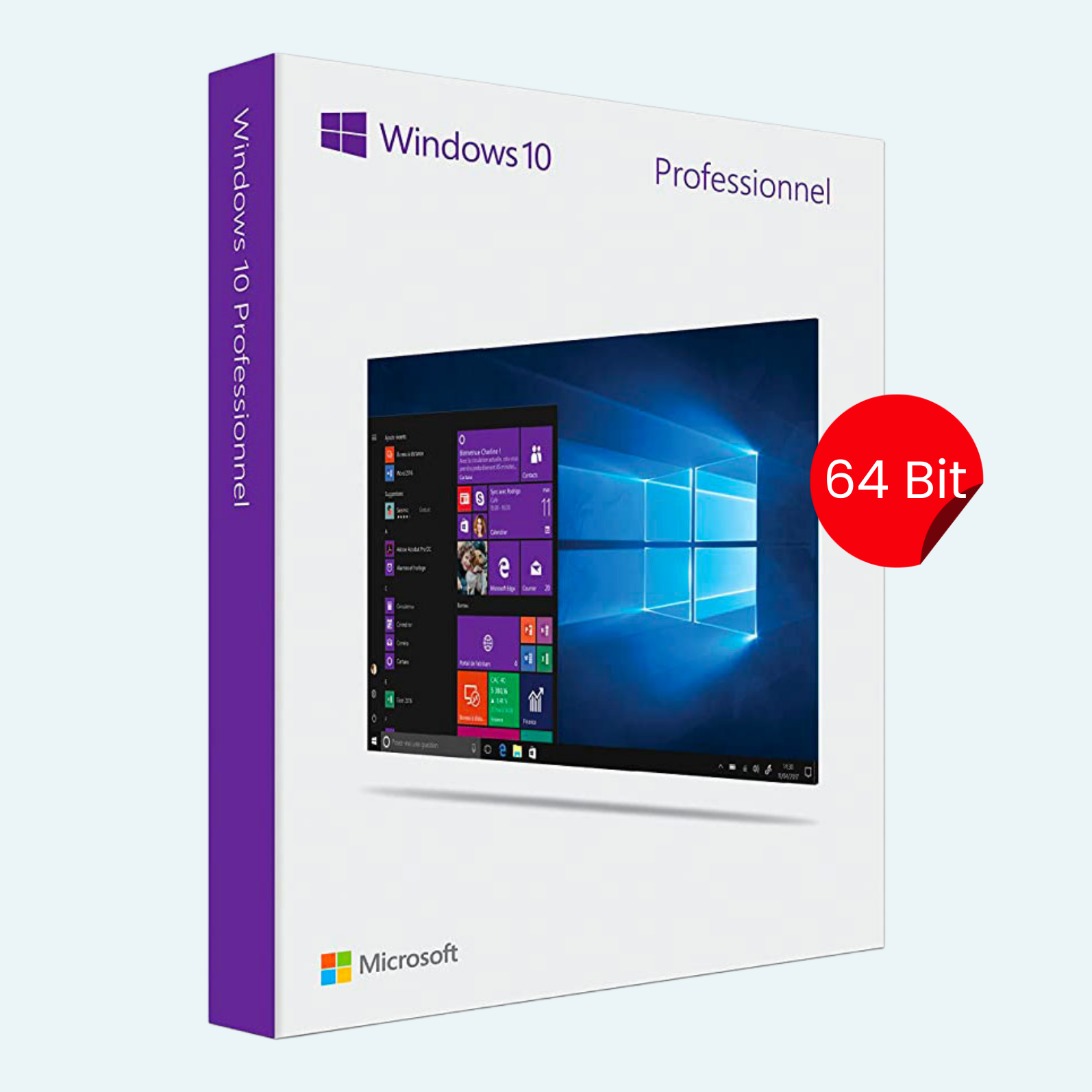
Elevate your computing experience with the Microsoft Windows 10 Professional 32/64 Bit License Key – 1PC Lifetime, a genuine digital license that unlocks the full potential of Windows 10 Pro for a single PC. Designed for professionals, creators, and power users, this lifetime key provides permanent access to advanced security, productivity tools, and seamless integration across devices. Whether you’re upgrading from an older OS or setting up a new machine, this key ensures reliable performance without recurring fees. Compatible with both 32-bit and 64-bit architectures, it’s the ideal choice for businesses, remote workers, and everyday enthusiasts seeking enterprise-grade features at an affordable price.
Key Features
- Advanced Security: BitLocker encryption, Windows Hello biometric login, and Windows Defender Antivirus protect your data and devices from threats.
- Productivity Boosters: Remote Desktop for secure access from anywhere, Hyper-V for virtual machines, and Cortana for intelligent voice assistance.
- Seamless Multitasking: Snap Assist, multiple desktops, and Task View help you organize and switch between apps effortlessly.
- Business Essentials: Domain join, Group Policy management, and Assigned Access for controlled environments.
- Continuum Mode: Effortlessly transition between desktop and tablet experiences on compatible hardware.
- Lifetime Validity: One-time activation for perpetual use on 1 PC—no subscriptions or renewals required.
- Universal Compatibility: Supports both 32-bit and 64-bit installations, with automatic updates for the latest features and security patches.
System Requirements
- Processor: 1 GHz or faster processor or SoC
- RAM: 1 GB for 32-bit OS or 2 GB for 64-bit OS
- Hard Disk Space: 16 GB for 32-bit OS or 20 GB for 64-bit OS
- Graphics Card: DirectX 9 or later with WDDM 1.0 driver
- Display: 800 x 600 resolution
- Internet Connection: Required for setup and updates (initial download and activation)
- Additional Notes: UEFI firmware with Secure Boot capability recommended for optimal security; TPM 2.0 required for some features like Windows Hello.
Download, Install, and Activation Guide
Getting started is quick and straightforward—follow these steps to activate your Windows 10 Pro license on your PC.
- Download Windows 10:
- Visit the official Microsoft website

- Select “Download tool now” to get the Media Creation Tool.
- Run the tool, choose your language/edition (Windows 10 Pro), and architecture (32-bit or 64-bit based on your hardware).
- Create installation media (USB flash drive or ISO file) for a fresh install, or upgrade directly if Windows is already installed.
- Visit the official Microsoft website
- Install Windows 10:
- Boot from your installation media (USB or DVD) or run the upgrade from within an existing Windows setup.
- Follow the on-screen prompts: Select edition (Professional), enter your product key when prompted (or skip and activate later), and complete the setup.
- For a clean install, back up your files first—installation will format the drive.
- Activate Your Product:
- Via Settings: Go to Start > Settings > Update & Security > Activation. Click “Change product key,” enter your 25-character license key (format: XXXXX-XXXXX-XXXXX-XXXXX-XXXXX), and select “Next.” Your PC will connect to Microsoft servers for validation.
- Via Command Prompt (Troubleshooting): Open Command Prompt as Administrator, type slmgr /ipk YOUR-KEY-HERE (replace with your key), then slmgr /ato to activate online.
- File > Account > Activate Product: If using Microsoft Store or Office integration, open the Microsoft Store app > Click your profile icon (Account) > Select “Product keys” or “Activate a product” > Enter your key and follow prompts.
- Offline Activation: If no internet, use phone activation via the troubleshooter in Settings > Activation.
- Verification: Once activated, you’ll see “Windows is activated with a digital license” in Settings. Troubleshoot issues at support.microsoft.com/windows-activation-help.
Your lifetime key is delivered digitally via email upon purchase—store it securely for future use or transfers (note: transferable to a new PC, but deactivation from the old one is required). For support, contact Microsoft at support.microsoft.com. Upgrade to professional-grade performance today!
Be the first to review “Microsoft Windows 10 Professional 32/64 Bit License Key – 1PC Lifetime”
Related products
Microsoft Windows
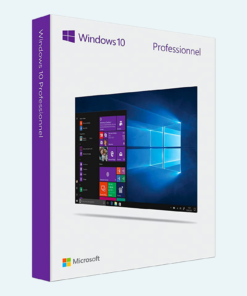
Microsoft Windows
Microsoft Windows
Microsoft Windows
Microsoft Windows
Microsoft Windows 11 Professional 32/64 Bit License Key – 1PC Lifetime
Microsoft Windows
Microsoft Windows
Reviews
There are no reviews yet.