

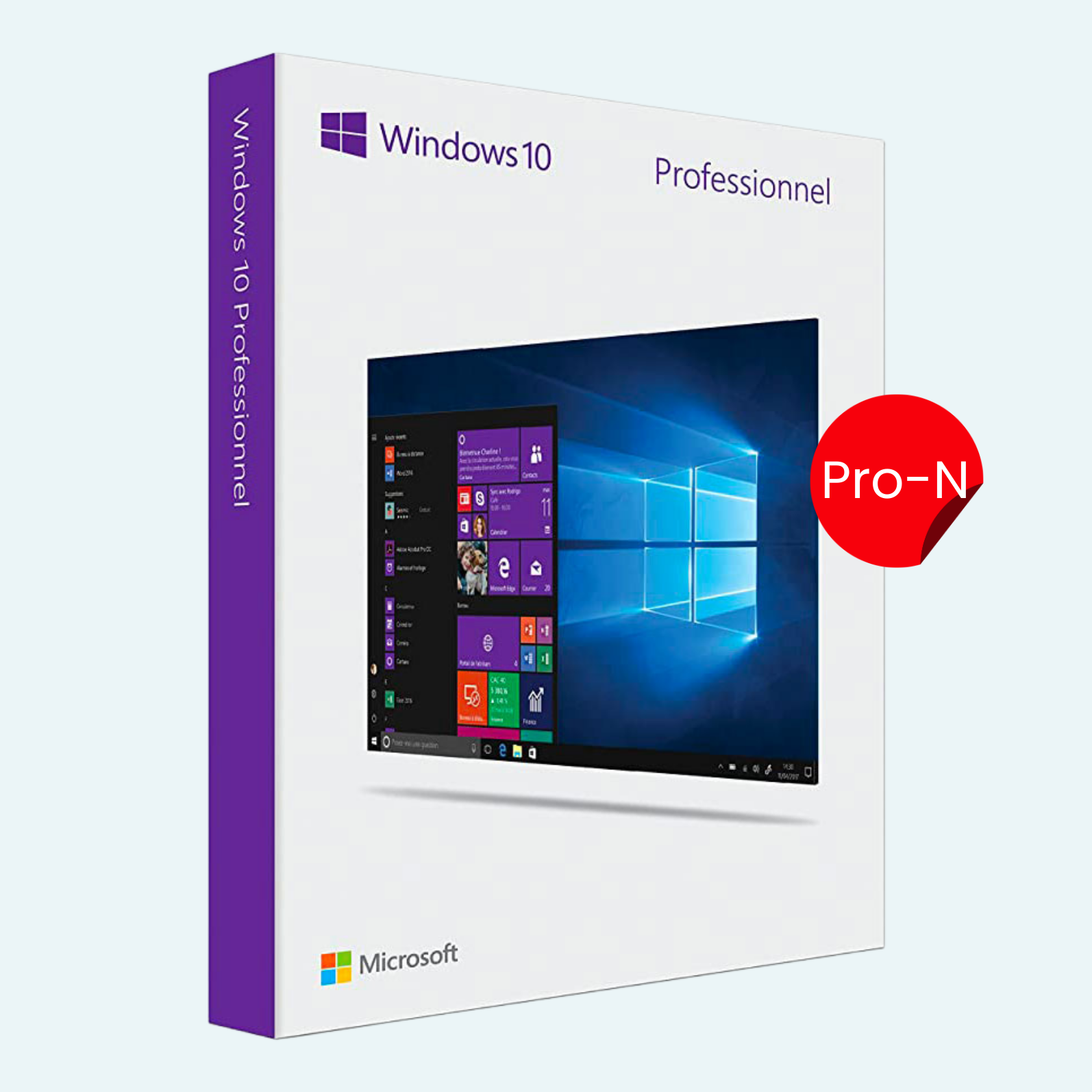
Elevate your computing experience with the Microsoft Windows 10 Pro N product key – the professional-grade operating system tailored for power users and businesses in the European Union. Designed as a streamlined version of Windows 10 Pro, the “N” edition complies with EU regulations by excluding bundled media features like Windows Media Player, Groove Music, and Skype Video, giving you a lean, customizable OS. This lifetime activation key supports both 32-bit and 64-bit installations, ensuring compatibility with a wide range of hardware. Whether you’re upgrading from an older OS or performing a clean install, this key unlocks full Pro functionality, including enterprise-level security, virtualization tools, and seamless integration with Microsoft 365.
Perfect for professionals seeking efficiency without unnecessary bloat, Windows 10 Pro N delivers the familiar Start menu, Cortana assistance, and Microsoft Edge browsing – all enhanced for multitasking and productivity. Activate once, and enjoy automatic updates, robust data protection, and support for up to 128GB of RAM and multiple CPUs.
Download
- Visit the official Microsoft website

- Select Create Windows 10 installation media and choose your preferred language, edition (Windows 10 Pro N), and architecture (32-bit or 64-bit).
- Download the Media Creation Tool or ISO file directly to your PC. The ISO can be burned to a USB drive (at least 8GB) or DVD for bootable installation media.
Install
- Insert your bootable USB/DVD or mount the ISO file.
- Restart your PC and enter BIOS/UEFI settings (usually by pressing F2, F10, Del, or Esc during boot) to set the installation media as the primary boot device.
- Follow the on-screen prompts: Select your language, time format, and keyboard layout, then click Install Now.
- When prompted for a product key, select I don’t have a product key to proceed (activation occurs later).
- Choose Windows 10 Pro N from the edition list, accept the license terms, and opt for Custom: Install Windows only (advanced) for a clean install.
- Select your target drive, format if needed, and let the installation complete. Your PC will restart several times – follow prompts to set up your region, keyboard, network, and user account.
File > Account > Activate Product
Upon first boot after installation:
- File/Account Setup: Sign in with a Microsoft account during initial setup for seamless cloud integration (optional but recommended for digital license linking). If you prefer a local account, select Offline account and create one.
- Activate Product:
- Go to Settings (press Windows key + I) > Update & Security > Activation.
- Click Change product key.
- Enter the 25-character key provided (format: XXXXX-XXXXX-XXXXX-XXXXX-XXXXX).
- Click Next – Windows will connect online to validate and activate. If successful, you’ll see “Windows is activated with a digital license.”
- For troubleshooting: Run the Activation Troubleshooter in the same menu if errors occur (e.g., 0xC004F213). Ensure internet access and link to your Microsoft account for hardware-independent reactivation.
This process ties the key to your hardware for perpetual use. Note: This is a retail key for one device; reactivation may require Microsoft support for major hardware changes.
Key Features
- Advanced Security: BitLocker Drive Encryption for full-disk protection (requires TPM 2.0 for auto-encryption), Windows Defender Antivirus, and Windows Hello biometric login.
- Virtualization & Management: Hyper-V for creating and running virtual machines; Assigned Access (Kiosk Mode) for single-app lockdown; support for Remote Desktop and Azure Active Directory integration.
- Productivity Tools: Multiple virtual desktops with Task View; Snap Assist for window management; Continuum for seamless PC-to-mobile transitions.
- Gaming & Performance: DirectX 12 support, Game Mode for optimized frame rates, and Game DVR for recording sessions.
- Business Essentials: Windows Update for Business; domain join for enterprise networks; Microsoft Edge with reading mode and web note-taking.
- EU-Compliant Design: No pre-installed media apps – install third-party alternatives like VLC or Spotify as needed for a lightweight setup.
Requirements
- Processor: 1 GHz or faster compatible processor (or SoC).
- RAM: 1 GB (32-bit) or 2 GB (64-bit).
- Storage: 16 GB (32-bit) or 20 GB (64-bit) available hard disk space.
- Graphics: DirectX 9-compatible graphics card with WDDM 1.0 driver.
- Display: 800 x 600 resolution or higher.
- Internet: Required for setup, updates, and activation; broadband recommended.
- Additional: Microsoft account for some features; TPM 1.2+ for BitLocker (TPM 2.0 for Azure AD auto-encryption); UEFI firmware with Secure Boot capability for optimal security.
This key is for genuine activation only – compatible with clean installs or upgrades from Windows 7/8.1 Pro editions. Extended Security Updates (ESU) available post-October 2025 for continued support. Questions? Contact Microsoft Support.
Be the first to review “Microsoft Windows 10 Pro N 32/64 Bit KEY”
Related products
Microsoft Windows
Microsoft Windows
Microsoft Windows
Microsoft Windows
Microsoft Windows
Microsoft Windows
Microsoft Windows
Microsoft Windows 10 Professional 32/64 Bit License Key – 1PC Lifetime
Reviews
There are no reviews yet.