

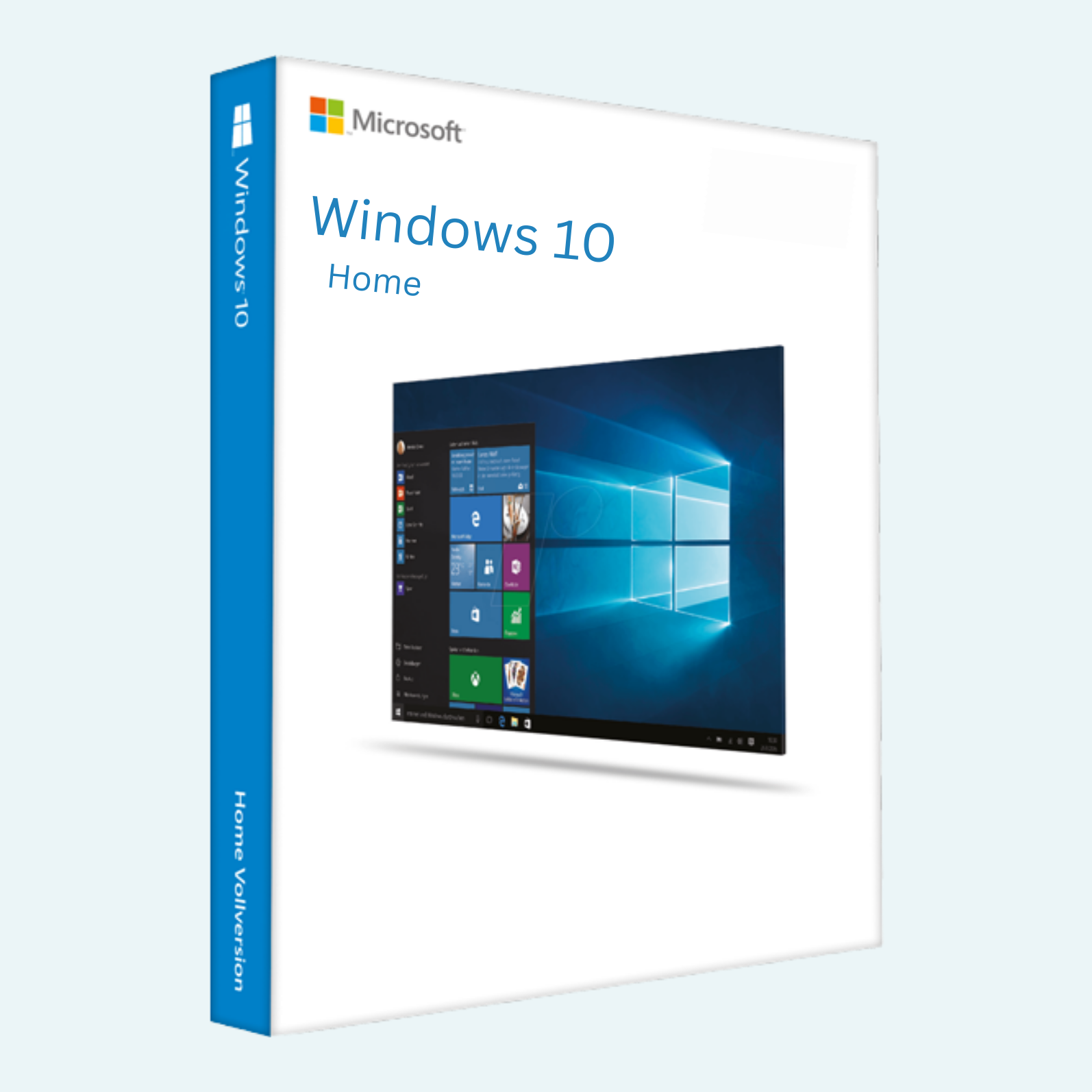
Elevate your PC experience with the Microsoft Windows 10 Home Product Key 1PC-Lifetime, a genuine, digital license key that unlocks the full potential of Windows 10 Home for a single device. Designed for everyday users, this lifetime activation provides seamless access to Microsoft’s iconic operating system, complete with security updates, productivity tools, and entertainment features. Whether you’re upgrading from an older OS or installing fresh, this 25-character product key ensures reliable performance and official Microsoft support as long as updates are available. Perfect for home users seeking a familiar, intuitive interface without enterprise-level complexity.
Key Features
- Familiar Start Menu and Interface: Redesigned for quick access to apps, files, and settings, with support for virtual desktops and snap assist for effortless multitasking.
- Microsoft Edge Browser: Fast, secure browsing with built-in Cortana integration for voice-assisted searches and reading view for distraction-free pages.
- Cortana Digital Assistant: Your personal AI helper for reminders, web searches, calendar management, and natural voice commands.
- Windows Hello and Security: Biometric login via face, fingerprint, or PIN, plus Windows Defender antivirus, firewall, and device encryption for robust protection.
- Microsoft Store Access: Download apps, games, movies, and more from a vast library, with Continuum for seamless switching between tablet and desktop modes.
- Parental Controls and Family Safety: Manage screen time, app access, and online activity for kids, with location tracking and content filters.
- Lifetime License: One-time activation for unlimited use on 1 PC, including reinstalls on the same hardware and access to all future updates until Microsoft ends support.
System Requirements
To ensure smooth performance, your PC should meet these minimum specifications:
- Processor: 1 GHz or faster processor (or SoC) with support for PAE, NX, and SSE2.
- RAM: 1 GB for 32-bit OS or 2 GB for 64-bit OS.
- Hard Disk Space: 16 GB for 32-bit OS or 20 GB for 64-bit OS.
- Graphics Card: DirectX 9 or later with WDDM 1.0 driver.
- Display: 800 x 600 resolution or higher.
- Internet Connection: Required for initial setup, updates, and certain features like Microsoft Store downloads.
- Other: TPM 1.2 for features like Windows Hello; compatible with UEFI firmware (Secure Boot capable) for optimal security.
This product supports both 32-bit and 64-bit installations and works worldwide in multiple languages.
Download and Install
- Download Windows 10: Visit the official Microsoft website (microsoft.com/en-us/software-download/windows10) and select “Download tool now” to create installation media. Choose to download the ISO file for a USB/DVD or use the Media Creation Tool for direct installation.

- Create Bootable Media: Insert a USB drive (8 GB+ recommended) or blank DVD, run the tool, and follow prompts to make it bootable. Select Windows 10 Home edition to match your key.
- Install Windows: Restart your PC, enter BIOS (usually F2/Del key during boot), set the USB/DVD as the first boot device, and save changes. Boot from the media, select language/region, and proceed with a clean install or upgrade. When prompted for a product key, select “I don’t have a product key” to continue (activation happens later).
- Complete Setup: Follow on-screen instructions for user account, privacy settings, and network connection. Installation typically takes 20-60 minutes, depending on hardware.
File > Account > Activate Product
Your product key will be delivered instantly via email as a 25-character code (format: XXXXX-XXXXX-XXXXX-XXXXX-XXXXX). No physical media is included—this is a fully digital product.
- Locate the Key: Check your email inbox (and spam folder) for the delivery. Save it securely.
- Sign In to Microsoft Account: If not already, create or sign in to a free Microsoft account at account.microsoft.com (recommended for linking your license digitally).
- Activate:
- Open Settings (Windows key + I) > Update & Security > Activation.
- Click Change product key, enter your 25-character code, and select Next.
- If online, it activates automatically. If offline or issues arise, select Troubleshoot or call Microsoft activation (toll-free: 1-800-MICROSOFT in supported regions).
- Restart your PC to finalize. You’ll see “Windows is activated” in Settings.
- Verify: Go back to Activation settings to confirm status. For reinstalls, use the same key—it’s tied to your hardware and Microsoft account for easy reactivation.
This lifetime key is non-transferable to other PCs and includes a warranty for validity. If activation fails (rare, <0.1% cases), contact the seller for a free replacement. Enjoy worry-free computing with genuine Microsoft quality!
Be the first to review “Microsoft Windows 10 Home Product Key 1PC-Lifetime”
Related products
Microsoft Windows
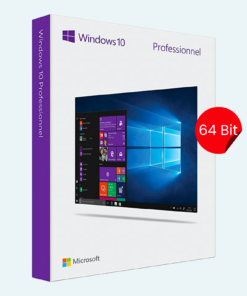
Microsoft Windows
Microsoft Windows 10 Professional 32/64 Bit License Key – 1PC Lifetime
Microsoft Windows
Microsoft Windows
Microsoft Windows
Microsoft Windows
Microsoft Windows
Microsoft Windows
Reviews
There are no reviews yet.