

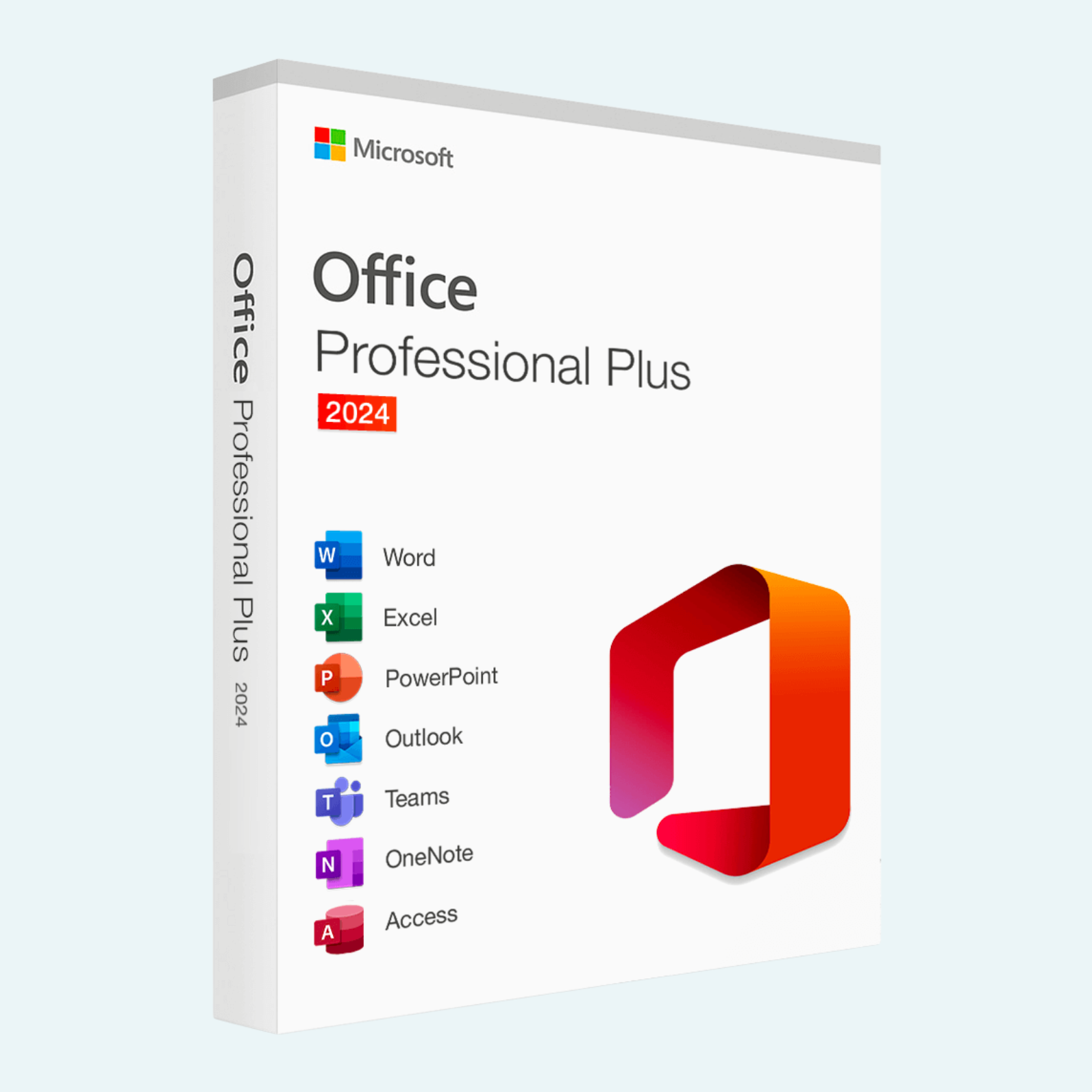
Elevate your productivity with Microsoft Office Professional Plus 2024, the latest perpetual license edition of Microsoft’s premier productivity suite. Released on October 1, 2024, this one-time purchase provides lifetime access to essential desktop applications for a single PC, including Word, Excel, PowerPoint, Outlook, OneNote, and Access. Designed for professionals and businesses, Office 2024 Professional Plus delivers enhanced performance, advanced tools for data analysis and collaboration, and seamless integration without the need for ongoing subscriptions. Unlock your full potential with a genuine license key that ensures full feature access, security updates for five years (until October 9, 2029), and compatibility with modern workflows.
Key Features
- Word: Advanced word processing with improved session recovery to automatically save and restore your work, enhanced accessibility tools like better alt-text suggestions for images, and new commenting features for streamlined feedback.
- Excel: Boost data handling with dozens of new functions (e.g., dynamic arrays and TEXTSPLIT), faster performance for large workbooks, and innovative Dynamic Charts that update automatically based on data changes.
- PowerPoint: Create stunning presentations with improved media support, modern design templates, and gesture customization for Mac users—perfect for dynamic storytelling and visual impact.
- Outlook: Smarter email management with enhanced search for better matches across emails, files, and events, plus faster loading and swipe gesture support on Mac trackpads.
- OneNote: Robust note-taking with improved organization and integration across devices for capturing ideas on the go.
- Access: Enhanced database tools with new features for building and querying complex datasets efficiently.
- Additional Benefits: Perpetual license for one PC (no recurring fees), automatic security updates, 32-bit and 64-bit support, and offline functionality—ideal for restricted environments. Note: Does not include cloud-based real-time collaboration or Copilot AI features available in Microsoft 365.
Download, Install, and Activate
Getting started is straightforward with your provided license key. Follow these steps for a smooth setup:
- Download:
- Visit office.com/setup or sign in to your Microsoft account at account.microsoft.com.
- Enter your 25-character product key (format: XXXXX-XXXXX-XXXXX-XXXXX-XXXXX) to redeem and access the download.
- Select “Install Office” > “Office 2024 Professional Plus” and download the installer (requires a stable broadband connection with at least 20 Mbps speed). The file is approximately 4 GB.
- Install:
- Run the downloaded installer (.exe for Windows).
- Follow the on-screen prompts: Accept the license agreement, choose your installation location, and select apps if customizing (recommended for full suite).
- Installation typically takes 10-30 minutes. Restart your PC if prompted.
- File > Account > Activate Product:
- Open any Office app (e.g., Word).
- Go to File > Account (or Help > Activate Product in some views).
- Sign in with the Microsoft account linked to your key (create one if needed).
- Click “Activate Product” or “Product Activation”—Office will verify your key online and unlock all features. An internet connection is required for initial activation, but offline use follows.
- If prompted, enter your key again. For volume licenses, phone activation may be available via the Office Deployment Tool.
If issues arise, visit support.microsoft.com for troubleshooting. Your key is for one PC only—transferring requires deactivation on the old device.
System Requirements
Ensure your PC meets these minimum specs for optimal performance (64-bit recommended for devices with 4 GB+ RAM):
| Component | Minimum Requirement |
| Operating System | Windows 10 or 11 (64-bit; Windows 11 required for ARM devices); not compatible with Windows 7/8 |
| Processor | 1.6 GHz, 2-core (1.1 GHz minimum for basic use) |
| RAM | 4 GB (8 GB recommended for multitasking) |
| Hard Disk Space | 4 GB available (more for custom installs) |
| Display | 1280 x 768 resolution (1920 x 1080 or higher for 4K support) |
| Graphics | DirectX 9-compatible with WDDM 1.3 driver |
| Other | Internet connection for download/activation; Microsoft account required |
Note: Mac support is available for Office 2024 but requires the three most recent macOS versions (e.g., Ventura 13+). This license is PC-specific.
Purchase with confidence—your key is delivered instantly via email for immediate access. Transform your workflow today with the power of Office 2024 Professional Plus!
Be the first to review “Microsoft Office Professional Plus 2024 1 pc license key”
Related products
Microsoft Office
Microsoft Office
Microsoft Office
Microsoft Office 2021 Professional Plus – Lifetime License Key for Windows (1 PC BIND)
Microsoft Office
Microsoft Office For MAC
Office Home & Business 2024 One-Time Purchase for (PC or Mac)
Reviews
There are no reviews yet.