

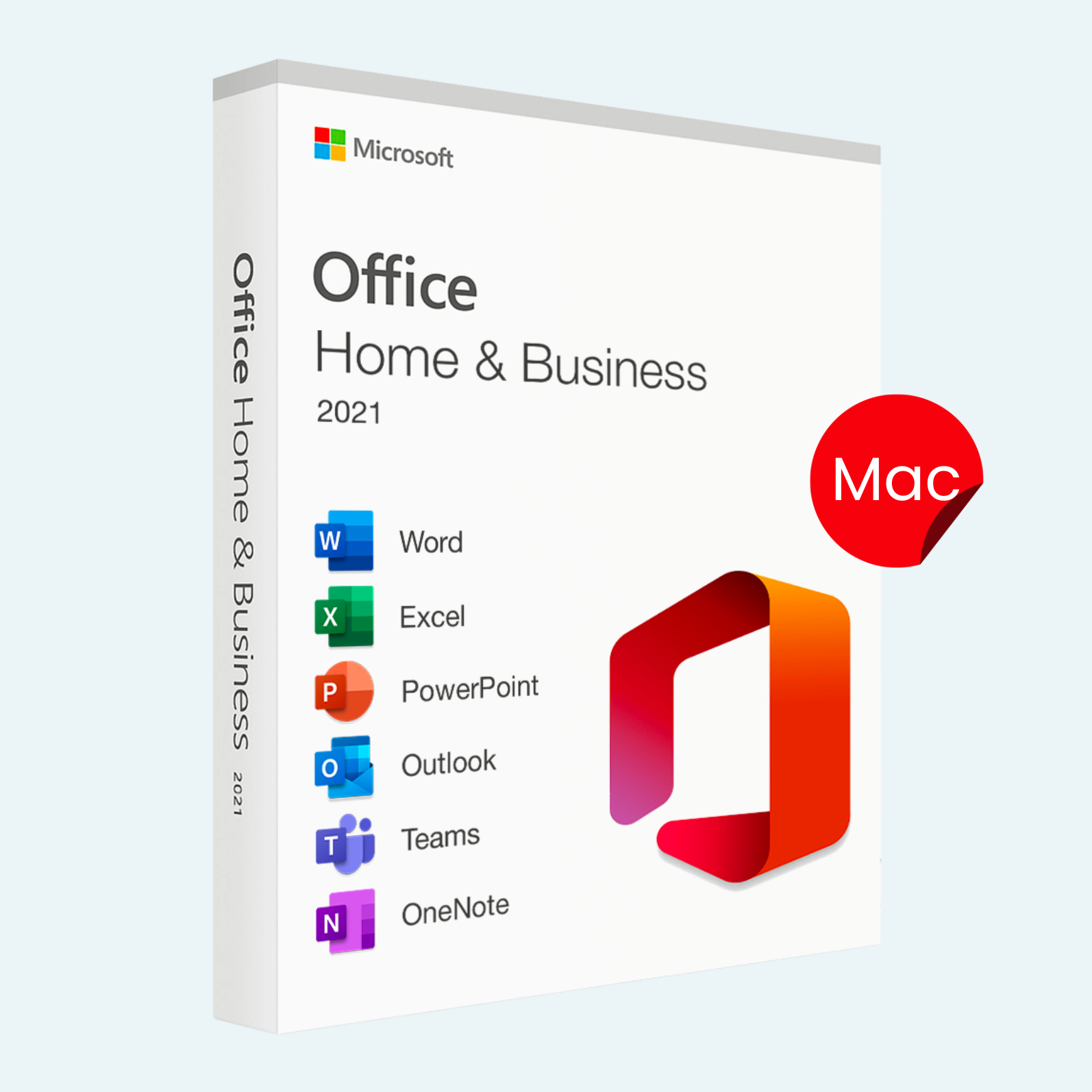
Elevate your productivity with Microsoft Office 2021 Home & Business for Mac, the ultimate one-time purchase suite designed for families, small businesses, and professionals. This genuine lifetime license key provides full access to essential desktop applications—Word, Excel, PowerPoint, Outlook, and OneNote—optimized for macOS. Enjoy modern, intuitive tools without subscriptions, monthly fees, or recurring costs. Bind the license to your Microsoft account for seamless reinstalls on one Mac, with security updates included for lasting performance. Perfect for creating stunning documents, analyzing data, delivering presentations, managing emails, and organizing notes—all with the reliability of authentic Microsoft software.
Key Features
- Word: Advanced document creation with improved layout tools, real-time collaboration, and enhanced readability features for polished reports and creative writing.
- Excel: Powerful data analysis with XLOOKUP, dynamic arrays, faster calculations, Power Query, and PivotTables for efficient spreadsheets and insights.
- PowerPoint: Stunning presentations with new stock media, 3D animations, and designer templates to captivate your audience effortlessly.
- Outlook: Streamlined email management with focused inbox, calendar integration, and contact tools to stay organized and connected.
- OneNote: Digital note-taking with inking support and cross-app integration for capturing ideas on the go.
- One-Time Lifetime License: No subscriptions—pay once for permanent access, bound to your Microsoft account for easy reactivation.
- Full Macro Support: Automate tasks in Excel with VBA and advanced scripting.
- Multilingual Support: Available in multiple languages, with easy language pack downloads.
- Security & Updates: Automatic quality and security patches to keep your apps protected.
Download, Install, and File > Account > Activate Product
Getting started is quick and straightforward. You’ll receive your genuine product key and direct download instructions via email instantly after purchase. Follow these steps to download, install, and activate:
- Download:
- Sign in to your Microsoft account at office.com/setup or setup.office.com.

- Enter your product key to redeem and link it to your account.
- Click “Install Office” to download the installer (.pkg file) directly from Microsoft servers. (For macOS Catalina, Big Sur, or Monterey users, use the dedicated link provided during redemption for compatibility.)
- Sign in to your Microsoft account at office.com/setup or setup.office.com.
- Install:
- Open the downloaded Microsoft_Office_Installer.pkg file from your Downloads folder.
- Read and accept the license agreement, then click “Continue.”
- Select your preferred install location (default is fine), review disk space needs (~10 GB), and click “Install.”
- Enter your Mac login password if prompted, and wait for the process to complete (5-15 minutes).
- If prompted, choose “Customize” to select specific apps (e.g., skip OneNote if desired).
- Click “Close” once finished. Avoid running multiple Office versions—uninstall older ones (2016/2019) first using the Microsoft License Removal Tool if needed.
- File > Account > Activate Product:
- Launch any app (e.g., Word) from Launchpad or Applications.
- Go to File > Account (or Word > About Word in some views).
- Sign in with the same Microsoft account used for redemption.
- If prompted, enter your product key—Office will activate automatically over the internet.
- You’ll see “Product Activated” under the account section. Periodic internet checks ensure ongoing validity.
- For troubleshooting: Restart the app, check your connection, or visit support.microsoft.com for activation fixes.
Your license is now ready for use! Reinstall anytime by signing into your account at office.com/myaccount.
Requirements
Ensure your Mac meets these minimum specs for smooth performance:
- Operating System: The three most recent versions of macOS (e.g., Ventura, Sonoma, or Sequoia as of 2025—check compatibility at aka.ms/systemrequirements).
- Processor: Intel or Apple Silicon (M1/M2/M3 or later).
- RAM: 4 GB (8 GB recommended).
- Hard Disk Space: 10 GB free.
- Display: 1280 x 800 resolution.
- Internet: Required for download, activation, and updates (one-time setup; offline use afterward).
- Microsoft Account: Free to create at account.microsoft.com—essential for license binding.
- Other: Not compatible with iOS/iPadOS devices; one license per Mac.
This genuine license ensures full Microsoft support, automatic updates, and peace of mind. Order now for instant delivery and transform your workflow today!
Be the first to review “Microsoft Office 2021 Home & Business for Mac – Genuine License Key”
Related products
Microsoft Office
Microsoft Office
Microsoft Office
Microsoft Office
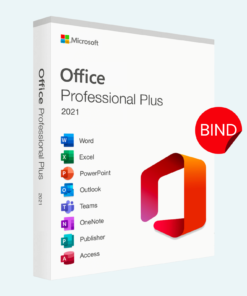
Microsoft Office
Microsoft Office 2021 Professional Plus – Lifetime License Key for Windows (1 PC BIND)
Microsoft Office
Reviews
There are no reviews yet.