

Elevate Your Productivity with Timeless Essentials
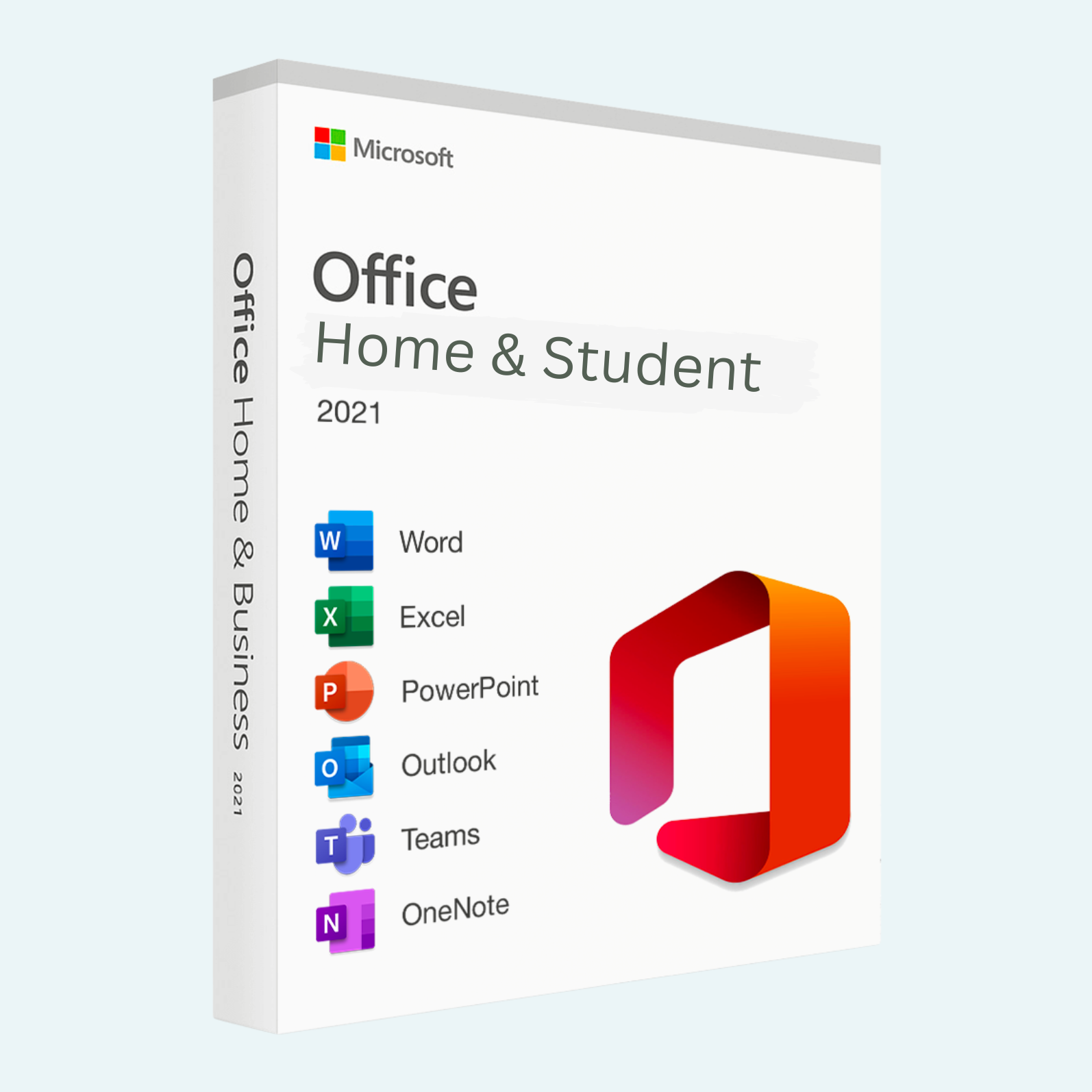
Microsoft Office 2021 Home and Student is the ultimate one-time purchase suite designed for students, families, and home users who demand reliable, powerful tools without ongoing subscriptions. This perpetual license edition delivers core desktop applications—Word, Excel, PowerPoint, and OneNote—optimized for the latest Windows 11 features, including enhanced dark mode, improved inking, and accessibility tools. Create stunning documents, crunch complex data, deliver impactful presentations, and organize your notes seamlessly, all with a familiar interface that’s been refined for faster performance and collaboration. Ideal for academic projects, personal budgeting, or creative storytelling, Office 2021 ensures your work stays secure and accessible on a single PC, with lifetime access to updates and support.
Key Features
- Word 2021: Craft professional documents with advanced formatting, real-time co-authoring (via OneDrive), and new features like Open Document Format (ODF) 1.3 support for broader compatibility.
- Excel 2021: Analyze data effortlessly with dynamic arrays, XLOOKUP function, and enhanced charts for deeper insights—perfect for spreadsheets, budgets, and reports.
- PowerPoint 2021: Design captivating slides using Morph transitions, improved zoom, and 3D animations, with better recording tools for polished presentations.
- OneNote 2021: Organize ideas in digital notebooks with ink-to-text conversion, math equation solving, and dark mode for extended note-taking sessions.
- Additional Enhancements: Modern dark mode across apps, improved performance on multi-monitor setups, eye comfort with reduced blue light, and seamless integration with Microsoft Edge for web-based research.
This edition focuses on essential productivity without extras like Outlook or Publisher, keeping it lightweight yet feature-rich for everyday use.
Download, Install, and Activation Guide
Getting started with Office 2021 is quick and straightforward. Follow these steps for a smooth setup:
- Download: After purchase, you’ll receive a 25-character product key via email. Sign in to your Microsoft account at account.microsoft.com/services. Under “Services & subscriptions,” select “Install Office” to download the installer (Setup.exe for Windows). Ensure you have a stable internet connection.

- Install: Run the downloaded file as an administrator. Follow the on-screen prompts to select your language and apps (Word, Excel, PowerPoint, OneNote—all recommended for full functionality). The process takes about 5-10 minutes. Restart your PC if prompted.
- File > Account > Activate Product: Launch any Office app (e.g., Word). Go to File > Account (or Help > Activate Product in some views). Sign in with the same Microsoft account linked to your product key. If prompted, enter your 25-character key in the format XXXXX-XXXXX-XXXXX-XXXXX-XXXXX. Click Activate—Office will verify online and confirm success with a “Product Activated” message. Your license is now tied to your account for easy reinstalls. Tip: If you see an error (e.g., key already used), ensure you’re signed into the correct account or contact Microsoft Support.
This one-time activation grants perpetual use on one PC; no subscriptions required.
System Requirements
To ensure optimal performance, confirm your device meets these minimum specs:
- Operating System: Windows 11 or Windows 10 (version 1809 or later).
- Processor: 1.6 GHz, 2-core processor (ARM processors not supported).
- RAM: 4 GB (64-bit recommended; 2 GB minimum for 32-bit).
- Hard Disk Space: 4 GB available.
- Display: 1280 x 768 screen resolution.
- Graphics: DirectX 9 or later with WDDM 2.0 or higher for Graphics Hardware.
- Other: Internet connection for download and activation; 128-bit TLS security for Microsoft services.
For best results, use a higher-spec setup (e.g., 8 GB RAM). This edition is Windows-only; Mac users should consider Office 2021 for Mac.
Unlock your potential today—purchase Office 2021 Home and Student and transform ideas into achievements with Microsoft’s trusted suite.
Be the first to review “Microsoft Office 2021 Home and Student”
Related products
Microsoft Office
Microsoft Office
Microsoft Office
Microsoft Office
Microsoft Office
Microsoft Office 2021 Professional Plus – Lifetime License Key for Windows (1 PC BIND)
Microsoft Office
Microsoft Office For MAC
Office Home & Business 2024 One-Time Purchase for (PC or Mac)
Reviews
There are no reviews yet.