

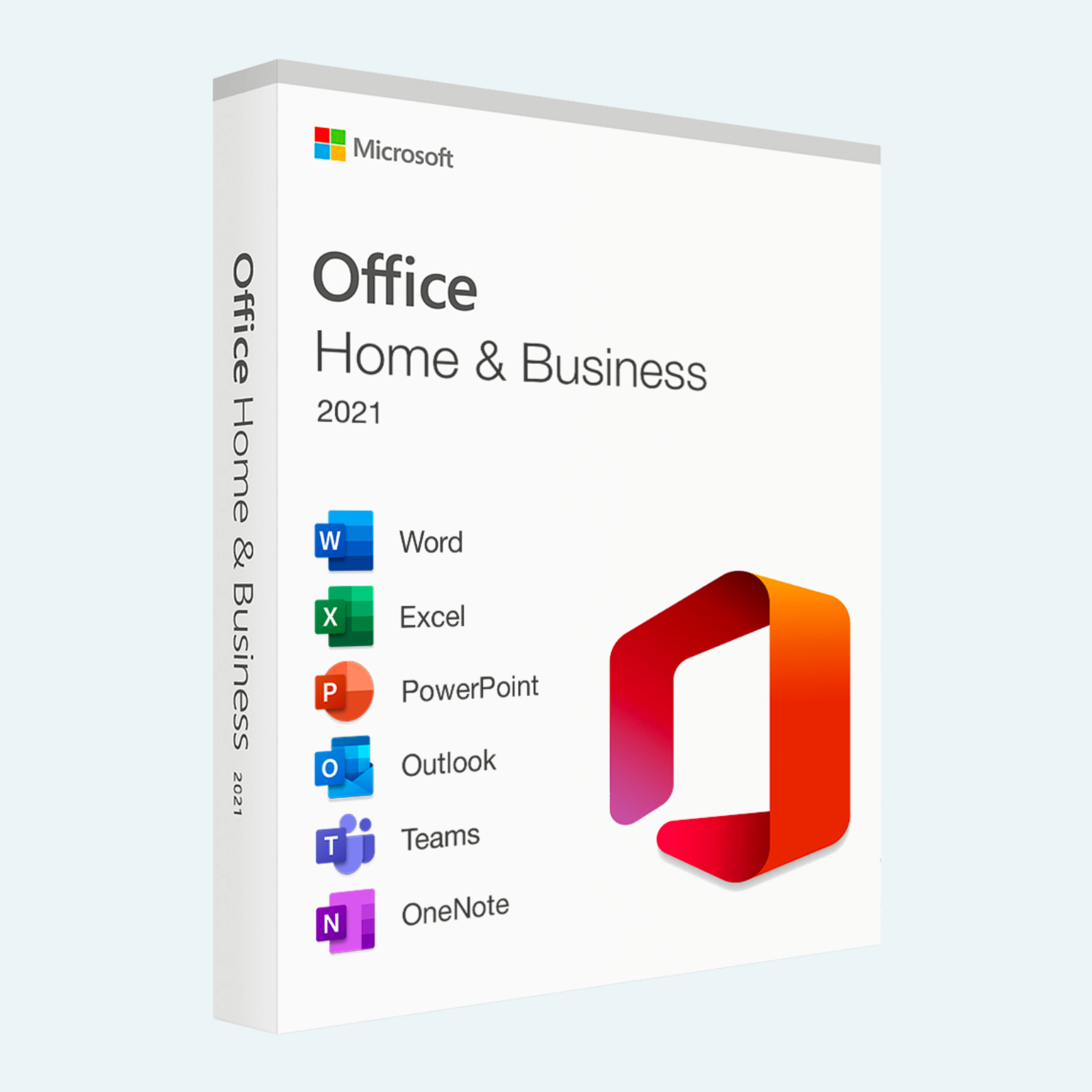
Elevate your productivity with Microsoft Office 2021 Home and Business, the one-time purchase suite designed for small businesses, entrepreneurs, and professionals who need reliable, essential tools without ongoing subscriptions. This edition delivers the core Office apps—Word, Excel, PowerPoint, Outlook, OneNote, and Publisher—optimized for Windows PCs, helping you create, collaborate, and manage tasks with ease. Enjoy a perpetual license for seamless performance on a single device, backed by security updates to keep your work secure and up to date. Perfect for drafting reports, analyzing data, scheduling meetings, and designing publications—all in a familiar, intuitive interface.
Key Features
- Word: Craft professional documents with advanced formatting, real-time co-authoring, and new features like improved ink tools for stylus users.
- Excel: Analyze data like a pro with dynamic arrays, XLOOKUP functions, and enhanced charting for deeper insights.
- PowerPoint: Design stunning presentations using Morph transitions, 3D models, and live captions for more engaging slides.
- Outlook: Stay organized with focused inbox, sweep rules, and calendar improvements for efficient email and scheduling.
- OneNote: Capture ideas in digital notebooks with better search, math equation support, and cross-app integration.
- Publisher: Create professional marketing materials, newsletters, and flyers with customizable templates.
- One-Time Purchase: No subscriptions—pay once and own it forever, with free security and stability updates.
- Dark Mode and Accessibility: Eye-friendly interface and tools like Immersive Reader for inclusive use.
System Requirements
- Operating System: Windows 10 or Windows 11 (not compatible with macOS or Chromebook).
- Processor: 1.6 GHz or faster, 2-core processor.
- Memory: 4 GB RAM (64-bit recommended; 2 GB minimum for 32-bit).
- Hard Disk Space: 4 GB available (for 32-bit) or 10 GB (for 64-bit).
- Display: 1280 x 768 screen resolution.
- Graphics: DirectX 9 or later with WDDM 2.0 or higher for hardware acceleration.
- Internet: Required for download, activation, and cloud features (one-time setup).
- Other: Administrator access on the PC; compatible with Microsoft Edge or other modern browsers.
Download, Install, and File > Account > Activate Product
Getting started is straightforward—follow these steps to download, install, and activate your Office 2021 Home and Business on your Windows PC.
- Download:
- Visit office.com/setup and sign in with your Microsoft account (create one if needed at account.microsoft.com).

- Enter your 25-character product key (provided upon purchase) to redeem and access the download.
- Select the language and version (64-bit recommended for modern PCs), then click Install. The installer will download automatically (about 4-10 GB depending on version).
- Visit office.com/setup and sign in with your Microsoft account (create one if needed at account.microsoft.com).
- Install:
- Once downloaded, run the setup file (Setup.exe) from your Downloads folder.
- Follow the on-screen prompts: Choose Install Now for default settings or customize apps if desired.
- The installation typically takes 10-30 minutes. Restart your PC if prompted.
- After installation, open any Office app (e.g., Word) from the Start menu to verify—apps may appear under “Microsoft Office” or searchable via Windows Search.
- File > Account > Activate Product:
- Launch an Office app like Word or Excel.
- Click File in the top-left menu.
- Select Account from the sidebar.
- Under Product Information, if it shows “Product Activated,” you’re set. If not, click Activate Product or Sign In.
- Enter your Microsoft account credentials linked to the product key. If prompted, select Use a different account and sign in again.
- Agree to the license terms, and activation will complete (requires internet). You’ll see “Product Activated” with your edition details.
Troubleshooting Tip: If activation fails, ensure you’re online, check your key at office.com/setup, or visit support.microsoft.com for help. For reinstalls, sign in to account.microsoft.com/services to access your installs.
Unlock your potential today with Office 2021 Home and Business—reliable tools for lasting productivity! If you encounter issues, Microsoft Support is just a click away.
Be the first to review “Microsoft Office 2021 Home and Business for Windows PC”
Related products
Microsoft Office
Microsoft Office
Microsoft Office For MAC
Office Home & Business 2024 One-Time Purchase for (PC or Mac)
Microsoft Office
Microsoft Office For MAC
Microsoft Office 2021 Home & Business for Mac – Genuine License Key
Microsoft Office
Reviews
There are no reviews yet.