

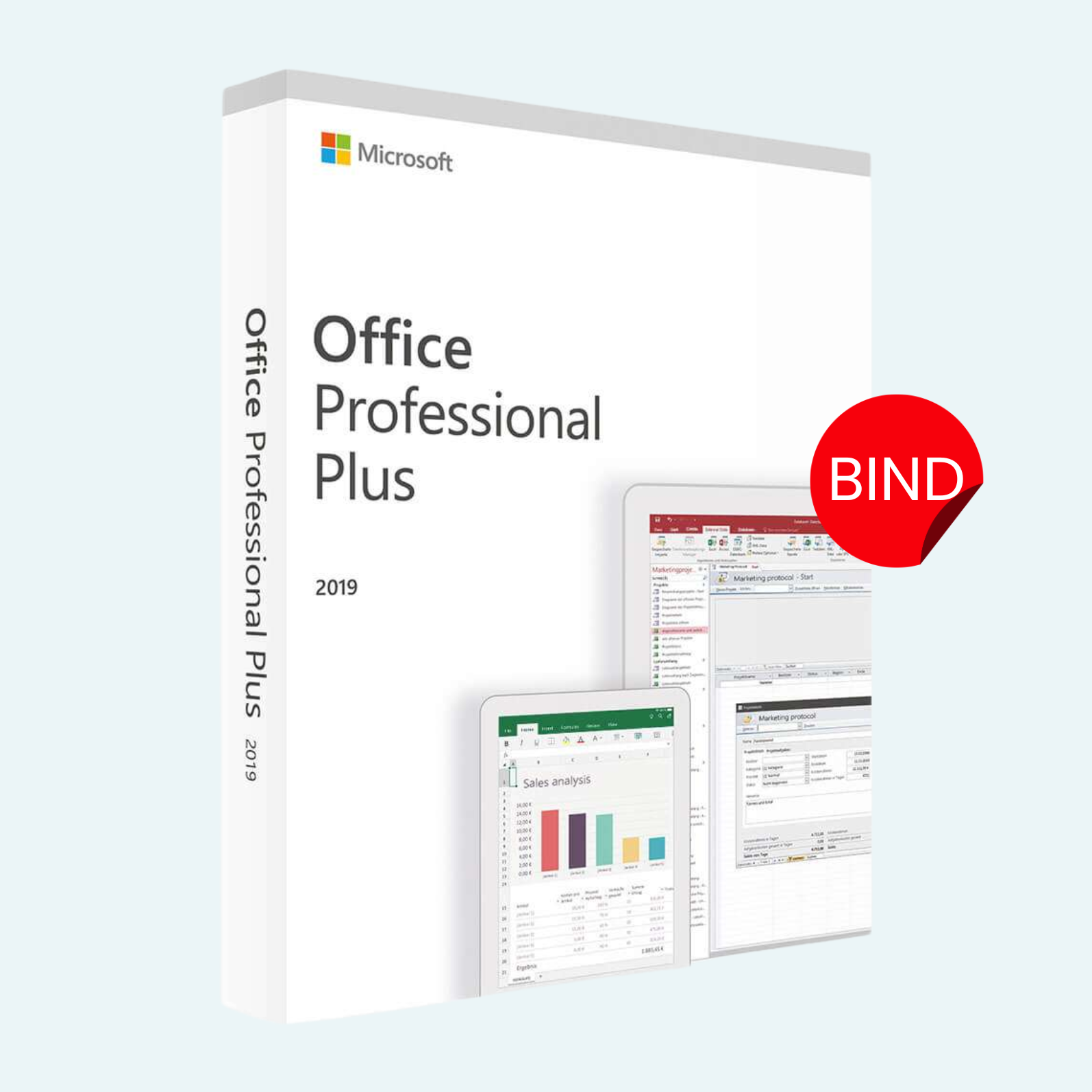
Elevate your productivity with Microsoft Office 2019 Professional Plus, the ultimate suite of essential tools designed for seamless work, collaboration, and creativity. This lifetime license provides permanent access to a full-featured version of Office 2019 for one Windows PC, with a BIND key that locks the activation to your specific device for enhanced security and exclusivity. Say goodbye to recurring subscriptions—enjoy worry-free ownership with no expiration, automatic updates, or hidden fees. Perfect for professionals, students, and home users who demand reliable, high-performance software.
Key Features
- Comprehensive Suite: Includes Word, Excel, PowerPoint, Outlook, OneNote, Access, Publisher, and Skype for Business—everything you need for document creation, data analysis, presentations, email management, and more.
- Enhanced Collaboration: Real-time co-authoring in Word, Excel, and PowerPoint lets you work together effortlessly, even offline.
- Advanced Tools: Excel’s dynamic arrays and Power Query for smarter data handling; PowerPoint’s Morph transition for stunning visuals; Outlook’s focused inbox for streamlined email.
- Lifetime Access: One-time activation grants perpetual use on 1 PC—no subscriptions required.
- BIND Key Security: Device-bound license ensures your copy stays protected and transferable only within your hardware ecosystem.
- Familiar Interface: The classic ribbon design you know and love, optimized for Windows 10/11.
System Requirements
- Operating System: Windows 10 or Windows 11 (Windows 7 and 8.1 are not supported).
- Processor: 1.6 GHz or faster, 2-core processor.
- Memory: 4 GB RAM (64-bit recommended; 2 GB minimum for 32-bit).
- Hard Disk Space: 4 GB of available space.
- Display: 1280 x 768 screen resolution.
- Graphics: DirectX 9 or later with WDDM 2.0 or higher for Graphics Hardware.
- Internet: Required for download, activation, and access to online features (one-time setup).
- Other: .NET 3.5 and Microsoft Account required for certain features.
Download, Install, and Activation Guide
Getting started is quick and straightforward. Follow these steps to unlock your lifetime license:
- Download:
- Visit the official Microsoft Office download portal at office.com/setup.
- Sign in with your Microsoft Account (create one if needed—it’s free).
- Enter the product key provided upon purchase to access your digital download. Select your language and download the installer (approximately 3-4 GB).
- Install:
- Run the downloaded setup file as an administrator.
- Follow the on-screen prompts to select your preferred apps (e.g., full Professional Plus suite).
- The installation typically takes 10-30 minutes, depending on your internet speed and hardware.
- Restart your PC when prompted to finalize.
- Account Setup and Product Activation:
- Open any Office app (e.g., Word) and select File > Account.
- Click Activate Product or Product Activation (if prompted).
- Sign in with the same Microsoft Account used for download.
- Enter your 25-character product key when requested—it will bind to your PC automatically.
- Once activated, you’ll see “Product Activated” under File > Account, confirming lifetime access.
Tips: If you encounter issues, ensure your internet is stable and check Microsoft’s support at support.microsoft.com. This BIND key is non-transferable to another device, so install on your intended PC first. For volume licensing or enterprise queries, contact Microsoft directly.
Transform your workflow today with the timeless power of Office 2019 Professional Plus—order now and own it for life!
Be the first to review “Microsoft Office 2019 Professional Plus – Lifetime License for Windows (1PC BIND Key)”
Related products
Microsoft Office
Microsoft Office
Microsoft Office
Microsoft Office
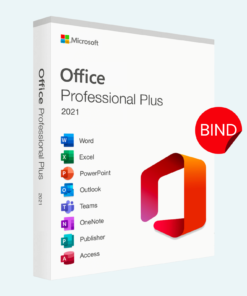
Microsoft Office 2021 Professional Plus – Lifetime License Key for Windows (1 PC BIND)
Microsoft Office
Microsoft Office
Microsoft Office
Reviews
There are no reviews yet.