

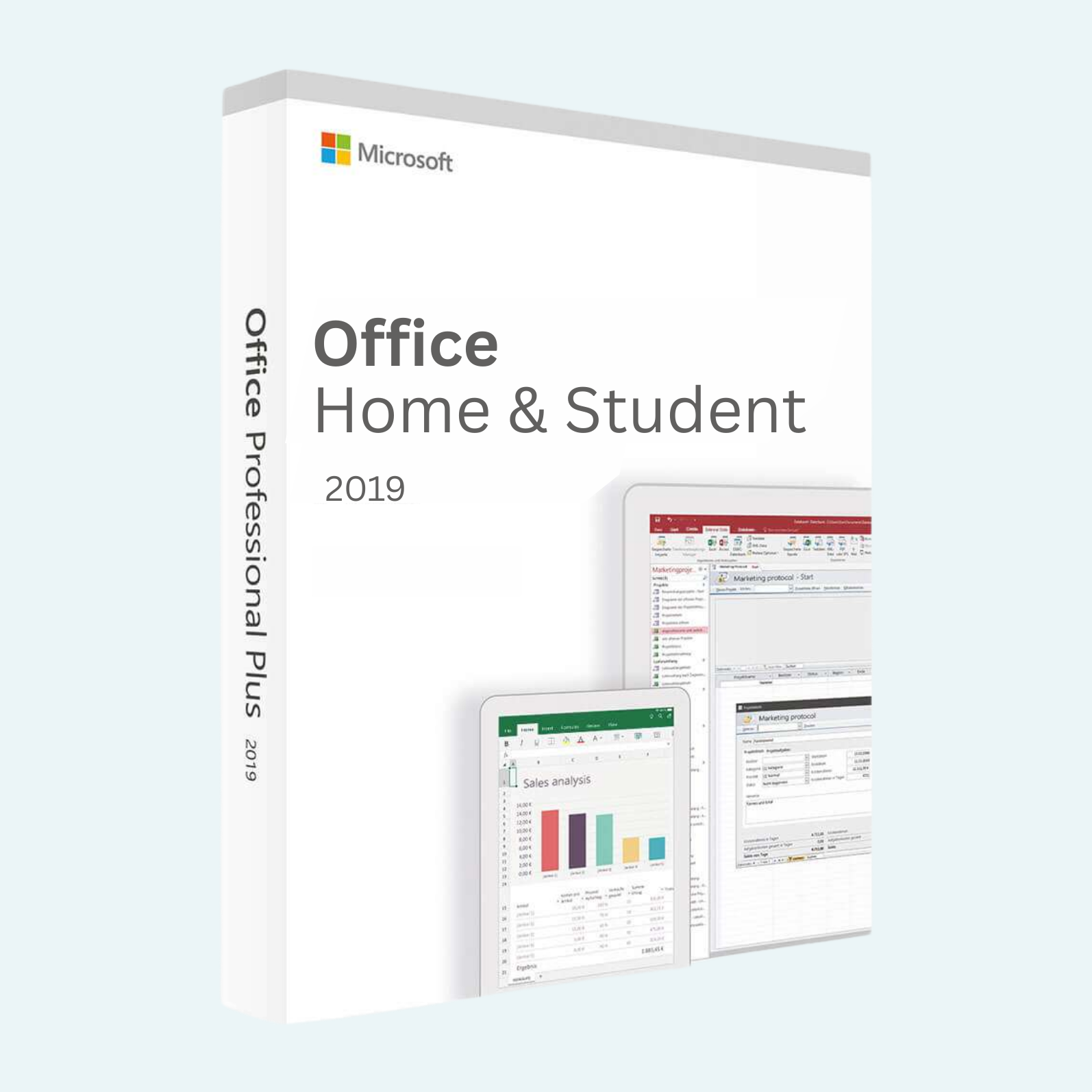
Elevate your productivity with Microsoft Office 2019 Home and Student, the essential one-time purchase suite designed for students, families, and home users. This perpetual license provides lifetime access to core applications like Word, Excel, PowerPoint, and OneNote—without subscriptions or recurring fees. Create stunning documents, crunch numbers with ease, deliver impactful presentations, and organize your notes effortlessly. Perfect for school assignments, personal projects, or everyday tasks, Office 2019 delivers reliable, familiar tools with modern enhancements for seamless collaboration and focus.
Key Features
- Word 2019: Craft professional documents with advanced formatting, LaTeX support for math equations, and improved inking for touch devices.
- Excel 2019: Analyze data like a pro with dynamic arrays, new functions (e.g., XLOOKUP, XMATCH), and enhanced charts for deeper insights.
- PowerPoint 2019: Design captivating slides using Morph transitions, 4D 3D models, and Zoom for dynamic storytelling.
- OneNote 2019: Capture ideas with ink-to-text conversion, audio recording, and seamless syncing across devices.
- One-Time Purchase: Install on 1 PC or Mac for permanent use—no internet required after activation.
- Modern Interface: Touch-optimized, high-DPI support, and accessibility improvements for inclusive use.
System Requirements
To ensure smooth performance, your device should meet these minimum specs:
- Operating System: Windows 10 or 11 (Windows 7/8 not supported); macOS 10.13 (High Sierra) or later.
- Processor: 1.6 GHz, 2-core processor (Windows) or Intel processor (Mac).
- RAM: 4 GB (2 GB minimum for 32-bit versions).
- Hard Disk Space: 4 GB available (32-bit) or 4.0 GB (64-bit).
- Display: 1280 x 768 screen resolution.
- Graphics: DirectX 9 or later with WDDM 2.0 or higher (for Windows 10).
- Internet: Required for download and initial activation; ongoing connection needed for some features like templates.
- Other: 1024 x 768 or higher resolution display; .NET 3.5 required (included in Windows).
Download, Install, and Activate
Getting started is quick and straightforward. Follow these steps to download, install, and activate your product using the provided 25-character product key.
- Download:
- Visit the official Microsoft download page: Office 2019 Home & Student.
- Download the ISO file (approximately 3-4 GB) to your device. For Mac users, use the equivalent macOS version from your Microsoft account.
- Install:
- Run the downloaded .img or .exe file as administrator.
- Follow the on-screen wizard: Select your language, accept terms, and choose “Quick Install” for defaults (includes Word, Excel, PowerPoint, OneNote).
- The process takes 10-30 minutes. Restart your computer if prompted.
- Tip: Uninstall any prior Office versions via Control Panel (Windows) or Applications folder (Mac) to avoid conflicts.
- File > Account > Activate Product:
- Open any Office app (e.g., Word).
- Go to File > Account (or Word > About Word on Mac).
- Under “Product Information,” click Activate Product or Sign In.
- Enter your 25-character product key (format: XXXXX-XXXXX-XXXXX-XXXXX-XXXXX) without hyphens.
- Sign in with a free Microsoft account (create one at account.microsoft.com if needed)—this links your license for easy reinstalls.
- Click Next and follow prompts. Activation verifies online and unlocks full features.
- Success: You’ll see “Product Activated” under File > Account. If issues arise, check your internet, key accuracy, or contact Microsoft Support.
Once activated, enjoy unrestricted access on your primary device. For reinstalls, sign in with the same Microsoft account—no key needed. Questions? Visit support.microsoft.com for troubleshooting.
Be the first to review “Microsoft Office 2019 Home and Student”
Related products
Microsoft Office
Microsoft Office
Microsoft Office
Microsoft Office
Microsoft Office
Microsoft Office
Reviews
There are no reviews yet.