

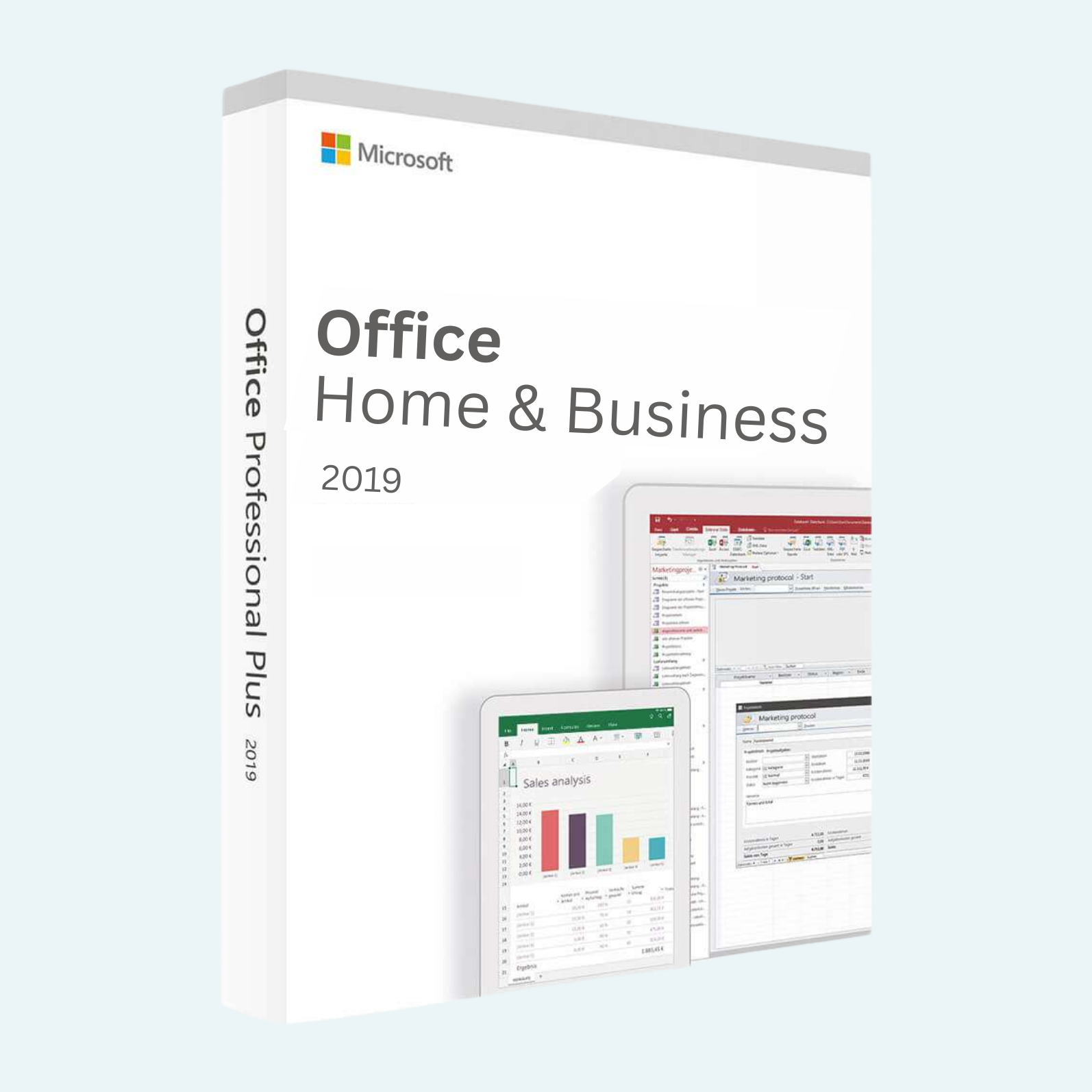
Elevate your productivity with Microsoft Office 2019 Home and Business, the definitive one-time purchase suite designed for small businesses, professionals, and home users who demand reliable, powerful tools without ongoing subscriptions. This edition delivers the classic desktop applications you trust—Word, Excel, PowerPoint, and Outlook—optimized for Windows PCs with enhanced features for seamless collaboration, data analysis, and communication. Whether you’re crafting reports, managing spreadsheets, delivering presentations, or organizing your inbox, Office 2019 provides a polished, intuitive experience that works offline after initial setup. Perfect for users seeking timeless performance backed by Microsoft’s legendary support.
Key Features
- Word: Create polished documents with improved inking support for stylus users, LaTeX equation editing, and advanced text-to-speech for accessibility.
- Excel: Dive deeper into data with dynamic array formulas, XLOOKUP for faster searches, and enhanced charts for better visualization—ideal for business analytics.
- PowerPoint: Design stunning slides using Morph transitions, 4D print-to-3D model conversion, and improved zoom features for non-linear storytelling.
- Outlook: Stay connected with focused inbox, email archiving, and @mentions for efficient team collaboration, plus better search across your emails and calendars.
- OneDrive Integration: Save and access files from anywhere, with 1 TB of cloud storage included for easy sharing and real-time co-authoring (requires periodic internet).
- Perpetual License: One-time buy for lifetime use on one PC—no subscriptions, just straightforward, always-updated core functionality.
Download, Install, and Activation Guide
Getting started is quick and hassle-free. Follow these steps to unlock the full power of Office 2019:
- Download:
- Visit the official Microsoft website (office.com) and sign in with your Microsoft account.
- Navigate to your account dashboard, select “Install Office,” and download the 32-bit or 64-bit installer based on your system (ISO file available for offline use).
- Install:
- Run the downloaded setup file as an administrator.
- Follow the on-screen prompts to select your language, accept the license terms, and choose “Quick Install” for a standard setup (or “Customize” for app selection).
- The installation typically takes 10-30 minutes, depending on your internet speed. No internet is needed after download for the install process.
- File > Account > Activate Product:
- Launch any Office app (e.g., Word).
- Click File in the top-left menu, then select Account from the sidebar.
- Under “Product Information,” click Activate Product.
- Enter your 25-character product key (provided with your purchase) when prompted.
- Sign in with your Microsoft account to link the license (internet required for initial activation). If issues arise, select “Troubleshoot” for automated fixes.
- For volume or enterprise users, activation can also use Key Management Service (KMS) or phone verification via the setup wizard.
- Note: One license per PC; up to 25 activations per Microsoft account. Restart the app to confirm activation.
Once activated, enjoy offline use with periodic internet checks for license validation.
System Requirements
Ensure your Windows PC meets these minimum specs for optimal performance:
- Operating System: Windows 10 (version 1803 or later) or Windows 11.
- Processor: 1.6 GHz or faster, 2-core processor.
- RAM: 4 GB (64-bit) or 2 GB (32-bit).
- Hard Disk Space: 4 GB of available space.
- Display: 1280 x 768 screen resolution.
- Graphics: DirectX 9 or later with WDDM 2.0 or higher for Windows 10.
- Internet: Required for download, activation, and cloud features (periodic access for validation).
Microsoft Office 2019 Home and Business is your gateway to professional-grade tools that adapt to your workflow. Purchase today and transform how you work!
Be the first to review “Microsoft Office 2019 Home and Business for Windows PC”
Related products
Microsoft Office For MAC
Office Home & Business 2024 One-Time Purchase for (PC or Mac)
Microsoft Office
Microsoft Office
Microsoft Office
Microsoft Office
Reviews
There are no reviews yet.