

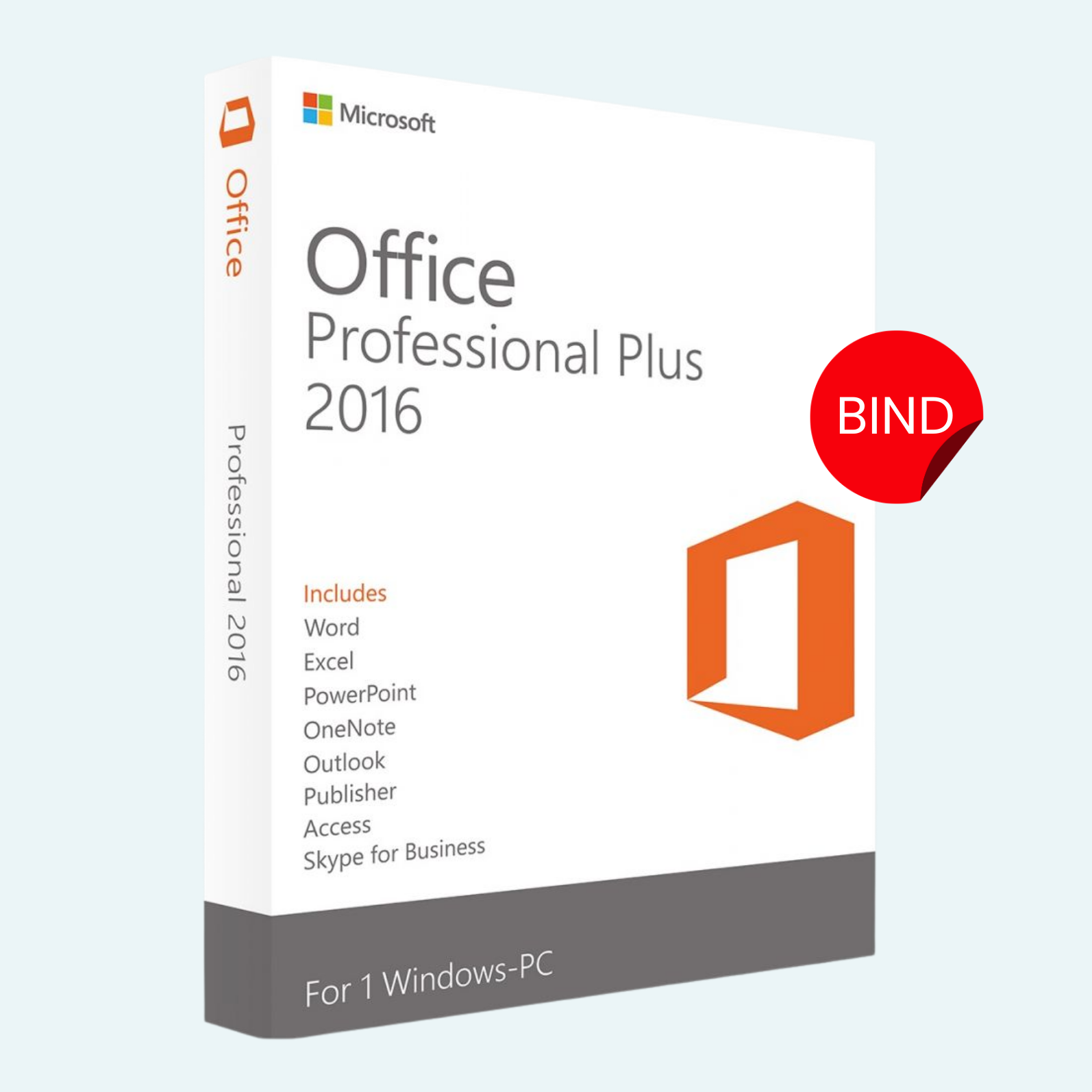
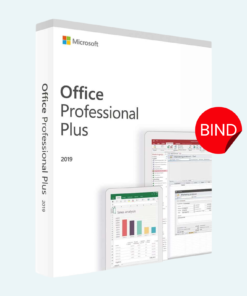
Elevate your productivity with Microsoft Office 2016 Professional Plus, the timeless suite of professional tools designed for seamless creation, collaboration, and management. This lifetime license provides perpetual access for a single PC, delivered instantly via a secure BIND key activation method. Perfect for students, professionals, and small businesses seeking reliable, offline-capable software without recurring subscriptions. Enjoy the classic interface you know and love, with enhanced features for Word, Excel, PowerPoint, and more—all optimized for Windows environments.
Key Features
- Comprehensive Suite: Includes Word (advanced document editing with real-time collaboration), Excel (powerful data analysis and charting tools), PowerPoint (stunning presentation designs with Designer templates), OneNote (digital note-taking and organization), Outlook (email management with integrated calendar), Publisher (professional desktop publishing), and Access (robust database creation and querying).
- Lifetime Access: One-time purchase for unlimited use—no subscriptions or renewals required. Install on 1 PC and use indefinitely.
- Enhanced Security: Built-in Data Loss Prevention (DLP) and integration with Microsoft Information Protection for safeguarding sensitive data.
- Cloud Integration: Optional connectivity to OneDrive for file syncing, sharing, and co-authoring (requires internet; offline mode fully supported).
- BIND Key Activation: Secure, instant digital delivery via encrypted BIND key for hassle-free setup and verification.
- Familiar Yet Powerful: Retains the ribbon interface with improvements like Tell Me search, Insights (powered by Bing), and multi-window support for multitasking.
System Requirements
To ensure optimal performance, your PC should meet the following specifications:
- Operating System: Windows 7, Windows 8/8.1, or Windows 10 (32-bit or 64-bit; Windows 7 and 8 require Service Pack 1).
- Processor: 1 GHz or faster (recommended: multi-core for better performance).
- RAM: 2 GB (32-bit) or 4 GB (64-bit) minimum.
- Hard Disk Space: 3.0 GB available (more for language packs or custom installations).
- Display: 1280 x 768 resolution or higher.
- Graphics: DirectX 9-compatible with WDDM 2.0 or higher driver (for enhanced visuals in PowerPoint and Excel).
- Internet Connection: Required for initial download, activation, and optional online features (BIND key delivery is digital).
- Other: .NET Framework 3.5 or later; Microsoft account for full functionality (optional for offline use).
Note: This product is not compatible with macOS, mobile devices, or newer Windows versions beyond 10 without compatibility mode. For multi-device use, consider Microsoft 365 subscriptions.
Download, Install, and Activation Guide
Getting started is straightforward—follow these steps to unlock your license in minutes:
- Download:
- After purchase, you’ll receive an email with your unique BIND key and official Microsoft download link.
- Visit office.com/setup or the provided link.
- Sign in with a Microsoft account (create one if needed—it’s free).
- Enter your BIND key when prompted to verify and access the installer (OfficeDeploymentTool.exe for custom setups or direct .exe for standard).
- Install:
- Run the downloaded installer as administrator.
- Select “Professional Plus” from the edition dropdown (ensure 2016 version is chosen).
- Customize your installation (e.g., add/remove apps like Access or Publisher) or opt for full suite.
- Click “Install Now” and wait for the process to complete (typically 10-30 minutes, depending on internet speed).
- Restart your PC if prompted.
- Account Setup and Activation:
- Launch any Office app (e.g., Word).
- If not auto-activated, go to File > Account (or Office Account in some views).
- Select Activate Product or Change Product Key.
- Enter your BIND key and sign in with your Microsoft account.
- Follow on-screen prompts to complete activation—your license will bind to the device for lifetime use.
- Verify status: Under File > Account > Product Information, it should show “Product Activated” with no expiration.
Troubleshooting Tips: If activation fails, ensure your internet is stable and check firewall settings. For support, contact Microsoft at support.microsoft.com or the seller’s helpdesk. This lifetime license is non-transferable and tied to one PC only—deactivate via your Microsoft account before hardware changes.
Transform your workflow today with the enduring reliability of Office 2016 Professional Plus. Order now and receive your BIND key within minutes!
Be the first to review “Microsoft Office 2016 Professional Plus – Lifetime License for 1PC – BIND Key”
Related products
Microsoft Office
Microsoft Office
Microsoft Office 2021 Professional Plus – Lifetime License Key for Windows (1 PC BIND)
Microsoft Office
Microsoft Office
Microsoft Office For MAC
Office Home & Business 2024 One-Time Purchase for (PC or Mac)
Microsoft Office
Reviews
There are no reviews yet.