

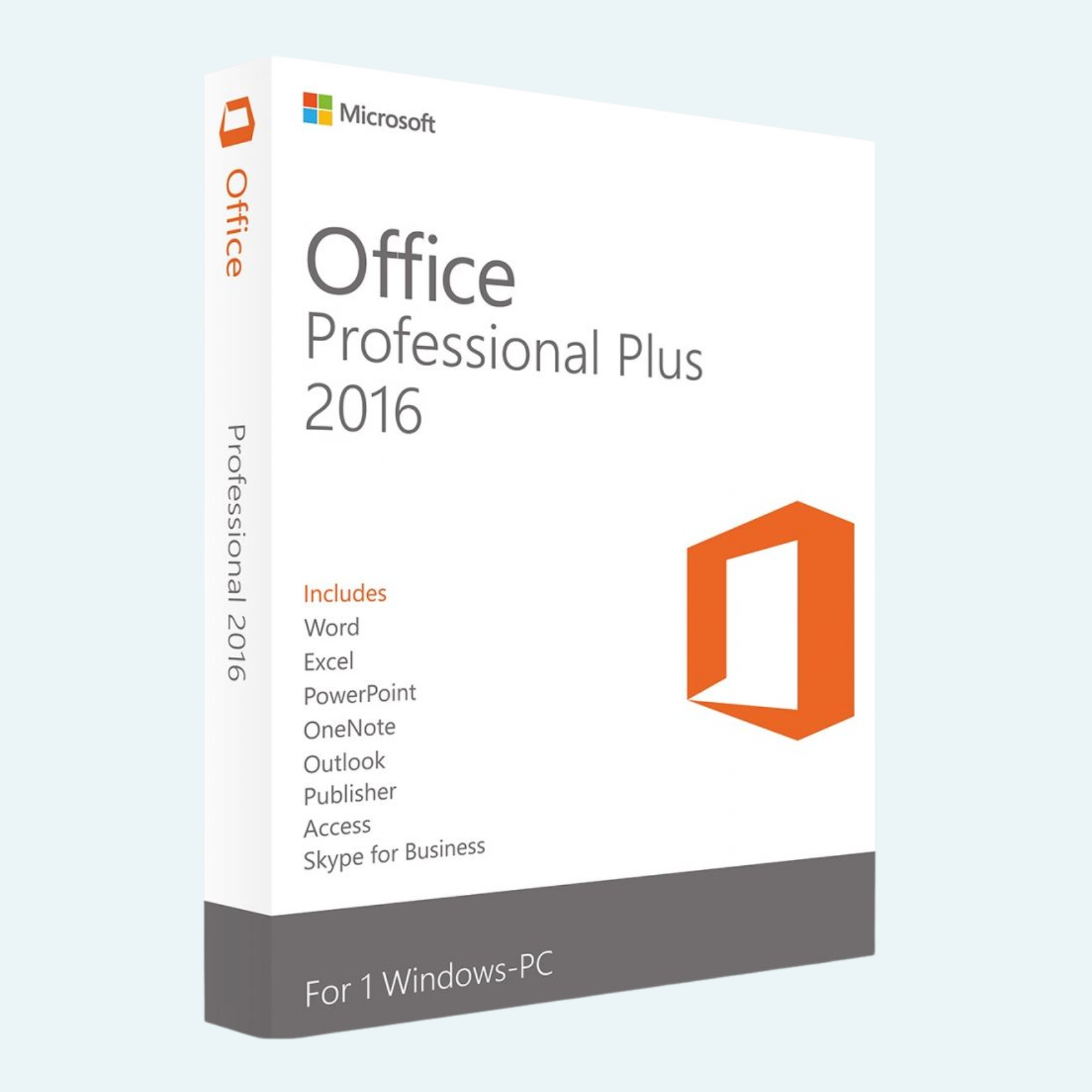
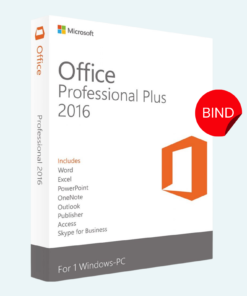
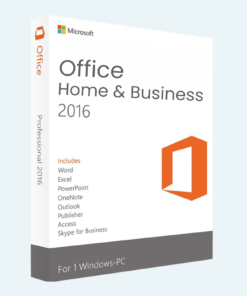
Elevate your productivity with Microsoft Office 2016 Professional Plus, the timeless suite designed for seamless collaboration and professional-grade tools. Tailored for Windows PC users, this version delivers reliable performance with enhanced features for document creation, data analysis, and communication. Whether you’re a business professional, student, or creative, Office 2016 Pro Plus empowers you to work smarter from anywhere.
Key Features
- Word 2016: Craft polished documents with advanced formatting, real-time co-authoring, and PDF integration for effortless sharing.
- Excel 2016: Analyze data like a pro with powerful charting, PivotTables, and new forecasting tools for smarter insights.
- PowerPoint 2016: Design stunning presentations with Designer suggestions, 4D morph transitions, and high-resolution exports.
- Outlook 2016: Manage emails efficiently with focused inbox, calendar sharing, and integrated Skype for Business.
- Access 2016: Build robust databases with an intuitive interface, SQL server support, and web app publishing.
- Publisher 2016: Create professional marketing materials, brochures, and flyers with drag-and-drop design tools.
- OneNote 2016: Organize notes, sketches, and clippings in a digital notebook with cloud sync for on-the-go access.
- Additional Perks: Includes Lync (now Skype for Business) for instant messaging and meetings, plus seamless integration with OneDrive for cloud storage and collaboration.
Experience the classic ribbon interface refined for efficiency, with multi-monitor support and touch-optimized controls.
System Requirements
To ensure smooth performance, your PC should meet these minimum specs:
- Operating System: Windows 7, 8, 8.1, or 10 (32-bit or 64-bit; Windows Server 2008 R2, 2012, or 2012 R2 also supported).
- Processor: 1 GHz or faster with SSE2 instruction set.
- RAM: 2 GB (4 GB recommended for 64-bit version).
- Hard Disk Space: 3 GB available space.
- Display: 1280 x 768 screen resolution.
- Graphics: DirectX 9-compatible with WDDM 2.0 or higher for graphics hardware acceleration.
- Internet: Required for activation, validation, online features, and updates.
- Other: .NET 3.5, .NET 4.0, or .NET 4.5 required; webcam for Skype integration.
Note: This product is for a single PC installation. Not compatible with macOS or mobile-only devices.
How to Download, Install, and Activate
Getting started is quick and straightforward. Follow these steps:
- Download:
- After purchase, you’ll receive a download link via email (or access it from your Microsoft account dashboard).
- Visit the provided URL and select the 32-bit or 64-bit version based on your system.
- Download the ISO file (approximately 3 GB) to your PC.
- Install:
- Mount the ISO file (right-click > Mount in Windows Explorer) or extract it using a tool like 7-Zip.
- Run setup.exe from the mounted drive.
- Follow the on-screen prompts: Accept the license terms, choose your installation type (Quick or Custom), and select components.
- Installation takes 10-30 minutes depending on your hardware. Restart your PC when prompted.
- File > Account > Activate Product:
- Launch any Office app (e.g., Word).
- Go to File > Account in the top menu.
- Click Activate Product (or Change Product Key if prompted).
- Enter your 25-character product key (format: XXXXX-XXXXX-XXXXX-XXXXX-XXXXX) from your purchase confirmation.
- Sign in with your Microsoft account if required for online activation.
- Click Next to complete activation. You’ll see a success message confirming your product is genuine.
If activation fails, ensure you’re online and check Microsoft’s support site for troubleshooting (e.g., proxy settings or firewall issues). For volume licensing, use the Volume Activation Services.
Unlock the full potential of your workflow today—order now and transform ideas into action!
Be the first to review “Microsoft Office 2016 Professional Plus for Windows PC”
Related products
Microsoft Office
Microsoft Office
Microsoft Office
Microsoft Office
Microsoft Office
Microsoft Office
Reviews
There are no reviews yet.