

Enhance Your Productivity with Timeless Essentials
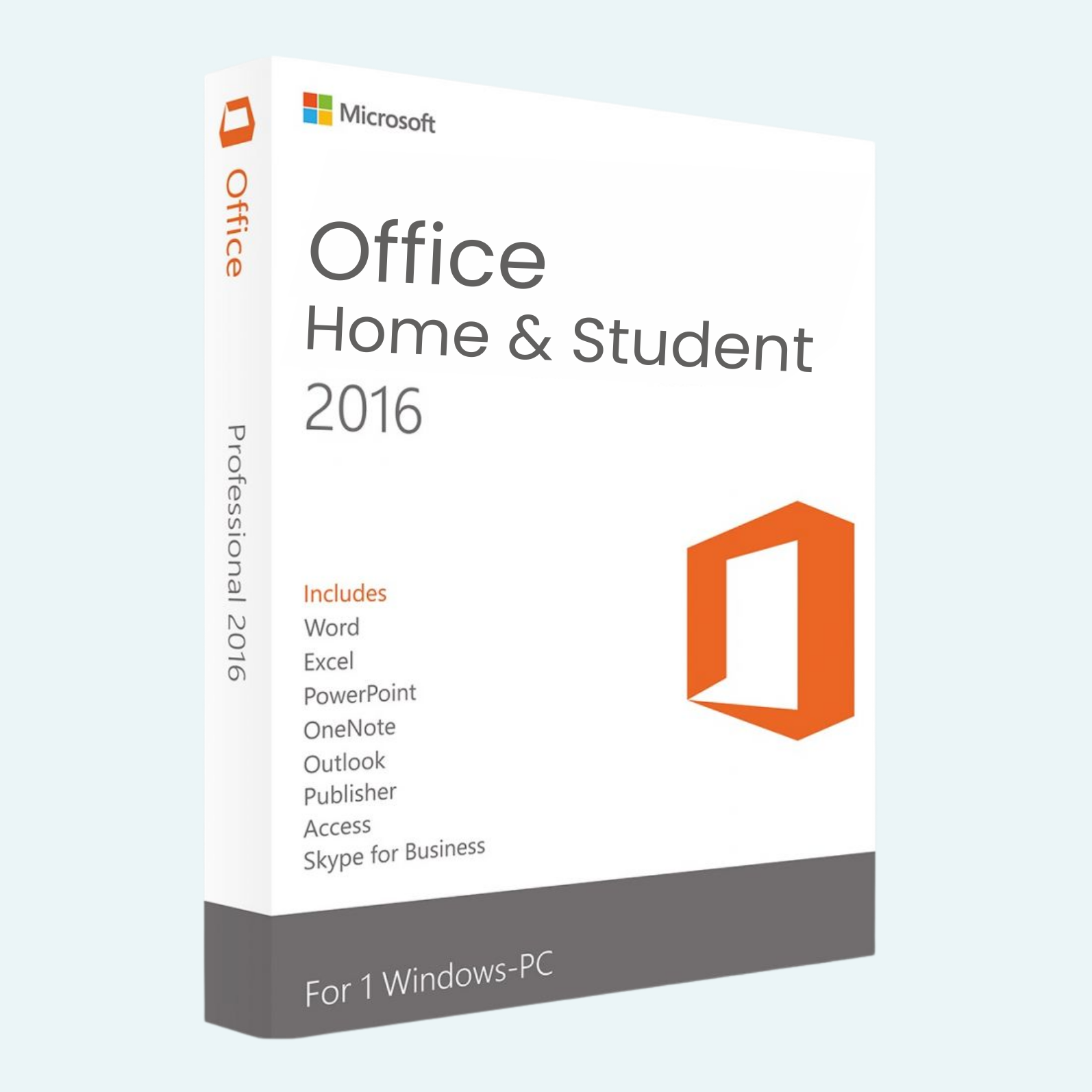
Microsoft Office 2016 Home & Student for Windows delivers the core suite of productivity tools trusted by millions—Word, Excel, PowerPoint, and OneNote—in a streamlined package designed for home users, students, and casual professionals. With a modern interface, enhanced collaboration features, and seamless cloud integration via OneDrive, this perpetual license edition lets you create, organize, and share with confidence. No subscriptions, just reliable performance on your terms. Perfect for drafting reports, analyzing data, building presentations, or taking notes—get more done without the complexity.
Key Features
- Word 2016: Craft professional documents with improved formatting tools, real-time co-authoring, and insights from Tell Me (powered by Bing) for quick command searches.
- Excel 2016: Analyze data effortlessly with new chart recommendations, slicers for interactive filtering, and the Analysis ToolPak for advanced statistical functions—ideal for spreadsheets and visualizations.
- PowerPoint 2016: Design stunning slides faster using Designer suggestions, Morph transitions for smooth animations, and easy content import from online sources.
- OneNote 2016: Organize ideas in digital notebooks with ink-to-text conversion, section syncing across devices, and embedding of multimedia for comprehensive note-taking.
- Cloud Integration: Save and access files via OneDrive for seamless sharing and collaboration—edit together in real-time from any device.
- Modern Look & Feel: Clean, intuitive UI with familiar keyboard shortcuts, plus enhanced security features like multi-factor authentication support.
Download, Install, and Activation Instructions
Getting started is straightforward—your digital license includes a 25-character product key for instant access. Follow these steps:
Download:
- Visit office.com/setup and sign in with your Microsoft account (create one if you don’t have it).
- Enter your product key to verify and download the installer (it may appear as Microsoft 365, but it installs Office 2016).
- Select the version (32-bit or 64-bit) that matches your system—Microsoft recommends 64-bit for better performance if your hardware supports it.
Install:
- Run the downloaded setup file (Setup.exe).
- Follow the on-screen prompts to select your language, accept terms, and choose installation options (recommended: full install for all apps).
- The process takes about 10-20 minutes; restart your computer if prompted. Uninstall any prior Office versions (e.g., 2013) via Control Panel > Programs to avoid conflicts.
File > Account > Activate Product:
- Open any Office app (e.g., Word).
- Click File in the top-left menu.
- Select Account from the sidebar.
- Under Product Information, if it shows “Product Activated,” you’re set. Otherwise, click Activate Product or Change Product Key.
- Enter your 25-character product key and sign in with your Microsoft account to link the license. Activation is instant via internet connection (one-time only). Note: This is a one-time, one-device license. For issues, visit support.microsoft.com and search “Activate Office 2016.”
System Requirements
Ensure your PC meets these minimum specs for smooth operation:
- Operating System: Windows 7 SP1, Windows 8.1, Windows 10, or Windows 11 (Windows Server 2012 R2 or later also supported).
- Processor: 1 GHz or faster x86- or x64-bit processor with SSE2 instruction set.
- RAM: 2 GB (recommended; 1 GB minimum for 32-bit).
- Hard Disk Space: 3 GB available.
- Display: 1024 x 768 resolution or higher.
- Graphics: DirectX 10-compatible graphics card for hardware acceleration.
- Other: Internet connection for download, activation, and cloud features; Microsoft account required.
Upgrade to Office 2016 Home & Student today and unlock professional-grade tools that stand the test of time. Compatible with Windows environments—download now and start creating!
Be the first to review “Microsoft Office 2016 Home & Student for Windows”
Related products
Microsoft Office For MAC
Office Home & Business 2024 One-Time Purchase for (PC or Mac)
Microsoft Office
Microsoft Office
Microsoft Office
Microsoft Office
Microsoft Office
Reviews
There are no reviews yet.