

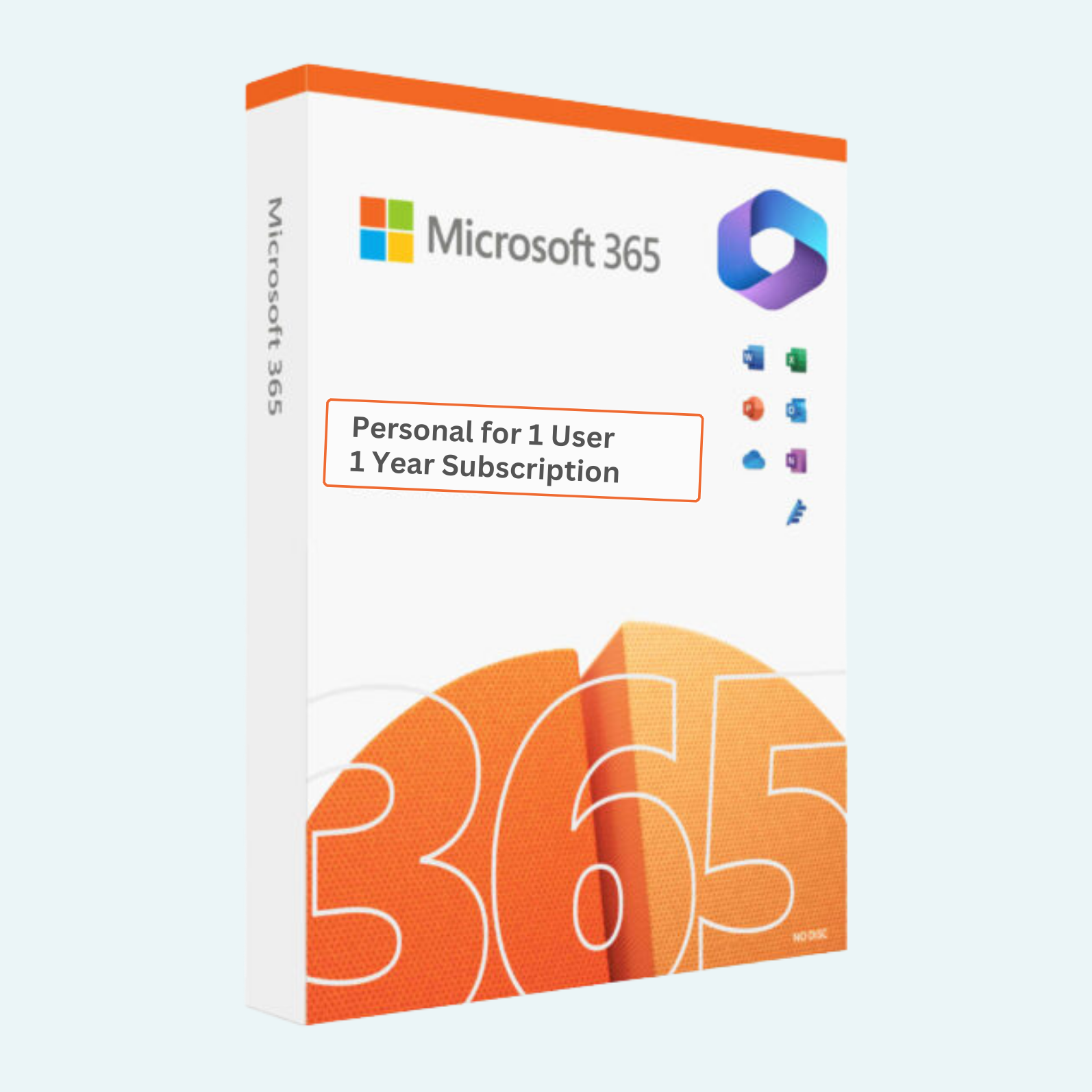
Elevate Your Productivity with Seamless Cloud-Powered Tools
Unlock the full potential of Microsoft’s premier productivity suite with Microsoft 365 Personal. Designed for individuals who demand professional-grade tools on the go, this subscription provides access to essential apps like Word, Excel, PowerPoint, Outlook, and more—optimized for your own email and account setup. Enjoy 1TB of secure OneDrive cloud storage to safeguard and access your files from anywhere, across devices. Perfect for students, professionals, or anyone managing personal projects, this 1-year plan ensures uninterrupted access without the hassle of shared accounts.
Key Features
- Core Desktop & Mobile Apps: Install and use premium versions of Word, Excel, PowerPoint, OneNote, and Outlook on up to 5 devices simultaneously (PC, Mac, tablet, or phone).
- 1TB OneDrive Cloud Storage: Store, sync, and share photos, videos, and documents securely with automatic backups and real-time collaboration.
- Advanced Email & Calendar: Set up with your own email account via Outlook for professional-grade management, including focused inbox, sweep rules, and integrated scheduling.
- Built-in Security & Privacy: Features like ransomware detection, data encryption, and identity theft monitoring to protect your digital life.
- AI-Powered Insights: Leverage Microsoft Editor for writing assistance, Excel’s Ideas for data analysis, and Designer for quick graphic creation.
- Cross-Device Continuity: Seamlessly switch between devices with real-time syncing—start a document on your laptop and finish on your phone.
- Ongoing Updates: Receive the latest features, security patches, and app versions automatically throughout your subscription.
System Requirements
To ensure optimal performance, your device must meet these minimum specifications:
- Operating System: Windows 10/11 (for PC), macOS (latest three versions), iOS (iOS 15 or later for iPhone/iPad), Android (8.0 or later).
- Processor: 1.6 GHz or faster, 2-core for PC/Mac; ARM-based processors supported on select devices.
- Memory (RAM): 4 GB (64-bit) or 2 GB (32-bit) for desktop apps; 4 GB for mobile.
- Display: 1280 x 768 screen resolution or higher.
- Graphics: DirectX 9 or later with WDDM 2.0 or higher for Windows; integrated graphics for Mac.
- Internet Connection: Required for download, activation, online features, and updates (broadband recommended).
- Storage: At least 4 GB free space for installation.
- Browser: Edge, Chrome, Firefox, or Safari (latest version) for web-based access.
- Microsoft Account: Required for setup and management—use your own email for personalized access. Note: Not compatible with Windows RT or ARM-based PCs running Windows 7/8. Some features may vary by platform.
Download, Install, and Activation Guide
Getting started is quick and straightforward—follow these steps to activate your subscription and dive into Microsoft 365:
- Download the Apps:
- Visit office.com and sign in with your Microsoft account (or create one using your own email).
- Navigate to Install apps > Microsoft 365 apps and select Install (or download the individual apps like Word or Excel from the Microsoft Store on Windows/iOS/Android).
- Install on Your Device:
- Run the downloaded setup file (typically named “Setup.exe” for PC/Mac).
- Follow the on-screen prompts: Choose your language, accept terms, and select install location.
- Installation takes 5-15 minutes depending on your internet speed. Restart your device if prompted.
- For mobile: Search for “Microsoft 365” in the App Store (iOS) or Google Play (Android) and install directly.
- Sign In and Activate:
- Open any installed app (e.g., Word) and select Sign in with the Microsoft account tied to your subscription.
- If prompted, enter your product key (provided upon purchase via email or account dashboard).
- Go to File > Account > Product Information (or Activate Product in some versions).
- Click Activate or Change Product Key, enter your 25-character key, and follow the prompts to verify.
- Your subscription will activate instantly, granting access to all features, including 1TB OneDrive. OneDrive setup occurs automatically upon first sign-in—create folders and start uploading files.
- Verify Activation:
- In any app, check File > Account to confirm your subscription status shows “Product Activated” with the 1-year term.
- Access OneDrive via onedrive.com or the app to see your 1TB storage.
If you encounter issues, visit support.microsoft.com for troubleshooting or contact Microsoft support directly through your account. Renew your subscription effortlessly before it expires to maintain seamless access.
This product is a digital subscription redeemable worldwide (restrictions may apply in sanctioned regions). All sales are final; key delivery is instant via email.
Be the first to review “Microsoft 365 Personal for 1 User with 1TB OneDrive (Own Email/Account) – 1 Year Subscription”
Related products
Microsoft Office
Microsoft Office
Microsoft Office
Microsoft Office
Microsoft Office 2021 Professional Plus – Lifetime License Key for Windows (1 PC BIND)
Microsoft Office
Microsoft Office
Reviews
There are no reviews yet.