

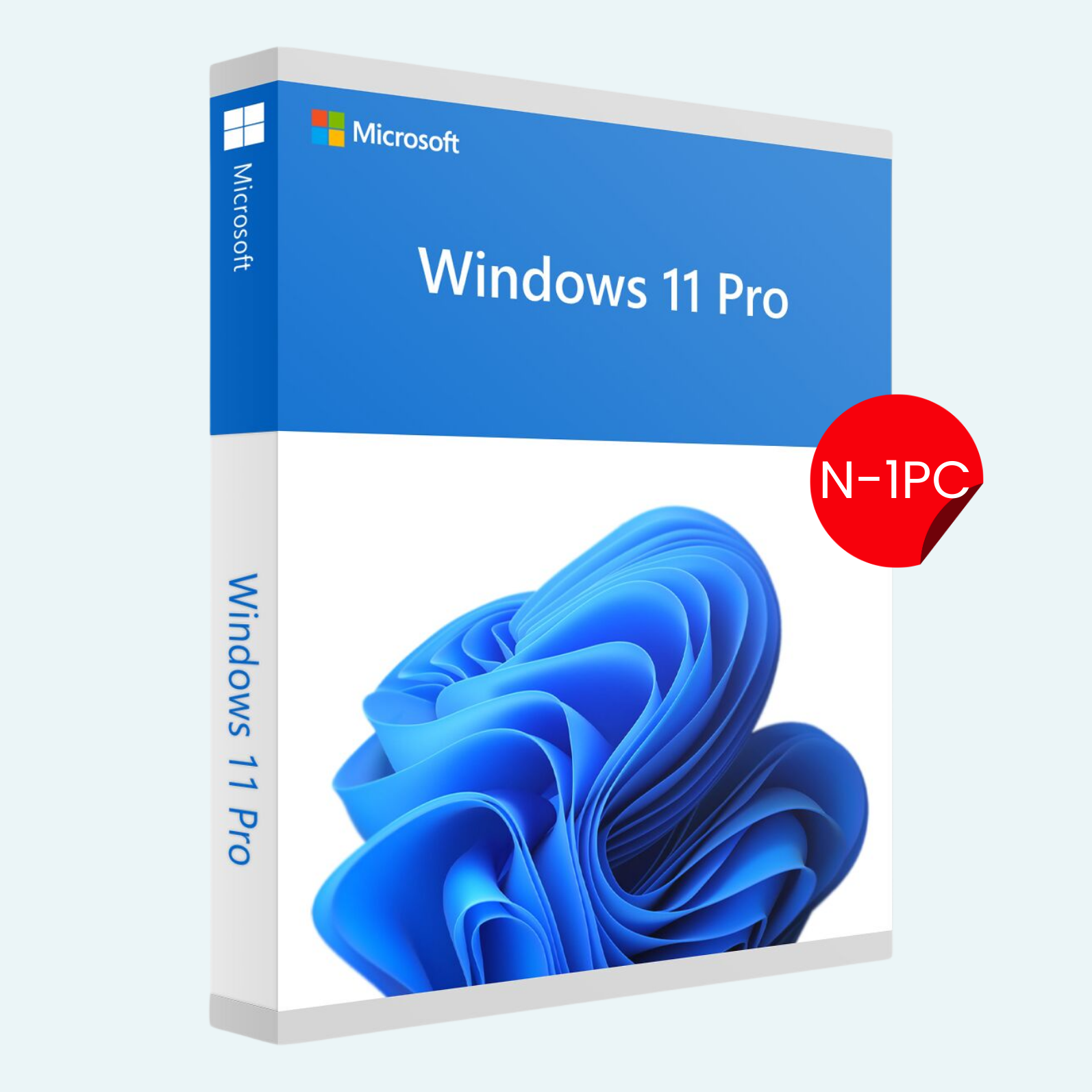
Unlock the full potential of your PC with the Windows 11 Pro N 1 PC License Key – a digital activation code designed for users who demand professional-grade performance without unnecessary bloat. Tailored for media enthusiasts and power users, the “N” edition excludes bundled media technologies like Windows Media Player, giving you a lean, customizable OS that prioritizes speed and flexibility. This lifetime license activates Windows 11 Pro N on a single PC, ensuring seamless updates, enhanced security, and enterprise-level tools to streamline your workflow.
Whether you’re editing videos, managing projects, or simply browsing with efficiency, Windows 11 Pro N delivers the modern interface, AI-powered features, and robust multitasking you need – all in a lightweight package.
Key Features
- Streamlined Media Experience: Optimized for third-party media apps; excludes default Windows Media Player for a cleaner, faster boot and reduced resource usage.
- Advanced Security: Built-in BitLocker encryption, Windows Hello biometric login, and Secure Boot to protect your data and device.
- Productivity Boosters: Snap Layouts for effortless multitasking, virtual desktops for organized workspaces, and integration with Microsoft Teams for seamless collaboration.
- Remote Access: Remote Desktop capabilities to connect and control your PC from anywhere.
- Enterprise Tools: Hyper-V virtualization for running multiple OS environments, and domain join for business network integration.
- Lifetime License: One-time activation for perpetual use on 1 PC, with free feature updates from Microsoft.
System Requirements
To ensure smooth performance, your PC must meet these minimum specs:
- Processor: 1 GHz or faster with 2+ cores on a compatible 64-bit processor or System on a Chip (SoC).
- RAM: 4 GB or more.
- Storage: 64 GB or larger storage device.
- Graphics Card: DirectX 12 compatible with WDDM 2.0 driver.
- TPM: Version 2.0 (enabled in BIOS/UEFI).
- Display: High-definition (720p) display greater than 9″ diagonally, 8 bits per color channel.
- Internet Connection: Required for setup, updates, and some features (including Microsoft Account for activation).
- Additional Notes: Compatible with most modern PCs; check Microsoft’s PC Health Check app for compatibility. Not for ARM-based devices.
How to Download, Install, and Activate
Getting started is quick and straightforward. Follow these steps to download, install, and activate your Windows 11 Pro N:
- Download Windows 11 Pro N:
- Visit the official Microsoft website (microsoft.com/software-download/windows11).

- Select “Download Windows 11 Disk Image (ISO) for x64 devices.”
- Choose the “Windows 11 Pro N” edition from the dropdown (it’s listed separately due to regional media regulations).
- Download the ISO file (approximately 5-6 GB) to your PC or a USB drive.
- Visit the official Microsoft website (microsoft.com/software-download/windows11).
- Install Windows 11 Pro N:
- From USB (Recommended for Clean Install): Use the Media Creation Tool from Microsoft to create a bootable USB (8 GB+). Insert the USB, restart your PC, and enter BIOS (usually F2/Del key) to boot from USB. Follow the on-screen installer prompts to select Pro N edition.
- Upgrade from Existing Windows: Run the ISO via double-click or mount it, then launch setup.exe. Choose “Upgrade” to keep files/apps, or “Custom” for a fresh install.
- Installation typically takes 20-60 minutes, depending on your hardware.
- Activate Your Product:
- Once installed, go to Settings > System > Activation (or search “Activation” in the Start menu).
- Under “Activation,” select Change product key.
- Enter your provided 25-character license key (format: XXXXX-XXXXX-XXXXX-XXXXX-XXXXX).
- Click Next – Windows will verify online via Microsoft servers (requires internet).
- If prompted, sign in with a Microsoft Account for full feature access.
- Activation is instant; you’ll see “Windows is activated” confirmation. Troubleshoot via Settings > Update & Security > Activation if needed.
Your license key will be delivered digitally via email upon purchase – no physical media required. For support, contact Microsoft at support.microsoft.com.
Ready to Upgrade? Purchase now and transform your PC into a powerhouse. This key is non-transferable and intended for genuine Microsoft software use only.
Be the first to review “Windows 11 Pro N 1 PC License Key”
Related products
Microsoft Windows
Microsoft Windows 11 Professional 32/64 Bit License Key – 1PC Lifetime
Microsoft Windows
Microsoft Windows
Microsoft Windows
Microsoft Windows
Microsoft Windows
Microsoft Windows
Reviews
There are no reviews yet.