

Elevate Your Productivity with Timeless Tools
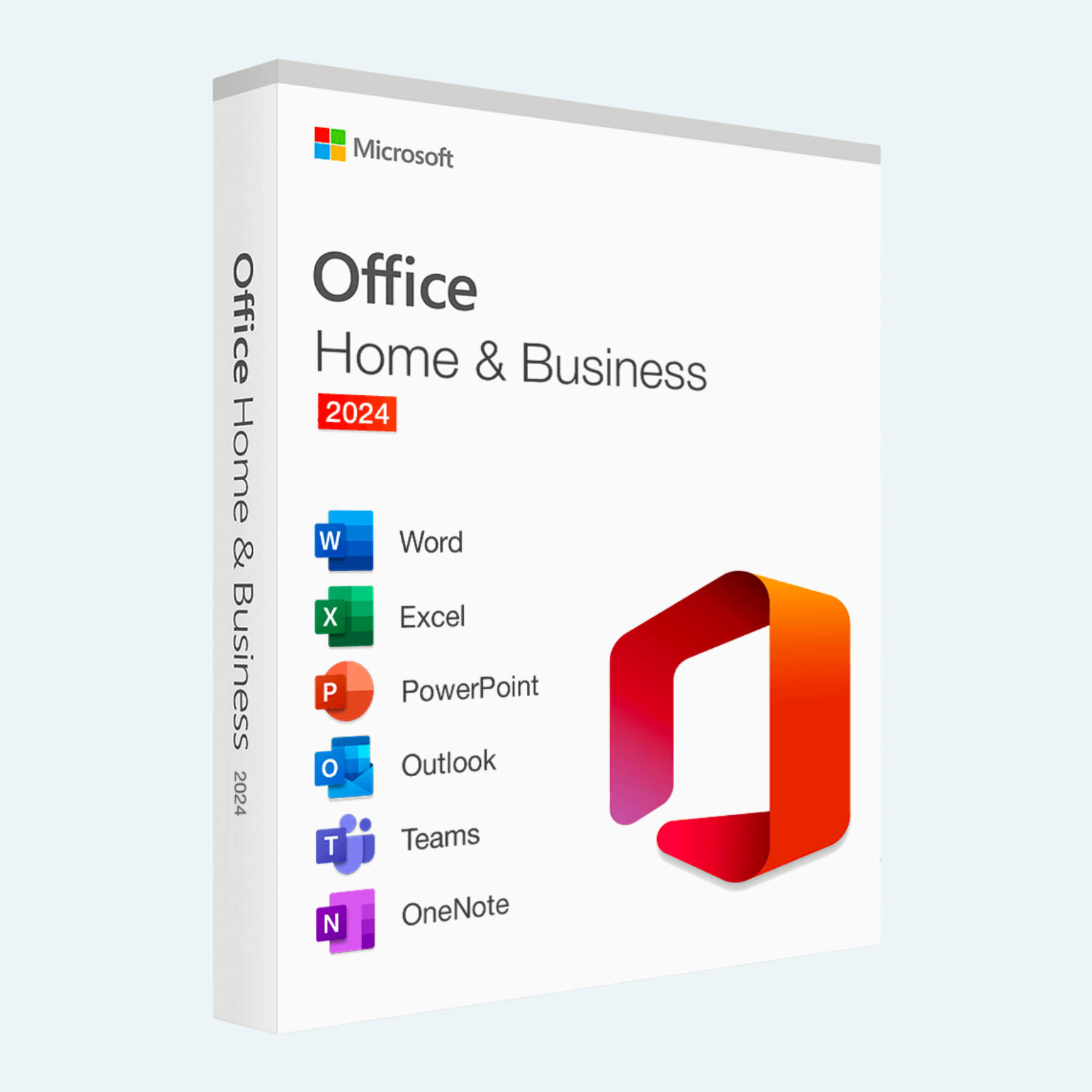
Microsoft Office Home 2024 delivers the essential suite of desktop applications you know and love—Word, Excel, PowerPoint, and OneNote—in a one-time purchase designed for students, families, and home users. Optimized for both Windows and Mac, this perpetual license provides robust, offline-first performance with enhanced security and modern interface updates. Create stunning documents, analyze data with precision, and design compelling presentations without the need for a subscription. Perfect for personal projects, schoolwork, or family collaboration, Office Home 2024 ensures seamless compatibility across devices while prioritizing your privacy and data control.
Key Features
- Word 2024: Craft professional documents with improved readability tools, including advanced text formatting, live preview for styles, and built-in accessibility checker for inclusive content creation.
- Excel 2024: Harness powerful data analysis with dynamic arrays, enhanced charts, and XLOOKUP function for faster lookups—ideal for budgeting, tracking, or complex spreadsheets.
- PowerPoint 2024: Design impactful slides with new Designer suggestions, 3D animations, and live captions for presentations that engage any audience.
- OneNote 2024: Organize notes effortlessly with ink-to-text conversion, dark mode support, and cross-app integration for quick idea capture.
- Cross-Platform Excellence: Full compatibility between PC and Mac versions, with cloud sync via OneDrive (5 GB included) for easy file sharing.
- Security & Performance: Built-in Microsoft Defender integration, automatic updates for the latest fixes, and optimized for hybrid work environments.
- One-Time License: Install on one PC or Mac—no recurring fees, with lifetime access to core apps (updates limited to security patches).
System Requirements
Before installation, confirm your device meets these minimum specs to ensure smooth performance:
| Component | Windows (PC) | macOS (Mac) |
| Operating System | Windows 11 or Windows 10 (version 1809 or later) | macOS 13.0 (Ventura) or later |
| Processor | 1.6 GHz, 2-core or greater | Apple Silicon (M1 or later) or Intel processor |
| RAM | 4 GB (64-bit recommended) | 4 GB (8 GB recommended) |
| Storage | 4 GB available space | 10 GB available space |
| Display | 1280 x 768 screen resolution | 1280 x 768 screen resolution |
| Graphics | DirectX 9 or later with WDDM 2.0 | No specific requirements |
| Internet | Required for download, install, and activation | Required for download, install, and activation |
Note: A Microsoft account is required for activation. Not compatible with older OS versions like macOS Big Sur.
Download, Install, and Activation Guide
Microsoft Office Home 2024 is delivered as a digital download via your purchase confirmation email or Microsoft account dashboard. Internet access is essential for initial setup, but once installed, apps work fully offline. Follow these steps for PC or Mac:
- Download:
- Visit office.com/setup and sign in with your Microsoft account (create one if needed).
- Enter your 25-character product key from your purchase receipt.
- Select “Install Office” to download the installer (setup.exe for PC or Microsoft_Office_Installer.pkg for Mac). Save to your Downloads folder.
- Install:
- For PC (Windows): Double-click setup.exe, accept the license terms, and choose “Install Now.” The process takes 5-15 minutes; restart your computer if prompted.
- For Mac: Double-click the .pkg file, select “Continue,” and follow the setup wizard. Enter your Mac admin password when required. Installation may take 10-20 minutes.
- Tip: Close all apps and disable antivirus temporarily to avoid interruptions.
- Account & Activation:
- Launch any Office app (e.g., Word).
- Sign in with the same Microsoft account used for download.
- If prompted, enter your product key again to associate the license. You’ll see a confirmation: “My Office Account” with your email.
- For manual activation: Go to File > Account > Change Product Key, or visit support.microsoft.com for troubleshooting.
- Activation is device-specific (one PC or one Mac) and requires an internet connection only once.
If issues arise, uninstall prior Office versions via Control Panel (PC) or Applications folder (Mac) before retrying. For remote support, contact Microsoft at support.microsoft.com.
Unlock your creative potential today—purchase Microsoft Office Home 2024 and experience the gold standard in productivity software!
Be the first to review “Microsoft Office Home 2024 (PC & Mac)”
Related products
Microsoft Office
Microsoft Office
Microsoft Office
Microsoft Office
Microsoft Office
Microsoft Office 2021 Professional Plus – Lifetime License Key for Windows (1 PC BIND)
Reviews
There are no reviews yet.