

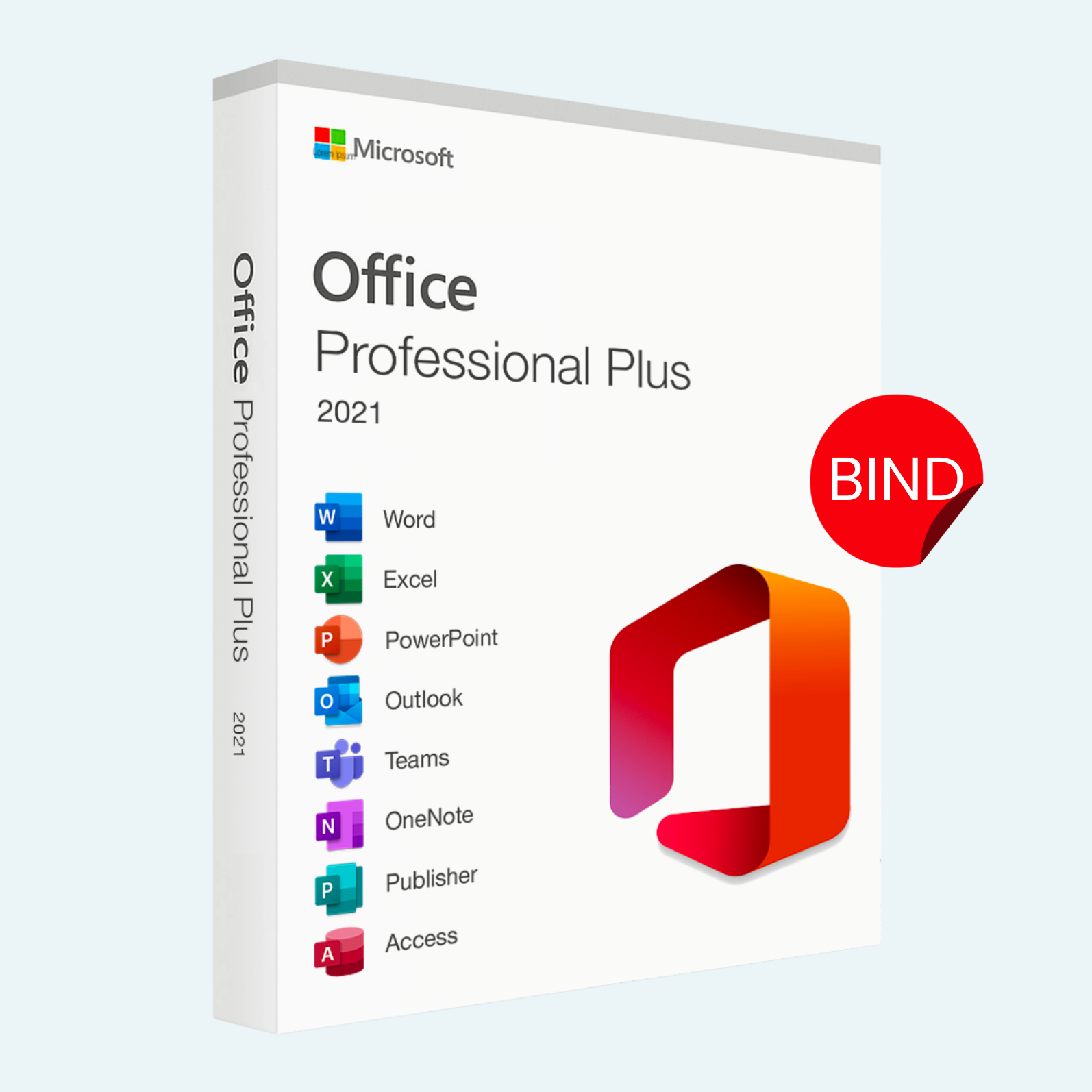
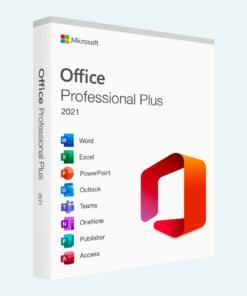
Microsoft Office 2021 Professional Plus – Lifetime License Key for Windows (1 PC BIND)
Original price was: $189.00.$54.99Current price is: $54.99.
Platform: Microsoft
License: 1 User, 1 PC
Purchase: Pay once, use forever
Activation: Global, single activation
Guarantee: Complete satisfaction or your money back
Elevate your productivity with Microsoft Office 2021 Professional Plus, the ultimate suite of productivity tools designed for professionals, students, and creators who demand seamless performance and reliability. This lifetime license key provides perpetual access to the full suite of Office applications for a single PC, with no recurring subscriptions or hidden fees. Perfect for Windows users seeking a one-time investment in powerful, feature-rich software that binds exclusively to your device for enhanced security and simplicity.
Whether you’re crafting reports in Word, crunching numbers in Excel, or delivering compelling presentations in PowerPoint, Office 2021 delivers an intuitive, modern interface with robust tools to streamline your workflow. Say goodbye to compatibility issues and hello to offline-first reliability—ideal for remote work, business operations, or personal projects.
Key Features
- Full Suite Access: Includes Word, Excel, PowerPoint, Outlook, OneNote, Publisher, and Access for comprehensive document creation, data analysis, email management, and database handling.
- Enhanced Collaboration Tools: Real-time co-authoring, improved track changes, and cloud integration (with optional Microsoft account linkage) for effortless team editing.
- Advanced Data Insights: Excel’s dynamic arrays, XLOOKUP function, and Power Query for faster data manipulation and visualization.
- Modern Design & Performance: Dark mode support, touch-optimized controls, and optimized performance for faster load times on Windows 10/11.
- Lifetime License: One-time activation for unlimited use on 1 dedicated PC—no expiration or renewals required.
- Security & Updates: Built-in security features like data loss protection and access to critical security updates for the lifetime of the product (non-feature updates post-2026).
System Requirements
To ensure optimal performance, your PC should meet the following minimum specifications:
- Operating System: Windows 10 or Windows 11 (64-bit recommended; 32-bit supported on Windows 10 only).
- Processor: 1.6 GHz or faster, 2-core processor (recommended: Intel/AMD multi-core).
- RAM: 4 GB (recommended: 8 GB or more for multitasking).
- Hard Disk Space: 4 GB of available space (HDD or SSD).
- Display: 1280 x 768 screen resolution (recommended: 1920 x 1080).
- Graphics: DirectX 9 or later with WDDM 2.0 or higher for graphics hardware.
- Internet Connection: Required for initial download, activation, and optional online features (offline use supported post-activation).
- Other: .NET Framework 3.5 or later; Microsoft account for full functionality.
Note: This is a PC-bound license—transferable only by deactivating on the original device. Not compatible with macOS or mobile devices.
Download, Install, and Activation Guide
Getting started is quick and straightforward. Follow these steps to unlock your lifetime license:
- Download:
- Visit the official Microsoft website (office.com) and sign in with a free Microsoft account (create one if needed).
- Navigate to “Install Office” or “My Account” > “Subscriptions & Products.”
- Enter your unique license key (provided via email upon purchase) to access the download.
- Select “Office 2021 Professional Plus” and download the installer (approximately 3-4 GB).
- Install:
- Run the downloaded setup file (Setup.exe) as an administrator.
- Follow the on-screen prompts to select your language, accept terms, and choose installation type (default: Quick Install for all apps).
- The process takes 10-30 minutes depending on your internet and hardware. Restart your PC if prompted.
- Launch any app (e.g., Word) to verify installation.
- File > Account > Activate Product:
- Open any Office application (e.g., Word or Excel).
- Click File in the top-left menu.
- Select Account from the sidebar.
- Under “Product Information,” click Activate Product (or “Change Product Key” if pre-activated).
- Enter your 25-character license key (format: XXXXX-XXXXX-XXXXX-XXXXX-XXXXX) when prompted.
- Sign in with your Microsoft account if required, then click Next to complete activation.
- A green “Activated” status confirms success. If issues arise, use the “Troubleshoot” link or contact Microsoft Support.
Your Office suite is now ready for immediate use! For key retrieval or support, check your purchase confirmation email. Enjoy lifetime access and transform how you work.
Be the first to review “Microsoft Office 2021 Professional Plus – Lifetime License Key for Windows (1 PC BIND)”
Related products
Microsoft Office
Microsoft Office For MAC
Office Home & Business 2024 One-Time Purchase for (PC or Mac)
Microsoft Office
Microsoft Office
Microsoft Office
Microsoft Office
Microsoft Office
Reviews
There are no reviews yet.