

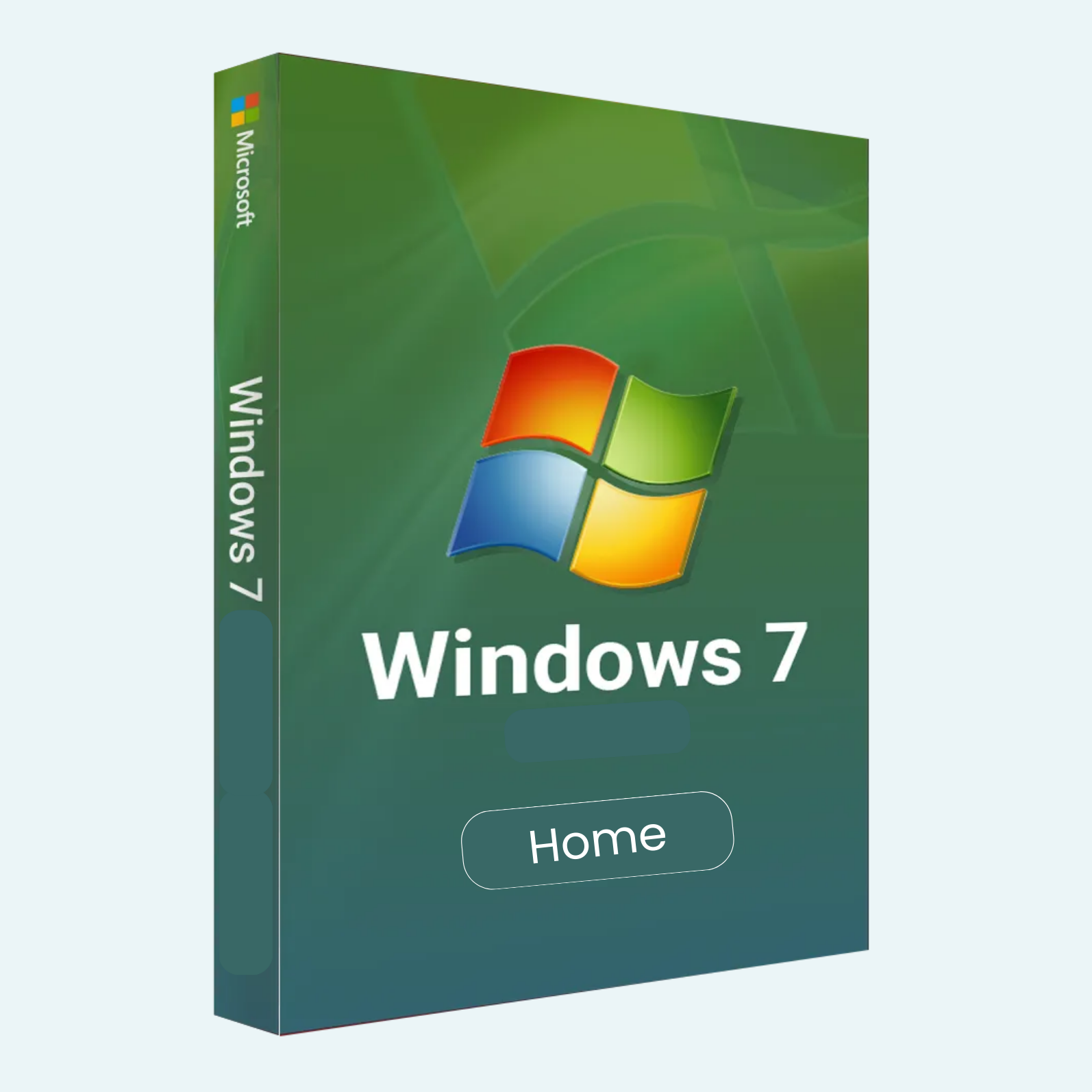
Discover the Reliability of Windows 7 Home Premium
Microsoft Windows 7 Home Premium brings back the classic, intuitive computing experience that millions loved. Released in 2009 and refined with Service Pack 1 (SP1), this edition combines a sleek interface with powerful tools for home users. Whether you’re browsing the web, managing media, or connecting devices, Windows 7 Home Premium delivers smooth performance without the bloat. Note: Official support ended in 2020, but it’s ideal for legacy hardware or offline setups. Available in 32-bit and 64-bit versions, with lifetime validity and no subscriptions.
Key Features
- Aero Glass Interface: Stunning visual effects with transparent windows, live thumbnails, and smooth animations for a modern look.
- Windows Media Center: Record, pause, rewind, and watch TV, movies, and videos—includes a unified TV guide for HD content (tuner required).
- HomeGroup Networking: Easily share files, printers, and media across home PCs without complex setups.
- Touch and Multi-Monitor Support: Native touch gestures (pinch-to-zoom) and seamless multi-display management for versatile use.
- Enhanced Security: Built-in Windows Defender, improved firewall, and Action Center for real-time threat alerts.
- Libraries and Jump Lists: Organize photos, music, videos, and documents in virtual libraries; access recent files directly from the taskbar.
- Device Stage: Simplified hardware management—view status, updates, and troubleshooting for printers, cameras, and more.
- Internet Explorer 11 Integration: Fast browsing with enhanced standards support (included in SP1 builds).
System Requirements
Before installing, ensure your PC meets these minimum specs for optimal performance:
| Component | 32-bit Version | 64-bit Version |
| Processor | 1 GHz or faster | 1 GHz or faster |
| RAM | 1 GB | 2 GB |
| Hard Drive Space | 16 GB | 20 GB |
| Graphics Card | DirectX 9 with WDDM 1.0 driver | DirectX 9 with WDDM 1.0 driver |
| Display | 800 x 600 resolution | 800 x 600 resolution |
| Other | Internet access for activation; DVD drive or USB port for installation | Same as 32-bit; supports up to 16 GB RAM and 256 logical processors |
Most PCs running Windows XP, Vista, or earlier Windows 7 editions are compatible. For touch features, multi-touch hardware is needed. BitLocker encryption is not included (available in Ultimate edition).
Download
- Purchase a genuine product key from authorized resellers (e.g., digital delivery via email with ISO links).
- Visit Microsoft’s official Windows 7 download page (microsoft.com/en-us/software-download/windows7) or a trusted third-party site for the ISO file. Select Home Premium, 32-bit or 64-bit, and English (or request other languages).
- Download the ~2.5–3.5 GB ISO file. Verify integrity using tools like HashTab (match the provided SHA-1 hash from the source). Tip: If you have a retail key, use the multi-edition ISO and select Home Premium during setup.
Install
- Create Bootable Media:
- USB (Recommended): Use Rufus (free tool) on another PC—insert an 8+ GB USB, select the ISO, and create bootable media.
- DVD: Burn the ISO to a blank DVD using ImgBurn or Windows built-in tools.
- Insert the USB/DVD into your target PC and restart. Enter BIOS (press F2, Del, or Esc during boot) to set USB/DVD as first boot device.
- Boot from the media: Select your language, time, and keyboard, then click “Install Now.”
- Choose “Custom (advanced)” for a clean install—delete old partitions if needed, select unallocated space, and format.
- Enter your product key when prompted (or skip for keyless install and activate later). Accept terms and let setup copy files (PC may restart multiple times—takes 20–60 minutes).
- Create a user account, set password, and complete initial setup. Install drivers from your hardware manufacturer post-install.
File > Account > Activate Product
Activation ties your license to your hardware, preventing piracy. Do this within 30 days of install to avoid restrictions.
- Via Internet (Easiest):
- Connect to the internet.
- Go to Start > right-click Computer > Properties.
- Click “Activate Windows now” (or search “Activate Windows” in Start menu).
- Select “I have a product key,” enter your 25-character key (format: XXXXX-XXXXX-XXXXX-XXXXX-XXXXX), and follow prompts.
- Via Phone (If No Internet):
- In the activation wizard, select “Show me other ways to activate.”
- Choose your country, call the toll-free number, and provide the Installation ID (9 groups of 6 digits).
- Follow automated instructions or speak to support—receive a Confirmation ID to enter and complete.
- Troubleshooting: If errors occur (e.g., “key invalid”), ensure it’s a retail/OEM key for Home Premium. Run the activation troubleshooter in Properties, or contact Microsoft support with your key. For OEM keys, activation is hardware-bound.
Ready to Relive the Classics?
Windows 7 Home Premium offers a balance of familiarity and efficiency—perfect for non-critical tasks on older hardware. Back up data before installing, and consider upgrading to Windows 10/11 for ongoing security. Purchase your key today for instant digital delivery!
Be the first to review “Microsoft Windows 7 Home Premium: Timeless Performance for Everyday Computing”
Related products
Microsoft Windows
Microsoft Windows 11 Professional 32/64 Bit License Key – 1PC Lifetime
Microsoft Windows
Microsoft Windows
Microsoft Windows
Microsoft Windows
Microsoft Windows 10 Professional 32/64 Bit License Key – 1PC Lifetime
Microsoft Windows
Microsoft Windows
Microsoft Windows
Reviews
There are no reviews yet.