

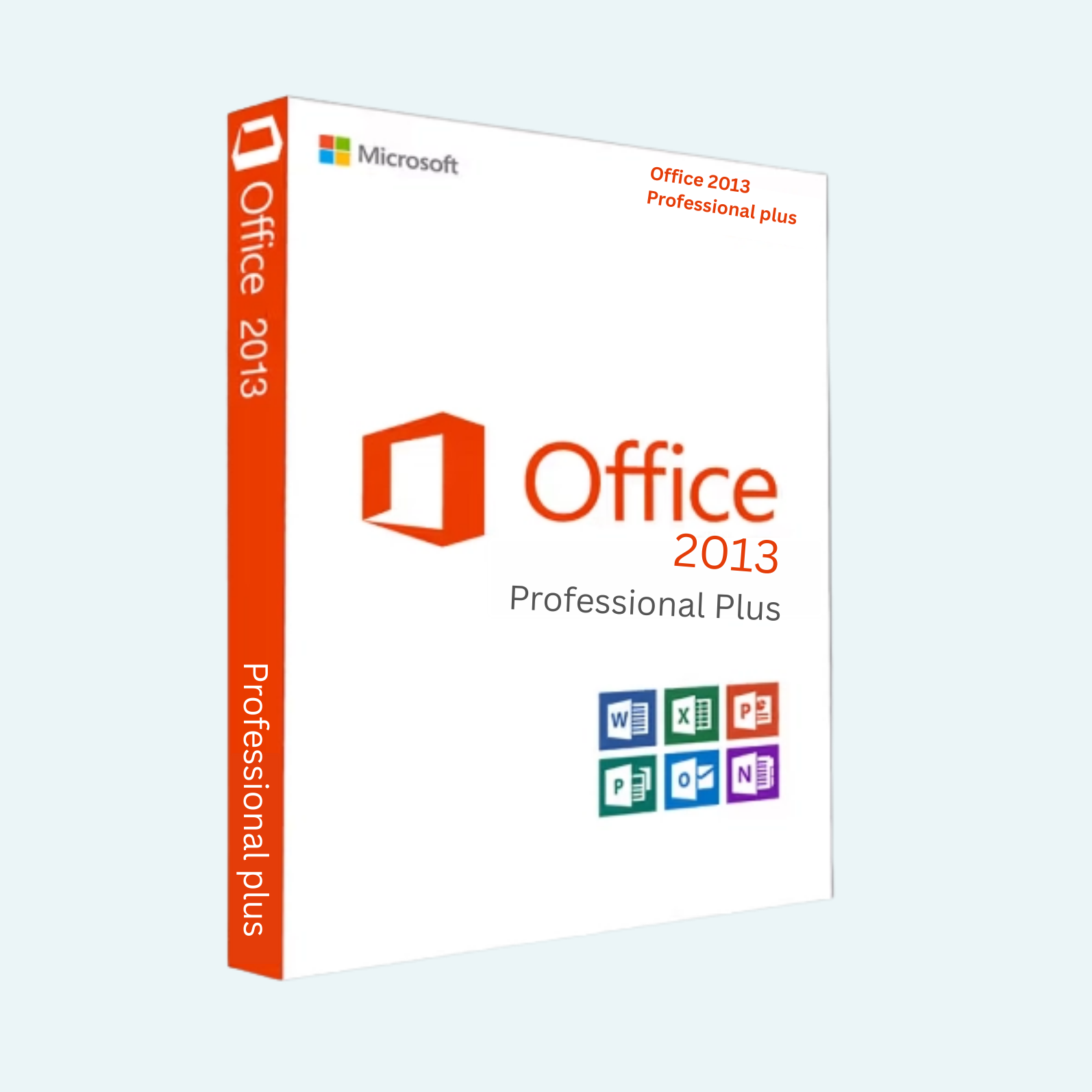
Elevate your productivity with Microsoft Office 2013 Professional Plus, the comprehensive suite designed for professionals, businesses, and power users who demand reliable, feature-rich tools for document creation, data analysis, and collaboration. This perpetual license edition includes essential applications like Word, Excel, PowerPoint, Outlook, OneNote, Publisher, and Access, delivering enhanced performance and seamless integration across your Windows PC. Ideal for creating polished reports, managing complex spreadsheets, designing compelling presentations, and organizing communications—all with the trusted Microsoft ecosystem. Whether you’re in a corporate environment or running a small business, Office 2013 Professional Plus offers timeless efficiency without the need for subscriptions.
Download, Install, and Activation Guide
Getting started is straightforward. Upon purchase, you’ll receive your unique product key and download instructions via email. Follow these steps to get up and running:
Download:
- Visit the official Microsoft download page or the provided link in your purchase confirmation (typically from microsoft.com or a verified retailer like Mr Key Shop).
- Select the 32-bit or 64-bit ISO file based on your system architecture.
- Download the setup file (approximately 700 MB) to your PC. Ensure you have a stable internet connection.
Install:
- Run the downloaded setup.exe as an administrator.
- Accept the license terms and choose your preferred installation type (e.g., “Customize” for selective apps or “Quick” for full suite).
- Enter your product key when prompted during setup.
- Follow the on-screen instructions to complete the installation. This may take 10-20 minutes, and a restart might be required.
- Launch any Office app (e.g., Word) to verify the installation.
File > Account > Activate Product:
For post-install activation or if prompted within an app:
- Open any Office application, such as Word or Excel.
- Click File in the top-left menu.
- Select Account from the sidebar (or Help > Activate Product in some views).
- Click Activate Product or Change Product Key.
- Choose “Activate over the Internet” (recommended for speed) and enter your 25-character product key (format: XXXXX-XXXXX-XXXXX-XXXXX-XXXXX).
- Sign in with your Microsoft account if prompted—this links the license for easier management and recovery.
- Click Next and wait for validation. You’ll receive a confirmation message upon success. If issues arise (e.g., invalid key), ensure internet connectivity and double-check the key entry.
Note: Activation is one-time per PC but can be transferred to a new device by deactivating the old one via your Microsoft account. Support for Office 2013 ended in 2023, so use genuine keys to avoid compatibility issues.
Key Features
Office 2013 Professional Plus introduces cloud integration, touch-friendly interfaces, and advanced tools for modern workflows. Highlights include:
- Word 2013: Read Mode for distraction-free reading, object zoom for detailed editing, and travel-size apps for quick mobile previews.
- Excel 2013: Flash Fill for instant data formatting, Power View for interactive data visualization, and recommended charts for smarter insights.
- PowerPoint 2013: Designer templates with high-quality visuals, present online via Office Presentation Service, and video capture for easy screen recordings.
- Outlook 2013: Clutter folder to prioritize emails, inline replies for faster conversations, and social connectors for integrated updates.
- OneNote 2013: Sync across devices with SkyDrive (now OneDrive) integration and math equation solving.
- Publisher 2013: Enhanced image tools and business card templates for professional layouts.
- Access 2013: Web app templates for database sharing and improved query design.
- Additional perks: Touch-optimized UI for tablets, PDF editing/export, and co-authoring via cloud storage. Supports up to 1 million rows in Excel for large datasets.
System Requirements
To ensure smooth performance, your PC must meet these minimum specs:
- Operating System: Windows 10, Windows 8.1, Windows 8, Windows 7 Service Pack 1, Windows Server 2012 R2, Windows Server 2012, or Windows Server 2008 R2.
- Processor: 1 GHz or faster x86- or x64-bit processor with SSE2 instruction set.
- Memory (RAM): 1 GB (32-bit) or 2 GB (64-bit).
- Hard Disk Space: 3.0 GB available.
- Graphics: DirectX 10-compatible graphics card for hardware acceleration.
- Display: 1280 x 800 resolution.
- Internet: Required for download, activation, and online features (broadband recommended).
- Other: .NET Framework 3.5, Aero theme (Windows 7), and a touchscreen for optimal touch support.
Compatible with most modern PCs, but for best results, exceed these minima. Download today and unlock professional-grade productivity!
Be the first to review “Microsoft Office 2013 Professional Plus (PC)”
Related products
Microsoft Office
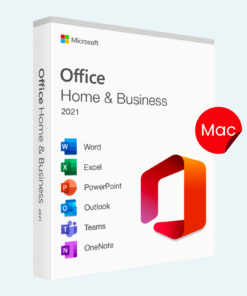
Microsoft Office For MAC
Microsoft Office 2021 Home & Business for Mac – Genuine License Key
Microsoft Office
Microsoft Office
Microsoft Office
Microsoft Office
Reviews
There are no reviews yet.