

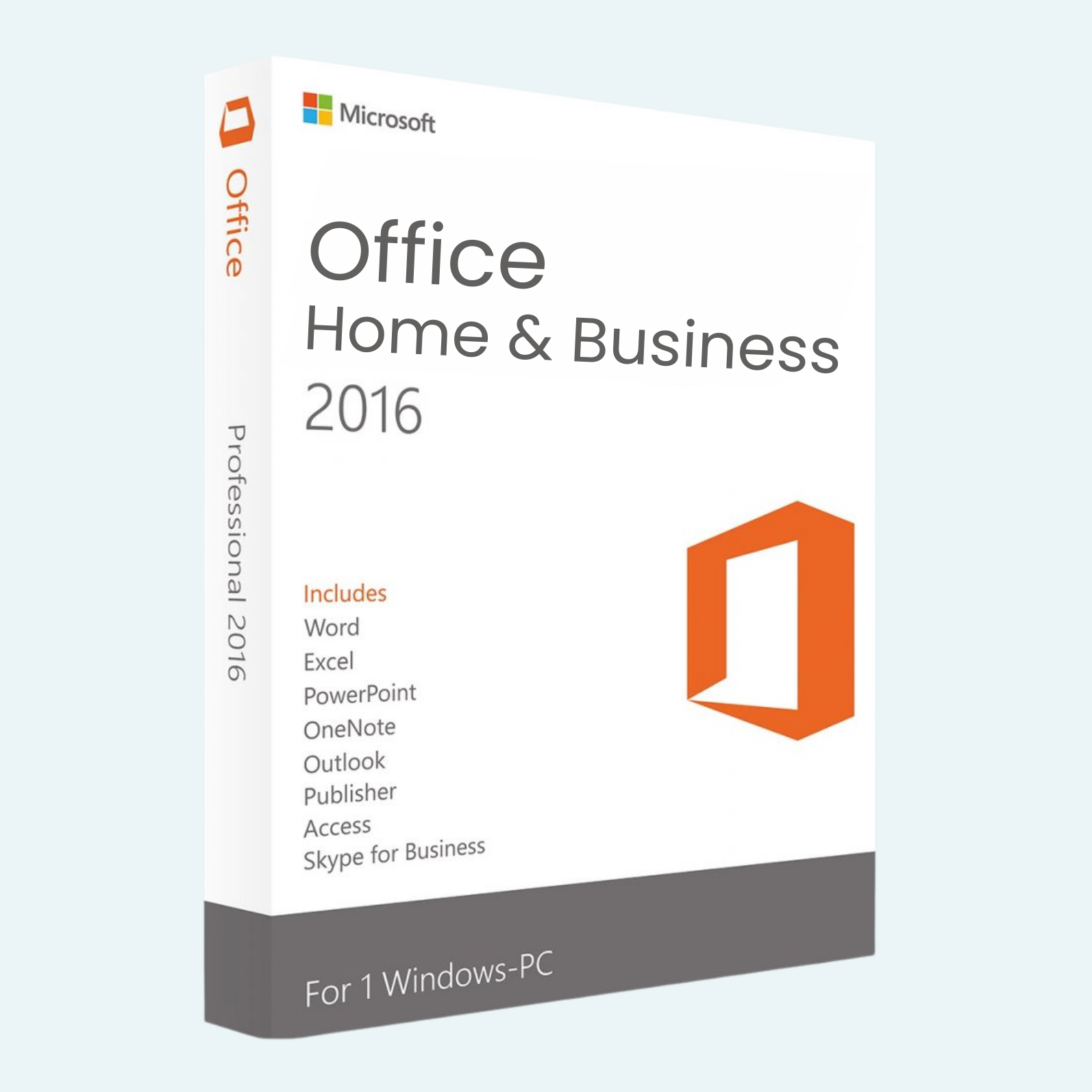
Elevate your productivity with Microsoft Office 2016 Home & Business, the timeless suite designed for professionals and home users who demand reliable, feature-rich tools. This perpetual license edition delivers essential applications—Word, Excel, PowerPoint, and Outlook—optimized for Windows PCs. Create stunning documents, crunch complex data, deliver impactful presentations, and stay organized with seamless email management. Ideal for small businesses or personal workflows, Office 2016 offers a familiar interface with enhanced collaboration features, ensuring you work smarter without the learning curve. Backed by Microsoft’s legendary support, it’s a one-time purchase that keeps your office running smoothly for years.
Key Features
- Word 2016: Craft professional documents with advanced formatting, real-time co-authoring, and PDF export capabilities for polished reports and letters.
- Excel 2016: Analyze data like a pro with powerful pivot tables, advanced charting, and formula auditing—perfect for budgets, forecasts, and insights.
- PowerPoint 2016: Design captivating slideshows with Designer suggestions, 4K video support, and Morph transitions for dynamic storytelling.
- Outlook 2016: Manage your inbox efficiently with focused view, email archiving, and calendar integration to streamline communications.
- OneDrive Integration: Access and sync files across devices with 1TB of cloud storage included for secure, anytime collaboration.
- Familiar Ribbon Interface: Intuitive design with touch-friendly controls, plus enhanced security features like data loss prevention.
- Perpetual License: Own it forever—no subscriptions, just unlimited use on one PC.
System Requirements
To ensure optimal performance, your Windows PC should meet these minimum specs:
- Operating System: Windows 7 or later (Windows 10 recommended for best compatibility).
- Processor: 1 GHz or faster with SSE2 instruction set.
- RAM: 2 GB (4 GB recommended for smoother multitasking).
- Hard Disk Space: 3.0 GB available.
- Display: 1280 x 768 resolution or higher.
- Graphics: DirectX 9-compatible with WDDM 2.0 or higher driver (for enhanced visuals).
- Internet: Required for activation, validation, and online features like OneDrive.
- Other: .NET 3.5, .NET 4.0, or later required; multilingual support for 40+ languages.
Note: This product is licensed for one PC only. Not compatible with macOS, mobile devices, or virtual environments without additional licensing.
Download, Install, and Activate
Getting started is straightforward—follow these steps to unlock Office 2016 in minutes:
- Download:
- After purchase, you’ll receive a product key via email. Visit office.com/setup and sign in with your Microsoft account (create one if needed).
- Enter your product key to access the download page. Select “Office 2016” and choose your language/edition.
- Install:
- Run the downloaded setup file (OfficeSetup.exe). Follow the on-screen prompts to customize your installation (e.g., select apps like Word, Excel).
- The installer will download and install the suite—expect 2-4 GB of data, so ensure a stable internet connection.
- Restart your PC when prompted for full integration.
- Activate:
- Launch any Office app (e.g., Word). If not auto-activated, go to File > Account > Change Product Key.
- Enter your 25-character product key. Sign in with your Microsoft account if prompted.
- Verify activation status under File > Account—it should show “Product Activated.” If issues arise, use the built-in troubleshooter or contact Microsoft Support.
Your suite is now ready! For troubleshooting, refer to Microsoft’s official guide at support.microsoft.com/office. Enjoy unrestricted access to updates and security patches for the lifetime of your hardware.
Be the first to review “Microsoft Office 2016 Home & Business for Windows PC”
Related products
Microsoft Office
Microsoft Office
Microsoft Office For MAC
Microsoft Office 2021 Home & Business for Mac – Genuine License Key
Microsoft Office
Reviews
There are no reviews yet.