

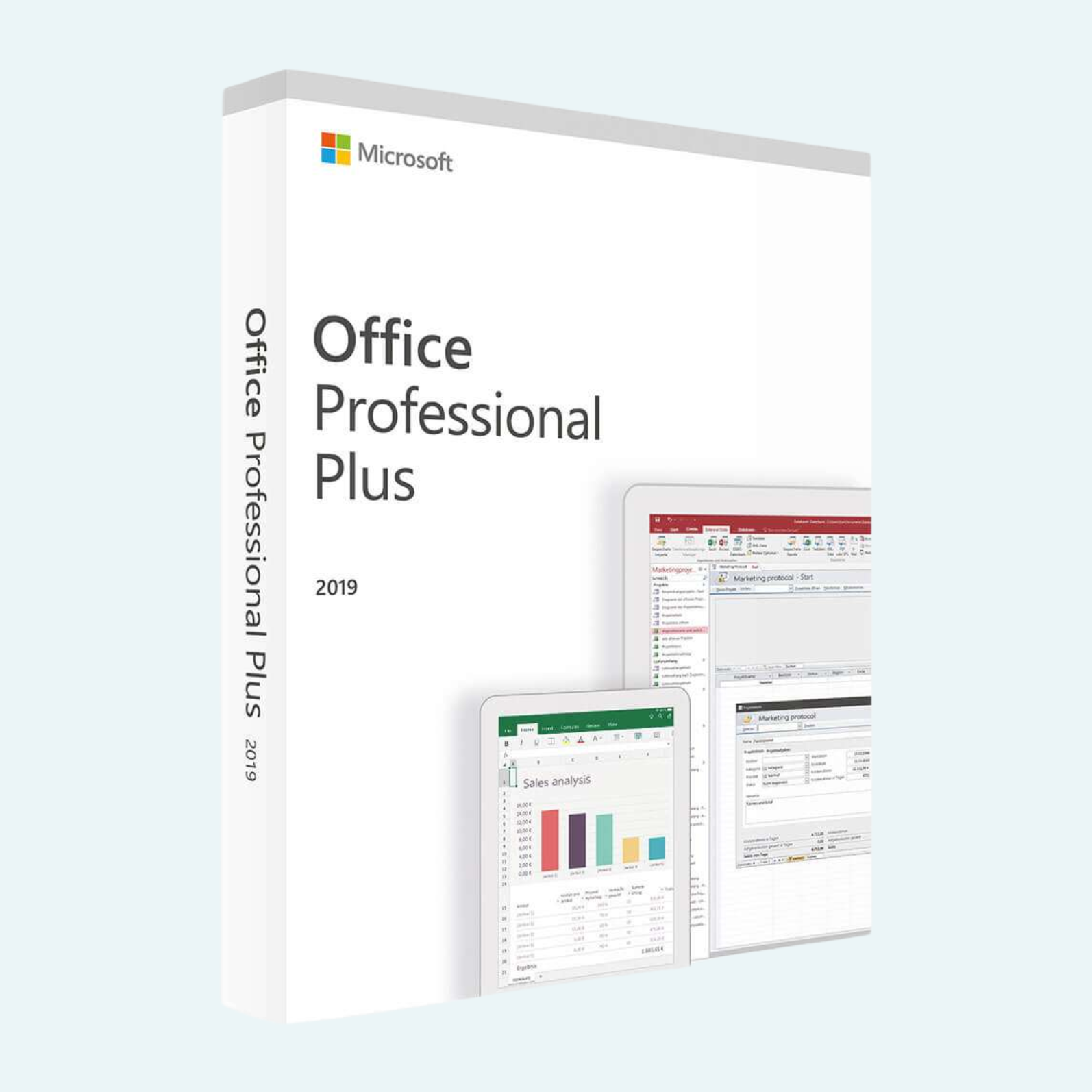
Elevate your productivity with Microsoft Office 2019 Professional Plus, the ultimate one-time purchase suite designed for professionals, businesses, and power users. This comprehensive package delivers timeless tools like Word, Excel, PowerPoint, Outlook, Access, Publisher, OneNote, and Skype for Business—all optimized for Windows 10 and 11. Enjoy enhanced inking for creative annotations, advanced data analysis in Excel, and seamless email management in Outlook, all without recurring subscription fees. Perfect for offline work, collaboration, and enterprise integration, Office 2019 Pro Plus ensures reliable performance with lifetime access on a single PC.
Key Features
- Core Applications: Includes Word for document creation, Excel for data analysis and visualization, PowerPoint for dynamic presentations, Outlook for email and calendar management, Access for database building, Publisher for professional layouts, OneNote for note-taking (installable separately if needed), and Skype for Business for integrated communication.
- Enhanced Inking Tools: Draw, highlight, and convert handwriting to shapes across apps using mouse, touch, or pen—ideal for tablets and creative workflows.
- Advanced Excel Capabilities: New data analysis tools, including Power Query and Power Pivot, for deeper insights and automated workflows.
- Improved PowerPoint Tools: Morph transitions, 4D 3D models, and advanced zoom for more engaging slideshows.
- Outlook Refinements: Focused Inbox, email translation, and contact card enhancements for efficient communication.
- Enterprise Integration: Seamless connectivity with SharePoint, Exchange, and Skype for Business Server for team collaboration and content management.
- OneDrive Support: 1 TB of cloud storage for backups, sharing, and multi-device access (requires Microsoft account).
- Offline-First Design: Full functionality without internet, with optional updates for security and stability.
System Requirements
To ensure smooth installation and performance, your Windows PC should meet these minimum specifications:
| Component | Requirement |
| Operating System | Windows 10 or Windows 11 (Semi-Annual Channel or LTSC 2019 for Server) |
| Processor | 1.6 GHz or faster, 2-core (2.0 GHz or greater recommended for Skype for Business) |
| RAM | 4 GB (64-bit recommended) |
| Hard Disk Space | 10 GB free space |
| Display Resolution | 1280 x 768 or higher |
| Graphics | DirectX 9 or later with 128 MB graphics memory (for Skype for Business) |
| Browser | Current version of Edge, Internet Explorer, Chrome, or Firefox |
| Additional | .NET 3.5 or 4.6+; microphone and sound card for voice features; digitizer for digital signatures |
Note: For optimal experience, use 8 GB RAM and an SSD. Office 2019 is not compatible with Windows 8.1 or earlier.
Download, Install, and Activation Guide
Getting started is straightforward—follow these steps to download, install, and activate your product. You’ll need a valid product key (provided upon purchase) and an internet connection for initial setup.
- Download:
- Visit the official Microsoft website (office.com/setup or search for “Office 2019 download”).
- Sign in with your Microsoft account (create one if needed).
- Enter your product key to redeem and access the download link.
- Select Office 2019 Professional Plus for Windows and download the ISO or setup file (approximately 3-4 GB). Save it to your PC.
- Install:
- Run the downloaded setup.exe file as an administrator (right-click > Run as administrator).
- Follow the on-screen prompts: Accept the license terms, choose your installation type (default is all apps), and select Install Now.
- The process takes 10-30 minutes, depending on your hardware. Restart your PC if prompted.
- Once complete, launch any app (e.g., Word) from the Start menu to verify.
- File > Account > Activate Product:
- Open an Office app (e.g., Word or Excel).
- Click File in the top-left corner.
- Select Account from the sidebar.
- Under Product Information, click Activate Product (or Change Product Key if prompted).
- Enter your 25-character product key when requested.
- Sign in with your Microsoft account if asked, then follow the prompts to connect online and complete activation.
- You’ll see “Product Activated” under Account once successful. If issues arise, use the Activation Wizard for troubleshooting.
Your Office 2019 Pro Plus is now ready for lifetime use on one PC. For support, visit support.microsoft.com or contact Microsoft at 1-800-MICROSOFT. Updates are available via File > Account > Update Options. Enjoy unrestricted productivity!
Be the first to review “Microsoft Office 2019 Professional Plus for Windows PC”
Related products
Microsoft Office
Microsoft Office 2021 Professional Plus – Lifetime License Key for Windows (1 PC BIND)
Microsoft Office
Microsoft Office
Microsoft Office
Microsoft Office
Microsoft Office
Reviews
There are no reviews yet.