

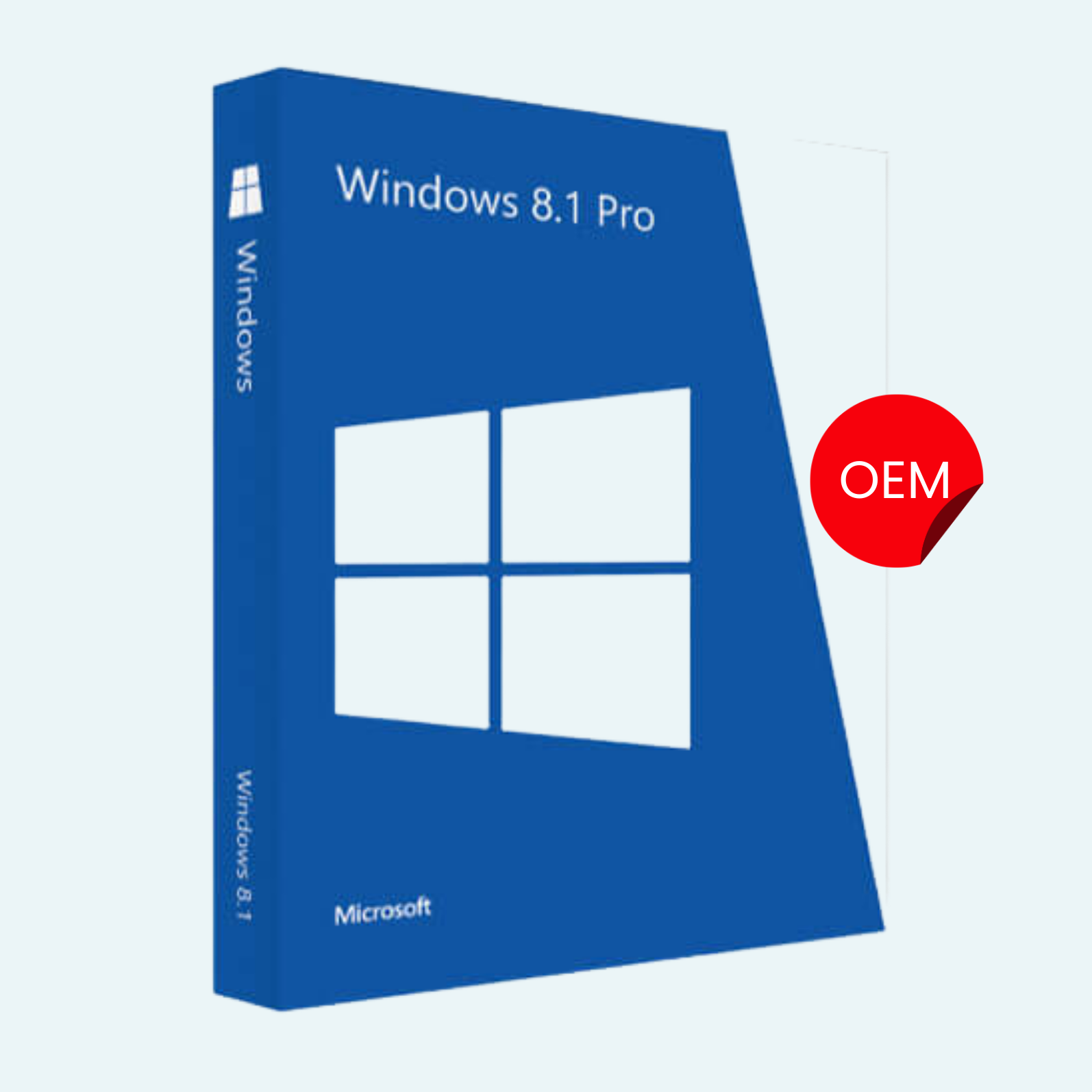
Elevate your computing experience with Windows 8.1 Professional OEM, the reliable and versatile operating system designed for professionals, businesses, and power users. This OEM (Original Equipment Manufacturer) edition provides a full-featured Windows environment optimized for performance, security, and productivity. Whether you’re upgrading an existing PC or installing on new hardware, Windows 8.1 Pro delivers seamless multitasking, enhanced security, and enterprise-grade tools in a familiar interface. Ideal for remote workers, IT admins, and developers, it supports domain joining, BitLocker encryption, and virtualization—making it a step above standard editions.
Key Features
- Enhanced Security: Built-in BitLocker Drive Encryption protects your data on the go, while Windows Defender and SmartScreen filter guard against malware and phishing.
- Productivity Tools: Virtual Desktops for organized multitasking, Remote Desktop for secure access from anywhere, and improved File Explorer with SkyDrive (OneDrive) integration for cloud syncing.
- Enterprise Essentials: Join corporate domains effortlessly, use Group Policy for management, and leverage Hyper-V for lightweight virtualization—perfect for testing environments.
- Touch and Mouse Optimized: Start Screen for quick app access, Snap View for side-by-side windows, and refined desktop mode for traditional workflows.
- Performance Boosts: Faster boot times, better battery life on laptops, and support for high-resolution displays up to 4K.
- Media and Connectivity: Native support for USB 3.0, NFC, and Miracast wireless displays, plus built-in apps for photos, music, and video editing.
System Requirements
To ensure smooth performance, your hardware should meet these minimum specs:
- Processor: 1 GHz or faster with PAE, NX, and SSE2 support (64-bit recommended for full features).
- RAM: 2 GB for 64-bit or 1 GB for 32-bit.
- Hard Disk Space: 20 GB free space.
- Graphics Card: DirectX 9 compatible with WDDM 1.0 driver.
- Display: 800×600 resolution minimum (1366×768 or higher recommended for touch).
- Internet: Required for setup, updates, and some features like Microsoft Account integration.
- Other: DVD drive or USB flash drive (8 GB+) for installation; UEFI firmware with Secure Boot capability for optimal security.
Note: This OEM version is intended for system builders and cannot be transferred to another PC. A valid product key is required for activation.
Download, Install, and Activation Guide
Getting started is straightforward—follow these steps to download, install, and activate your Windows 8.1 Professional OEM.
- Download:
- Visit the official Microsoft website (microsoft.com) or your licensed OEM provider’s portal.
- Sign in with your Microsoft Account and enter your 25-character product key to access the download.
- Choose the 32-bit or 64-bit ISO file based on your hardware. Save it to a USB drive or DVD for installation (use tools like Rufus for USB creation).
- Install:
- Boot from your installation media: Restart your PC, enter BIOS/UEFI settings (usually F2, Del, or Esc), and set the USB/DVD as the first boot device.
- Follow the on-screen setup wizard: Select language, enter your product key (or skip for later), choose “Custom: Install Windows only” for a clean install.
- Partition your drive as needed, then let the installer copy files and restart (this takes 20-60 minutes).
- After reboot, complete initial setup: Create a user account, connect to Wi-Fi, and customize privacy settings.
- File > Account > Activate Product:
- Once installed, open the Settings charm (hover over top-right corner or press Windows + I).
- Go to Change PC Settings > Update & Security > Activation (or search for “Activate Windows” in the Start Screen).
- Select Activate and enter your product key if not already done during install.
- If prompted, sign in with your Microsoft Account to link the license—this enables automatic updates and recovery options.
- Troubleshoot via slmgr /ato in an elevated Command Prompt if activation fails (e.g., due to hardware changes). For OEM keys, activation is tied to the motherboard—contact Microsoft Support if issues persist.
Your Windows 8.1 Pro will be fully activated and ready for updates via Windows Update. Enjoy a secure, efficient OS that powers your professional workflow! For support, visit support.microsoft.com.
Be the first to review “Microsoft Windows 8.1 Professional OEM Product Key”
Related products
Microsoft Windows
Microsoft Windows
Microsoft Windows 10 Professional 32/64 Bit License Key – 1PC Lifetime
Microsoft Windows
Microsoft Windows
Microsoft Windows
Microsoft Windows 11 Professional 32/64 Bit License Key – 1PC Lifetime
Microsoft Windows
Microsoft Windows
Reviews
There are no reviews yet.